


Facebook rolled out their new LIKE button.
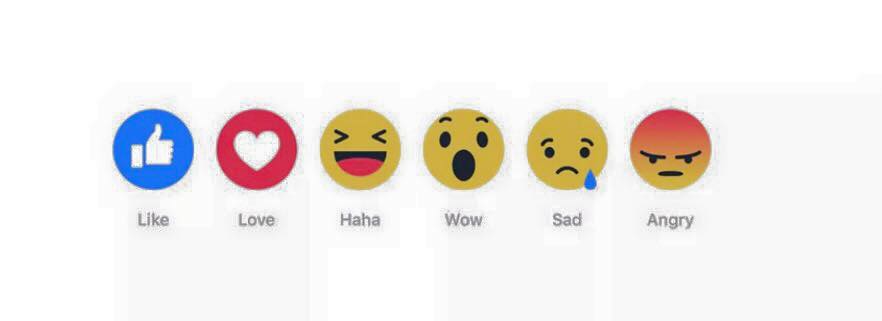
To add a reaction, hold down the Like button on mobile or hover over the Like button on desktop to see the reaction image options, then tap either Like, Love, Haha, Wow, Sad or Angry.
If you go over the LIKE button - these icons will pop up. You may need to update your app to see it on mobile.
What do you think of these?
To add a reaction, hold down the Like button on mobile or hover over the Like button on desktop to see the reaction image options, then tap either Like, Love, Haha, Wow, Sad or Angry.
If you go over the LIKE button - these icons will pop up. You may need to update your app to see it on mobile.
What do you think of these?
Facebook rolled out their new LIKE button.
To add a reaction, hold down the Like button on mobile or hover over the Like button on desktop to see the reaction image options, then tap either Like, Love, Haha, Wow, Sad or Angry.
If you go over the LIKE button - these icons will pop up. You may need to update your app to see it on mobile.
What do you think of these?
0 Comments
0 Shares
2 Views