


RSIF8
Roll no:113
Post No:2
Post Topic: How to Make a Facebook Account and Set It Up
**How to Make a Facebook Account and Set It Up**
Want to join Facebook but don’t know where to start? No worries! In this post, I’ll show you the simple steps to **create a Facebook account and set it up properly**.
**Step 1:** Open Facebook and choose **Create New Account**.
**Step 2:** Enter your name, date of birth, and other required information.
**Step 3:** Add your email address or mobile phone number.
**Step 4:** Create a strong and secure password.
**Step 5:** Verify your email or phone number.
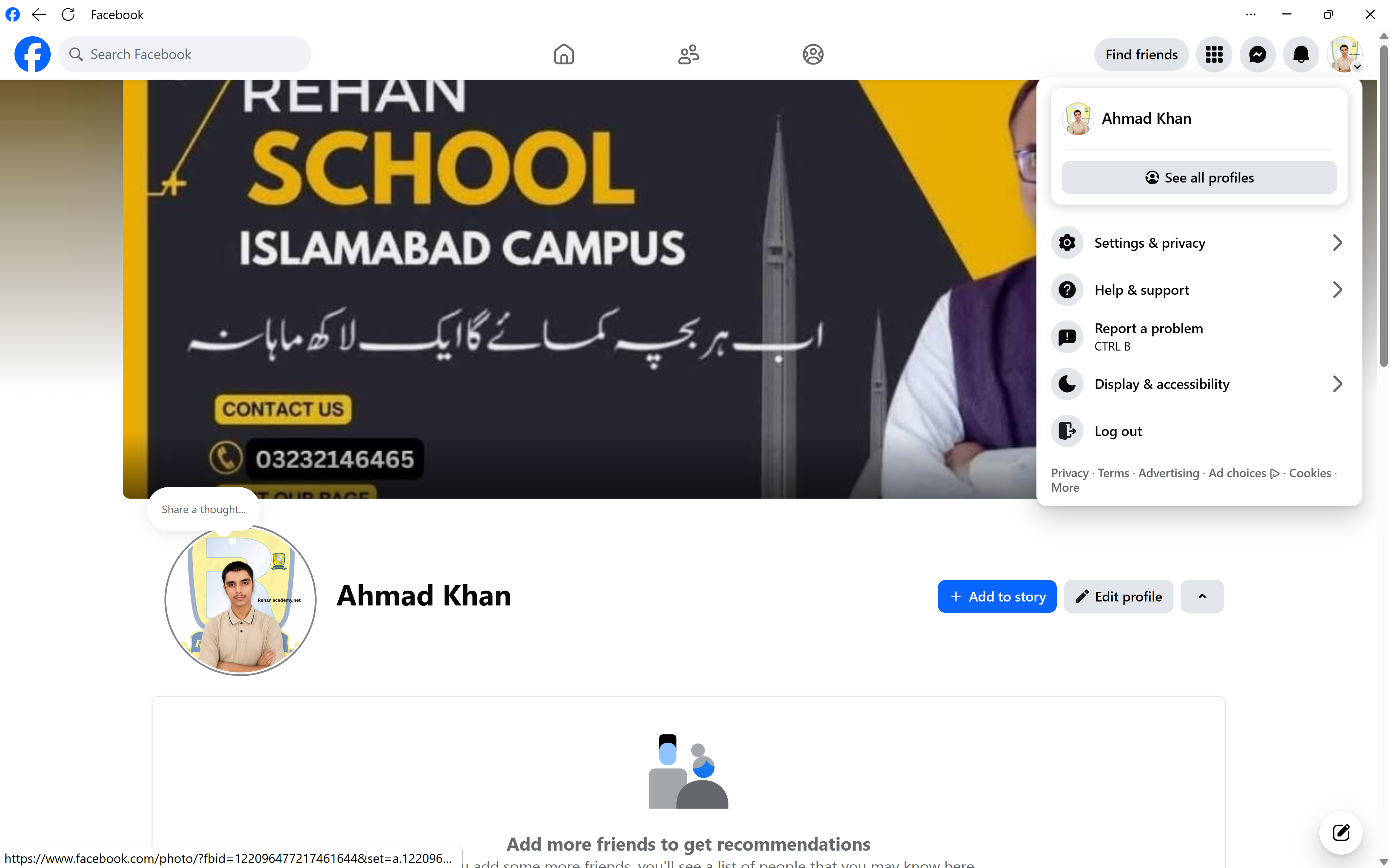
**Step 6:** Add a profile picture and cover photo.
**Step 7:** Complete your profile with useful information.
**Step 8:** Check your privacy and security settings.
And that's it! Your Facebook account is ready to use. Now you can connect with friends, share posts, follow pages, join communities, and explore the world of Facebook.
**Tip:** Always use a strong password and never share your password or verification codes with anyone.
**Learn • Create • Connect • Grow**
#RSIF8 #Facebook #FacebookAccount #HowToFacebook #SocialMedia #DigitalSkills #Technology #InternetSkills #OnlineLearning #DigitalLiteracy #SocialMediaSkills #FacebookTips #ComputerSkills #TechTips #LearnTechnology #StepByStep #LearningJourney #StudentLife #OnlineSafety #CyberSafety #StaySafeOnline #DigitalWorld #KeepLearning
Roll no:113
Post No:2
Post Topic: How to Make a Facebook Account and Set It Up
**How to Make a Facebook Account and Set It Up**
Want to join Facebook but don’t know where to start? No worries! In this post, I’ll show you the simple steps to **create a Facebook account and set it up properly**.
**Step 1:** Open Facebook and choose **Create New Account**.
**Step 2:** Enter your name, date of birth, and other required information.
**Step 3:** Add your email address or mobile phone number.
**Step 4:** Create a strong and secure password.
**Step 5:** Verify your email or phone number.
**Step 6:** Add a profile picture and cover photo.
**Step 7:** Complete your profile with useful information.
**Step 8:** Check your privacy and security settings.
And that's it! Your Facebook account is ready to use. Now you can connect with friends, share posts, follow pages, join communities, and explore the world of Facebook.
**Tip:** Always use a strong password and never share your password or verification codes with anyone.
**Learn • Create • Connect • Grow**
#RSIF8 #Facebook #FacebookAccount #HowToFacebook #SocialMedia #DigitalSkills #Technology #InternetSkills #OnlineLearning #DigitalLiteracy #SocialMediaSkills #FacebookTips #ComputerSkills #TechTips #LearnTechnology #StepByStep #LearningJourney #StudentLife #OnlineSafety #CyberSafety #StaySafeOnline #DigitalWorld #KeepLearning
RSIF8
Roll no:113
Post No:2
Post Topic: How to Make a Facebook Account and Set It Up
📱✨ **How to Make a Facebook Account and Set It Up** 🌐
Want to join Facebook but don’t know where to start? No worries! 😊 In this post, I’ll show you the simple steps to **create a Facebook account and set it up properly**. 🚀
👤 **Step 1:** Open Facebook and choose **Create New Account**.
📝 **Step 2:** Enter your name, date of birth, and other required information.
📧 **Step 3:** Add your email address or mobile phone number.
🔐 **Step 4:** Create a strong and secure password.
✅ **Step 5:** Verify your email or phone number.
🖼️ **Step 6:** Add a profile picture and cover photo.
✏️ **Step 7:** Complete your profile with useful information.
🔒 **Step 8:** Check your privacy and security settings.
🎉 And that's it! Your Facebook account is ready to use. Now you can connect with friends, share posts, follow pages, join communities, and explore the world of Facebook. 🌍💙
🔐 **Tip:** Always use a strong password and never share your password or verification codes with anyone.
📚 **Learn • Create • Connect • Grow** 🚀✨
#RSIF8 #Facebook #FacebookAccount #HowToFacebook #SocialMedia #DigitalSkills #Technology #InternetSkills #OnlineLearning #DigitalLiteracy #SocialMediaSkills #FacebookTips #ComputerSkills #TechTips #LearnTechnology #StepByStep #LearningJourney #StudentLife #OnlineSafety #CyberSafety #StaySafeOnline #DigitalWorld #KeepLearning 🚀💻📱
0 Comments
0 Shares
178 Views