


RSIF8
Roll No: 112
Task No: 9
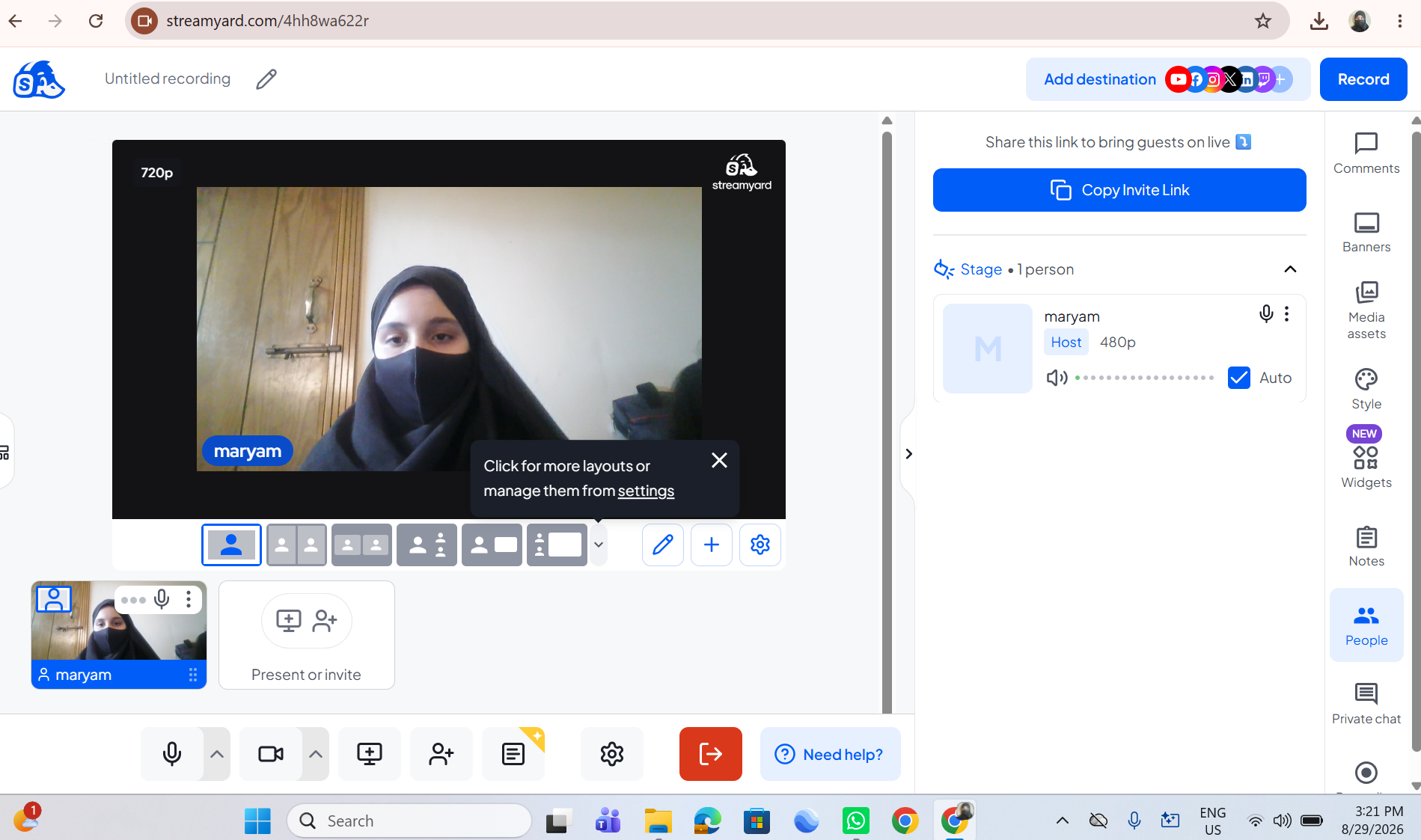
Task Topic: How to Use StreamYard for Interviews?
In this video, I explain the simple steps to use StreamYard for conducting online interviews and live broadcasts.
StreamYard is a useful platform for hosting interviews, live streams, and online conversations with guests.
In this tutorial, you will learn how to:
Sign up or log in to StreamYard
Create a broadcast and choose a platform
Add a title for your interview
Enter the studio and allow camera and microphone access
Invite a guest using a share link
Click Go Live to start the interview
End the broadcast when the interview is finished
This activity helped me improve my digital, communication, and online presentation skills.
Tip: Check your camera, microphone, and internet connection before going live.
Watch the video and follow the steps!
Learn • Connect • Interview • Improve
#RSIF8 #RollNo113 #PostNo8 #StreamYard #OnlineInterview #LiveStreaming #DigitalSkills #DigitalLiteracy #CommunicationSkills #Technology #OnlineLearning #InterviewSkills #PresentationSkills #VirtualInterview #TechSkills #LearningJourney #StudentLife #KeepLearning
Roll No: 112
Task No: 9
Task Topic: How to Use StreamYard for Interviews?
In this video, I explain the simple steps to use StreamYard for conducting online interviews and live broadcasts.
StreamYard is a useful platform for hosting interviews, live streams, and online conversations with guests.
In this tutorial, you will learn how to:
Sign up or log in to StreamYard
Create a broadcast and choose a platform
Add a title for your interview
Enter the studio and allow camera and microphone access
Invite a guest using a share link
Click Go Live to start the interview
End the broadcast when the interview is finished
This activity helped me improve my digital, communication, and online presentation skills.
Tip: Check your camera, microphone, and internet connection before going live.
Watch the video and follow the steps!
Learn • Connect • Interview • Improve
#RSIF8 #RollNo113 #PostNo8 #StreamYard #OnlineInterview #LiveStreaming #DigitalSkills #DigitalLiteracy #CommunicationSkills #Technology #OnlineLearning #InterviewSkills #PresentationSkills #VirtualInterview #TechSkills #LearningJourney #StudentLife #KeepLearning
RSIF8
Roll No: 112
Task No: 9
Task Topic: How to Use StreamYard for Interviews?
In this video, I explain the simple steps to use StreamYard for conducting online interviews and live broadcasts. 💻🎙️
StreamYard is a useful platform for hosting interviews, live streams, and online conversations with guests. 🌐🗣️
In this tutorial, you will learn how to:
🔹 Sign up or log in to StreamYard 👤
🔹 Create a broadcast and choose a platform 📡
🔹 Add a title for your interview 📝
🔹 Enter the studio and allow camera and microphone access 🎥🎙️
🔹 Invite a guest using a share link 🔗
🔹 Click Go Live to start the interview 🔴
🔹 End the broadcast when the interview is finished ✅
This activity helped me improve my digital, communication, and online presentation skills. 💻🗣️✨
💡 Tip: Check your camera, microphone, and internet connection before going live. 🎙️📶
🎬 Watch the video and follow the steps! 👇
Learn • Connect • Interview • Improve 🚀✨
#RSIF8 #RollNo113 #PostNo8 #StreamYard #OnlineInterview #LiveStreaming #DigitalSkills #DigitalLiteracy #CommunicationSkills #Technology #OnlineLearning #InterviewSkills #PresentationSkills #VirtualInterview #TechSkills #LearningJourney #StudentLife #KeepLearning
0 Комментарии
0 Поделились
3735 Просмотры