


RSIF8
ROll NO:106
Task No:1
Task Topic:# How to Create a Gmail Account?
Creating a Gmail account is quick and easy. Gmail is a free email service by Google that you can use to send and receive emails, sign up for websites, store files, and access Google services.
### Steps to Create a Gmail Account:
1. Open your web browser and go to Gmail.
2. Click **Create account**.
3. Choose **For myself** or **For business**.
4. Enter your **first name and last name**.
5. Choose your desired **Gmail username**.
6. Create a strong **password** and confirm it.
7. Enter your phone number if Google asks you to verify your account.
8. Add a **recovery email** if available.
9. Enter your **date of birth and gender**.
10. Read and accept Google's **Terms and Privacy Policy**.
11. Your Gmail account is now ready to use.
### Conclusion
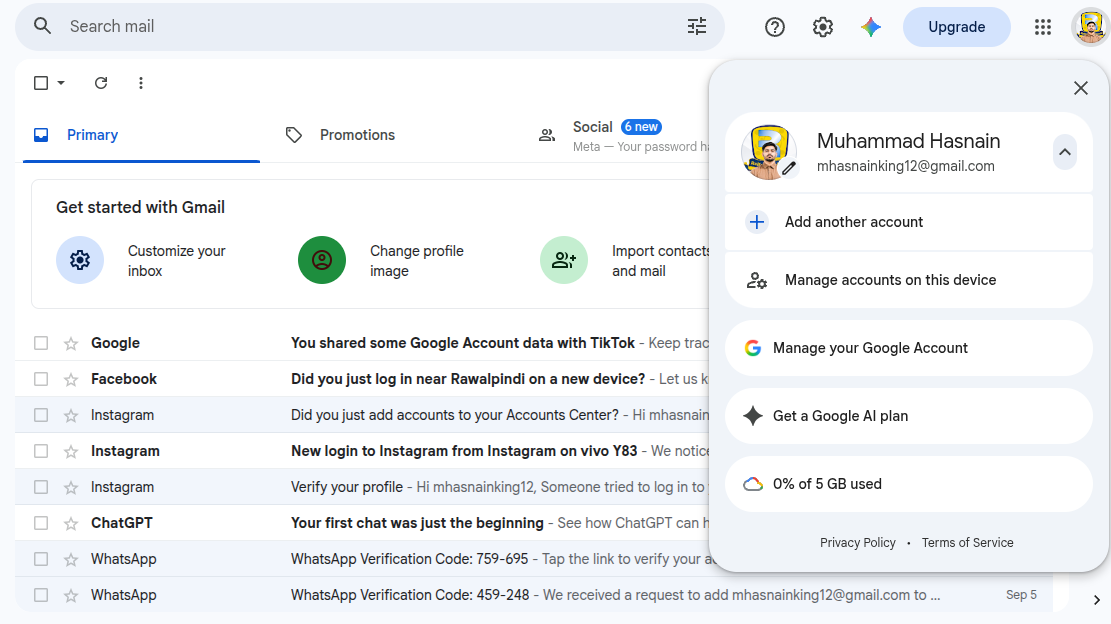
That's it! Your new Gmail account is ready. You can now send emails, receive messages, and use other Google services with your new account.
ROll NO:106
Task No:1
Task Topic:# How to Create a Gmail Account?
Creating a Gmail account is quick and easy. Gmail is a free email service by Google that you can use to send and receive emails, sign up for websites, store files, and access Google services.
### Steps to Create a Gmail Account:
1. Open your web browser and go to Gmail.
2. Click **Create account**.
3. Choose **For myself** or **For business**.
4. Enter your **first name and last name**.
5. Choose your desired **Gmail username**.
6. Create a strong **password** and confirm it.
7. Enter your phone number if Google asks you to verify your account.
8. Add a **recovery email** if available.
9. Enter your **date of birth and gender**.
10. Read and accept Google's **Terms and Privacy Policy**.
11. Your Gmail account is now ready to use.
### Conclusion
That's it! Your new Gmail account is ready. You can now send emails, receive messages, and use other Google services with your new account.
RSIF8
ROll NO:106
Task No:1
Task Topic:# How to Create a Gmail Account?
Creating a Gmail account is quick and easy. Gmail is a free email service by Google that you can use to send and receive emails, sign up for websites, store files, and access Google services.
### Steps to Create a Gmail Account:
1. Open your web browser and go to Gmail.
2. Click **Create account**.
3. Choose **For myself** or **For business**.
4. Enter your **first name and last name**.
5. Choose your desired **Gmail username**.
6. Create a strong **password** and confirm it.
7. Enter your phone number if Google asks you to verify your account.
8. Add a **recovery email** if available.
9. Enter your **date of birth and gender**.
10. Read and accept Google's **Terms and Privacy Policy**.
11. Your Gmail account is now ready to use.
### Conclusion
That's it! Your new Gmail account is ready. You can now send emails, receive messages, and use other Google services with your new account.
0 Comentários
0 Compartilhamentos
1259 Visualizações