


RSIF8
Roll no. 83
Task no.2
Task Topic: How to make a facebook
How to Make a Facebook Account and Set It Up
Creating a Facebook account is simple and only takes a few minutes. Follow these steps:
Step 1: Visit Facebook
Go to Facebook
Step 2: Create a New Account
Click "Create New Account" and enter:
First and Last Name
Mobile Number or Email Address
Password
Date of Birth
Gender
Step 3: Verify Your Account
Facebook will send a verification code to your email or phone. Enter the code to confirm your account.
Step 4: Add a Profile Picture
Upload a clear photo of yourself so friends can recognize you.
Step 5: Complete Your Profile
Add:
City or Hometown
Education
Workplace
Interests and Hobbies
Step 6: Find Friends
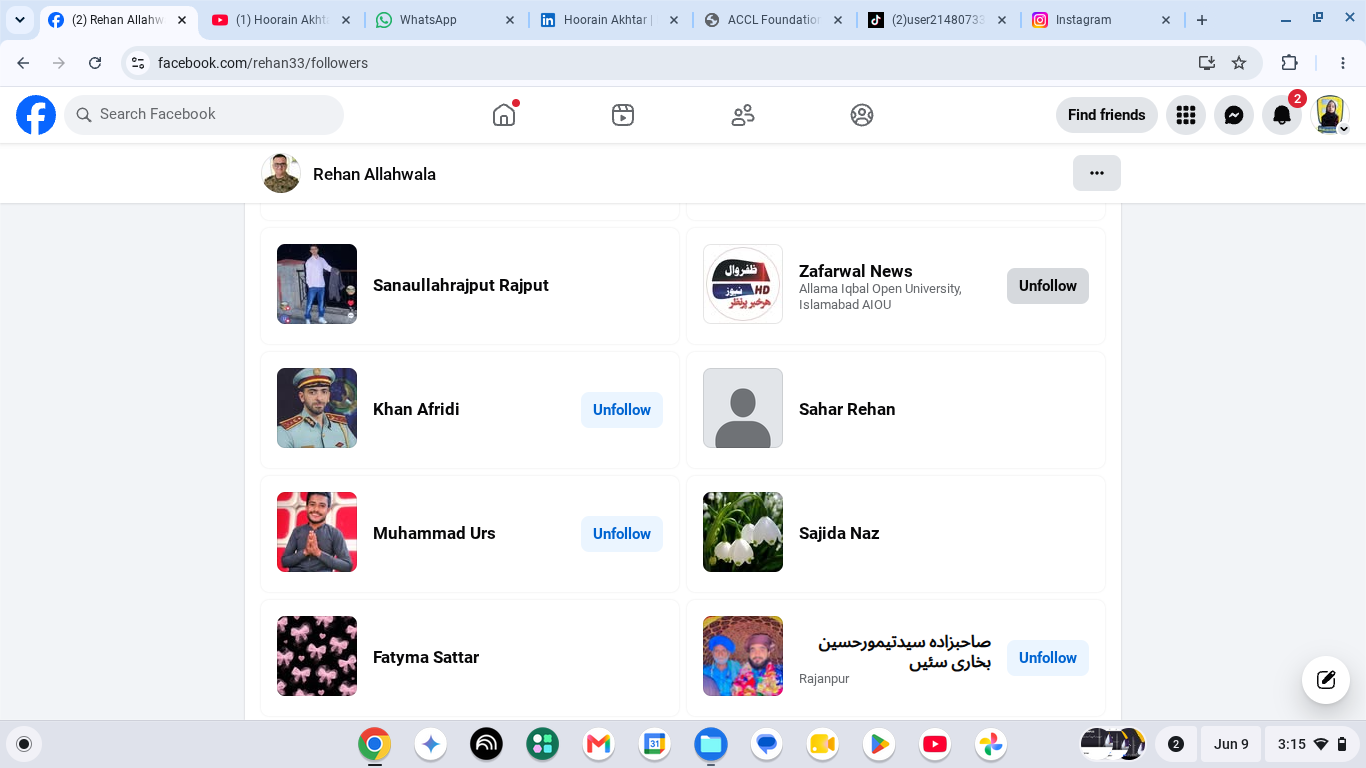
Use the search bar to find friends and family and send friend requests.
Step 7: Adjust Privacy Settings
Go to Settings & Privacy to control:
Who can see your posts
Who can send friend requests
Who can view your profile
Step 8: Start Using Facebook
Now you can:
Like posts
Comment on posts
Share photos and videos
Create your own posts
Watch videos and join groups
Your Facebook Account Is Ready!
Stay connected, share moments, and interact with friends around the world.
#Facebook
#SocialMedia
#FacebookAccount
#CreateAccount
#OnlineCommunity
#DigitalLife
#ConnectWithFriends
#FacebookTips
#TechGuide
#StayConnected See less
14w
Roll no. 83
Task no.2
Task Topic: How to make a facebook
How to Make a Facebook Account and Set It Up
Creating a Facebook account is simple and only takes a few minutes. Follow these steps:
Step 1: Visit Facebook
Go to Facebook
Step 2: Create a New Account
Click "Create New Account" and enter:
First and Last Name
Mobile Number or Email Address
Password
Date of Birth
Gender
Step 3: Verify Your Account
Facebook will send a verification code to your email or phone. Enter the code to confirm your account.
Step 4: Add a Profile Picture
Upload a clear photo of yourself so friends can recognize you.
Step 5: Complete Your Profile
Add:
City or Hometown
Education
Workplace
Interests and Hobbies
Step 6: Find Friends
Use the search bar to find friends and family and send friend requests.
Step 7: Adjust Privacy Settings
Go to Settings & Privacy to control:
Who can see your posts
Who can send friend requests
Who can view your profile
Step 8: Start Using Facebook
Now you can:
Like posts
Comment on posts
Share photos and videos
Create your own posts
Watch videos and join groups
Your Facebook Account Is Ready!
Stay connected, share moments, and interact with friends around the world.
#SocialMedia
#FacebookAccount
#CreateAccount
#OnlineCommunity
#DigitalLife
#ConnectWithFriends
#FacebookTips
#TechGuide
#StayConnected See less
14w
RSIF8
Roll no. 83
Task no.2
Task Topic: How to make a facebook
📘✨ How to Make a Facebook Account and Set It Up ✨📘
Creating a Facebook account is simple and only takes a few minutes. Follow these steps:
📝 Step 1: Visit Facebook
Go to 🌐 Facebook
👤 Step 2: Create a New Account
Click "Create New Account" and enter:
✅ First and Last Name
✅ Mobile Number or Email Address
✅ Password 🔒
✅ Date of Birth 🎂
✅ Gender
📩 Step 3: Verify Your Account
Facebook will send a verification code to your email or phone. Enter the code to confirm your account.
🖼️ Step 4: Add a Profile Picture
Upload a clear photo of yourself so friends can recognize you.
📄 Step 5: Complete Your Profile
Add:
🏠 City or Hometown
🎓 Education
💼 Workplace
❤️ Interests and Hobbies
👥 Step 6: Find Friends
Use the search bar to find friends and family and send friend requests.
⚙️ Step 7: Adjust Privacy Settings
Go to Settings & Privacy to control:
🔒 Who can see your posts
👥 Who can send friend requests
📸 Who can view your profile
📱 Step 8: Start Using Facebook
Now you can:
👍 Like posts
💬 Comment on posts
📸 Share photos and videos
📢 Create your own posts
🎥 Watch videos and join groups
🎉 Your Facebook Account Is Ready!
Stay connected, share moments, and interact with friends around the world. 🌍💙
#Facebook 📘
#SocialMedia 📱
#FacebookAccount 👤
#CreateAccount ✨
#OnlineCommunity 🌍
#DigitalLife 💻
#ConnectWithFriends 👥
#FacebookTips 💡
#TechGuide 🚀
#StayConnected 💙 See less
14w
0 Yorumlar
0 hisse senetleri
4179 Views