


Accl Portal
Day 1
week 1
Task 1
How to create a gmail account
Open your browser and go to www.gmail.com
Click on Create Account → choose "For Myself" or "For Business"
Enter first name, last name, choose username, and create a password
Verify your phone number via SMS code
(Optional) Add recovery email, enter birth date & gender
Agree to Google's terms and set up profile picture (optional)
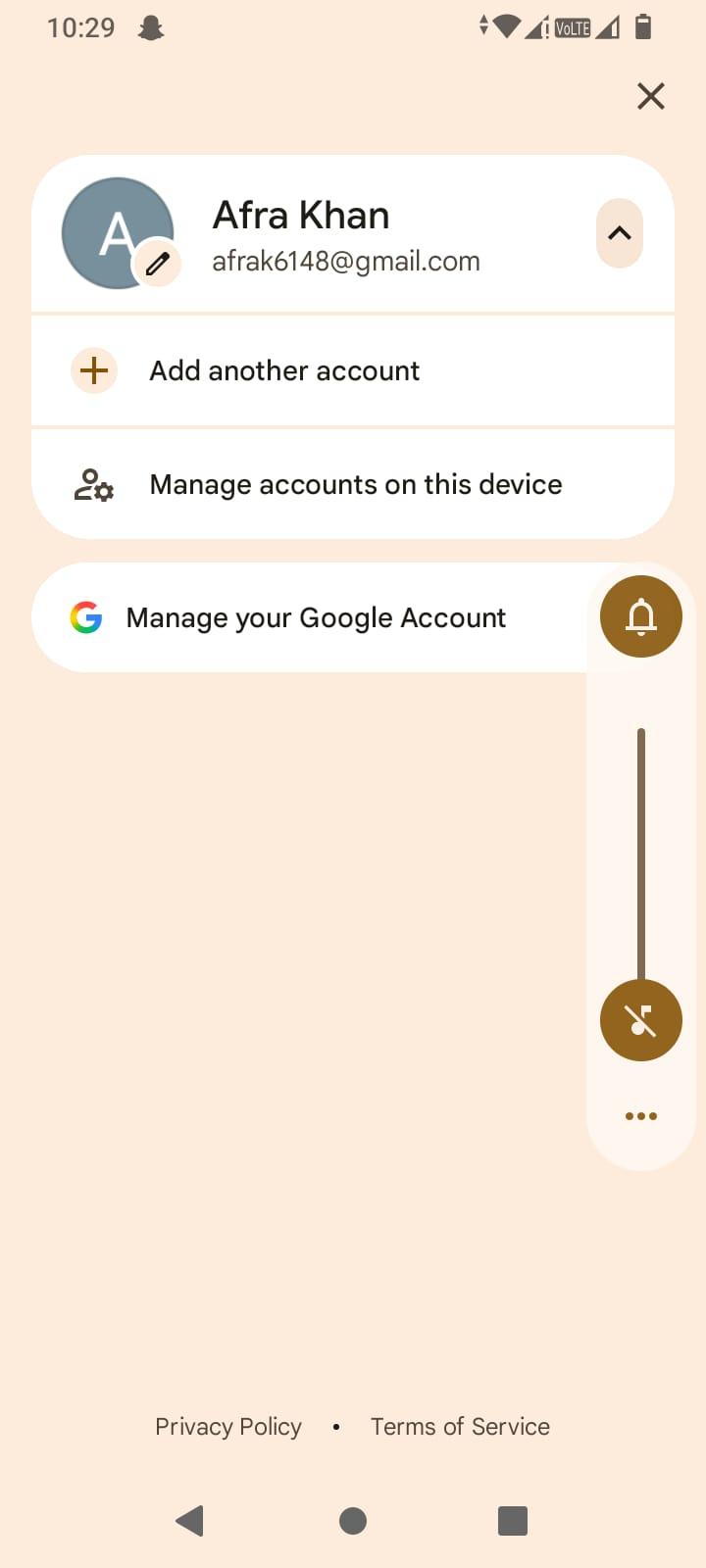
Done — Gmail inbox ready
Submit your Gmail address (e.g., yourname@gmail.com)
Day 1
week 1
Task 1
How to create a gmail account
Open your browser and go to www.gmail.com
Click on Create Account → choose "For Myself" or "For Business"
Enter first name, last name, choose username, and create a password
Verify your phone number via SMS code
(Optional) Add recovery email, enter birth date & gender
Agree to Google's terms and set up profile picture (optional)
Done — Gmail inbox ready
Submit your Gmail address (e.g., yourname@gmail.com)
Accl Portal
Day 1
week 1
Task 1
How to create a gmail account
Open your browser and go to www.gmail.com
Click on Create Account → choose "For Myself" or "For Business"
Enter first name, last name, choose username, and create a password
Verify your phone number via SMS code
(Optional) Add recovery email, enter birth date & gender
Agree to Google's terms and set up profile picture (optional)
Done — Gmail inbox ready
Submit your Gmail address (e.g., yourname@gmail.com)
0 Comments
0 Shares
84 Views