


Accl Portal
Day 4
Week #1
Book #1
Task #4
How to create a youtube account
Go to www.youtube.com → Click Sign In
Log in with Google account (or create one)
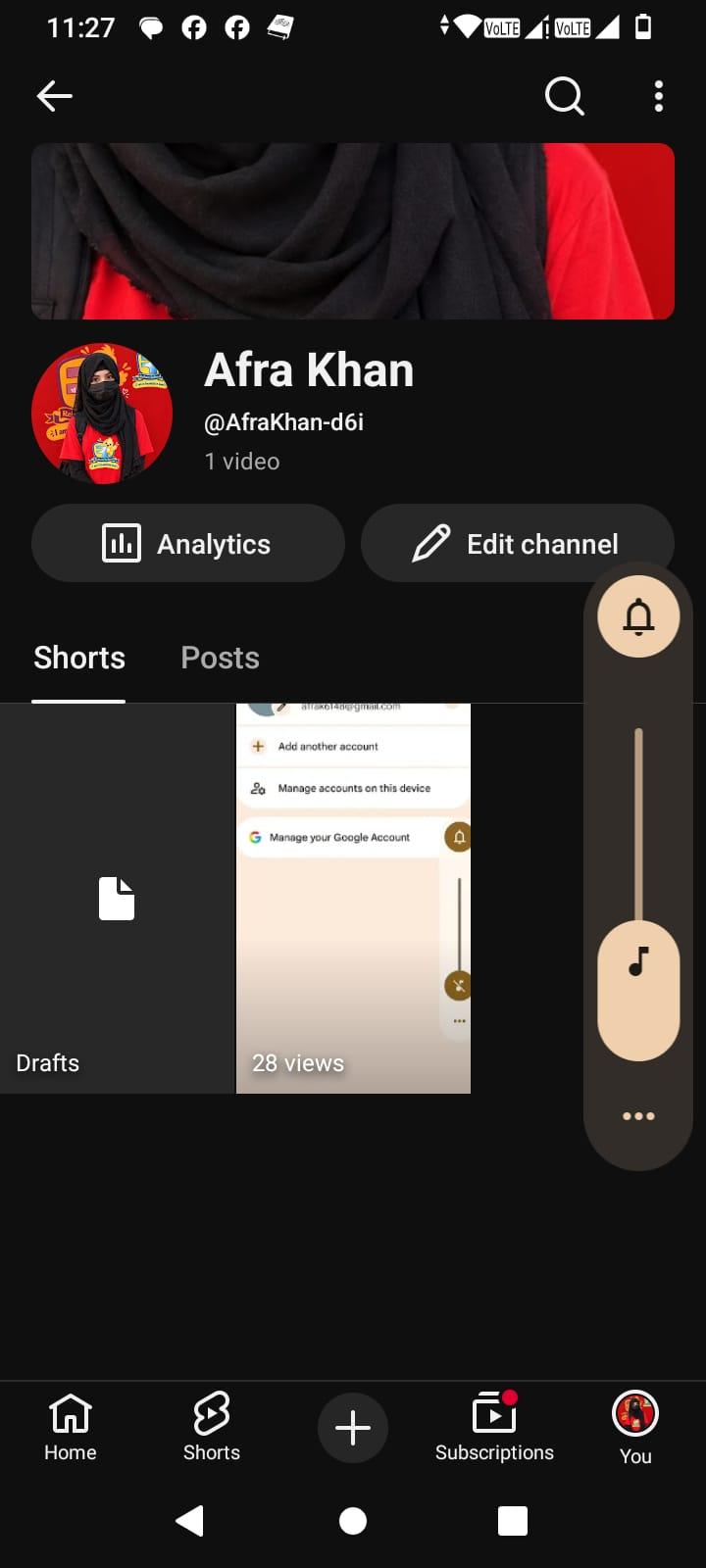
Click profile icon → Create a Channel
Add profile picture, banner, description
Upload first video and set privacy options
Submit your YouTube channel link (e.g., https://youtube.com/@yourchannel)
Day 4
Week #1
Book #1
Task #4
How to create a youtube account
Go to www.youtube.com → Click Sign In
Log in with Google account (or create one)
Click profile icon → Create a Channel
Add profile picture, banner, description
Upload first video and set privacy options
Submit your YouTube channel link (e.g., https://youtube.com/@yourchannel)
Accl Portal
Day 4
Week #1
Book #1
Task #4
How to create a youtube account
Go to www.youtube.com → Click Sign In
Log in with Google account (or create one)
Click profile icon → Create a Channel
Add profile picture, banner, description
Upload first video and set privacy options
Submit your YouTube channel link (e.g., https://youtube.com/@yourchannel)
0 Σχόλια
0 Μοιράστηκε
42 Views