• RSIF8
    Roll No: 99
    Task No: 8
    Task Topic: How to Download and Use CallAnnie?

    Want to learn how to use CallAnnie?

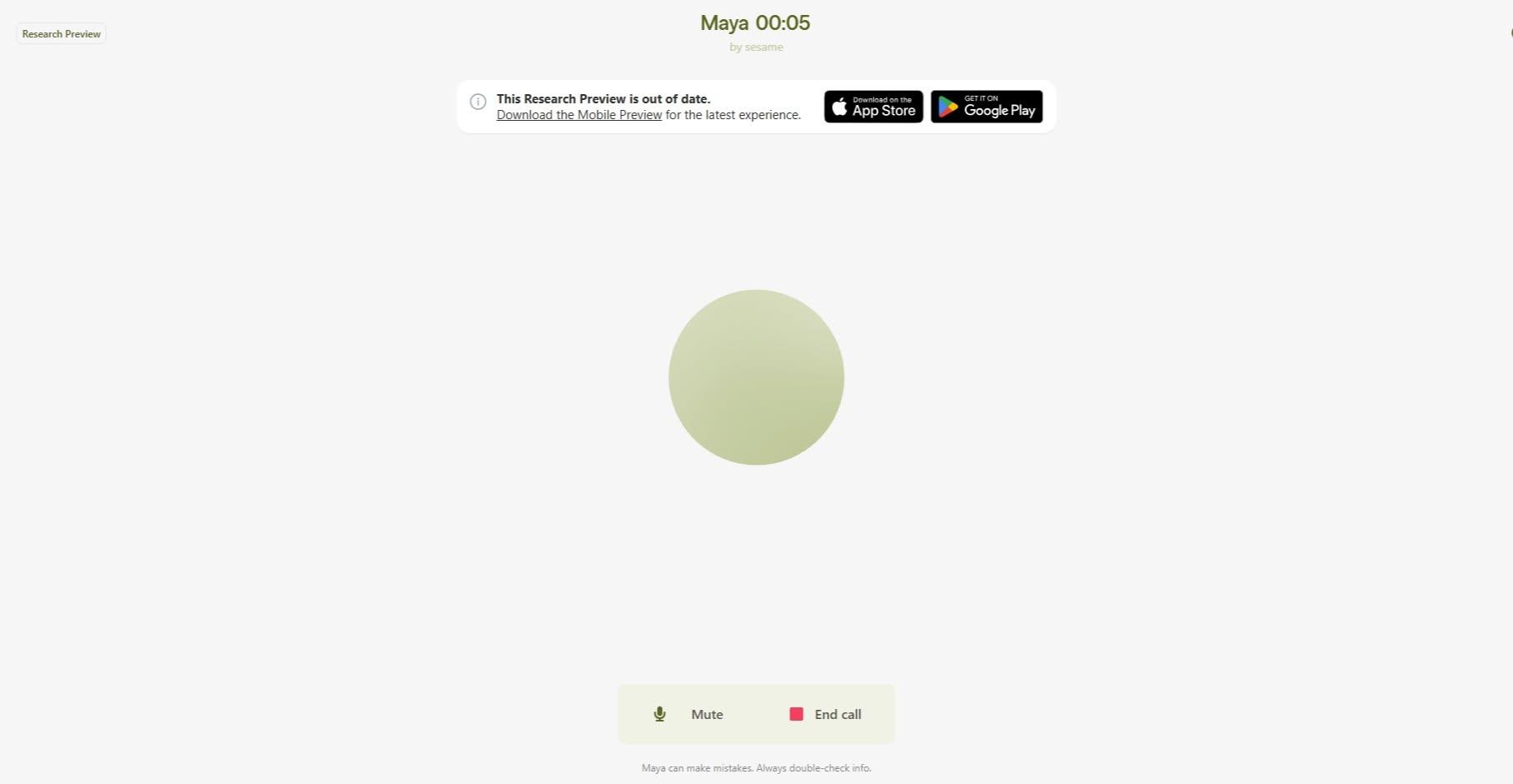
    In this simple step-by-step guide, you’ll learn how to download and use CallAnnie, an AI-powered assistant that can help you interact, learn, ask questions, and explore different topics through conversation.

    Whether you’re new to AI or simply want to try a new AI assistant, this guide will help you get started easily and confidently.

    Save this post for later and share it with someone who wants to explore AI!

    #CallAnnie #AI #ArtificialIntelligence #AIAssistant #AITools #AIForBeginners #TechTips #DigitalSkills #LearnAI #Technology #OnlineTools #DigitalLiteracy #AIApps #TechTutorial #HowTo #StepByStep #BeginnerGuide #LearnTechnology #SmartTechnology #AICommunity
    RSIF8 Roll No: 99 Task No: 8 Task Topic: How to Download and Use CallAnnie? 🤖 Want to learn how to use CallAnnie? In this simple step-by-step guide, you’ll learn how to download and use CallAnnie, an AI-powered assistant that can help you interact, learn, ask questions, and explore different topics through conversation. 📱💬 Whether you’re new to AI or simply want to try a new AI assistant, this guide will help you get started easily and confidently. 📌 Save this post for later and share it with someone who wants to explore AI! #CallAnnie #AI #ArtificialIntelligence #AIAssistant #AITools #AIForBeginners #TechTips #DigitalSkills #LearnAI #Technology #OnlineTools #DigitalLiteracy #AIApps #TechTutorial #HowTo #StepByStep #BeginnerGuide #LearnTechnology #SmartTechnology #AICommunity
    0 Σχόλια 0 Μοιράστηκε 1386 Views
  • #rsisb
    Roll NO.247
    Foundation Level

    # How to Download and Use Sesame – A Complete Beginner's Guide

    Are you looking for a simple way to get started with **Sesame**? Whether you're exploring it for learning, productivity, or AI-powered conversations, this guide will help you understand the basics of downloading, setting up, and using Sesame with ease.

    **Step 1: Download Sesame**
    Visit the official Sesame website or your device's app store. Make sure you download the official version to ensure security and access to the latest features.

    **Step 2: Install the App**
    After downloading, open the installer or app and follow the on-screen instructions. Installation usually takes just a few minutes.

    **Step 3: Create an Account**
    Sign up using your email address or another available login option. Verify your account if required.

    **Step 4: Complete the Setup**
    Choose your preferences, adjust settings, and allow any permissions needed for the best experience.

    **Step 5: Start Using Sesame**
    Explore its tools, ask questions, complete tasks, and discover features designed to make your work and learning easier. Take your time to learn the interface and experiment with different options.

    **Why Use Sesame?**
    Easy to use
    Beginner-friendly interface
    Helps improve productivity
    Great for learning and everyday tasks
    Modern AI-powered experience

    **Tips for New Users**
    Keep the app updated for the latest improvements.
    Explore tutorials and help sections.
    Practice using different features regularly.
    Stay safe by using only official downloads.

    Learning a new tool may seem challenging at first, but with a little practice, Sesame can become a valuable part of your daily routine. Keep exploring, stay curious, and enjoy discovering everything it has to offer!

    #Sesame #AI #ArtificialIntelligence #Technology #Learning #DigitalSkills #TechTips #Productivity #Innovation #Software #BeginnerGuide #DownloadGuide #HowTo #Education #OnlineLearning #SmartTools #FutureTech #DigitalLearning #AICommunity #TechEducation

    #rsisb Roll NO.247 Foundation Level # 📥 How to Download and Use Sesame – A Complete Beginner's Guide 🌟 Are you looking for a simple way to get started with **Sesame**? 🤔 Whether you're exploring it for learning, productivity, or AI-powered conversations, this guide will help you understand the basics of downloading, setting up, and using Sesame with ease. 🚀 **Step 1: Download Sesame** Visit the official Sesame website or your device's app store. Make sure you download the official version to ensure security and access to the latest features. 📲 **Step 2: Install the App** After downloading, open the installer or app and follow the on-screen instructions. Installation usually takes just a few minutes. 📝 **Step 3: Create an Account** Sign up using your email address or another available login option. Verify your account if required. ⚙️ **Step 4: Complete the Setup** Choose your preferences, adjust settings, and allow any permissions needed for the best experience. 💡 **Step 5: Start Using Sesame** Explore its tools, ask questions, complete tasks, and discover features designed to make your work and learning easier. Take your time to learn the interface and experiment with different options. 🌍 **Why Use Sesame?** ✨ Easy to use ✨ Beginner-friendly interface ✨ Helps improve productivity ✨ Great for learning and everyday tasks ✨ Modern AI-powered experience 🎯 **Tips for New Users** ✅ Keep the app updated for the latest improvements. ✅ Explore tutorials and help sections. ✅ Practice using different features regularly. ✅ Stay safe by using only official downloads. Learning a new tool may seem challenging at first, but with a little practice, Sesame can become a valuable part of your daily routine. Keep exploring, stay curious, and enjoy discovering everything it has to offer! 🌟 #Sesame #AI #ArtificialIntelligence #Technology #Learning #DigitalSkills #TechTips #Productivity #Innovation #Software #BeginnerGuide #DownloadGuide #HowTo #Education #OnlineLearning #SmartTools #FutureTech #DigitalLearning #AICommunity #TechEducation

    0 Σχόλια 0 Μοιράστηκε 3675 Views
  • #rsisb
    Roll No.153
    Podcast No.50

    **New Podcast Episode Alert!**

    I had the pleasure of hosting an insightful podcast with **Anaya**, where we explored the world of **remote jobs**. From finding legitimate remote opportunities to building the right skills and staying productive while working from home, Anaya shared valuable knowledge and practical tips for anyone interested in starting or growing a remote career.

    A big thank you to Anaya for sharing her experience and inspiring others to explore the endless possibilities of remote work!

    Don't miss this episode if you're looking to build a flexible and successful career from anywhere in the world.

    #Podcast #RemoteJobs #WorkFromHome #CareerGrowth #RemoteWork #OnlineJobs #ProfessionalDevelopment #Learning #CareerTips #FutureOfWork #DigitalSkills #Inspiration #AICommunity #RehanSchool #GrowthMindset
    #rsisb Roll No.153 Podcast No.50 🎙️ **New Podcast Episode Alert!** 🌍💼 I had the pleasure of hosting an insightful podcast with **Anaya**, where we explored the world of **remote jobs**. From finding legitimate remote opportunities to building the right skills and staying productive while working from home, Anaya shared valuable knowledge and practical tips for anyone interested in starting or growing a remote career. A big thank you to Anaya for sharing her experience and inspiring others to explore the endless possibilities of remote work! 🚀✨ Don't miss this episode if you're looking to build a flexible and successful career from anywhere in the world. 🎧🌐 #Podcast #RemoteJobs #WorkFromHome #CareerGrowth #RemoteWork #OnlineJobs #ProfessionalDevelopment #Learning #CareerTips #FutureOfWork #DigitalSkills #Inspiration #AICommunity #RehanSchool #GrowthMindset 🚀🎙️💻
    0 Σχόλια 0 Μοιράστηκε 6500 Views 9
  • #rsisb
    Roll No.153
    Notebook LM No.01
    Made by me


    Welcome to my AI journey!

    I'm **Ritaj Gul (AI Wali)**, and in this video, I explore the exciting world of **Artificial Intelligence** using **NotebookLM**. From understanding what AI is to discovering how it's transforming education, healthcare, business, and everyday life, this video highlights why AI is one of the most important technologies of our time.

    Whether you're a student, a beginner, or simply curious about AI, this video is designed to help you learn in a simple and engaging way.

    Created with NotebookLM
    Learn. Explore. Innovate.
    Let's shape the future with AI together!

    If you enjoyed this video, don't forget to **Like , Comment , Share , and Subscribe ** for more AI content.

    #AI #ArtificialIntelligence #AIWali #RitajGul #NotebookLM #MachineLearning #FutureOfAI #Technology #Innovation #Education #StudentCreator #DigitalLearning #TechEducation #AIForEveryone #LearnAI #RehanSchool #AICommunity #FutureReady
    #rsisb Roll No.153 Notebook LM No.01 Made by me 🤖✨ Welcome to my AI journey! I'm **Ritaj Gul (AI Wali)**, and in this video, I explore the exciting world of **Artificial Intelligence** using **NotebookLM**. From understanding what AI is to discovering how it's transforming education, healthcare, business, and everyday life, this video highlights why AI is one of the most important technologies of our time. Whether you're a student, a beginner, or simply curious about AI, this video is designed to help you learn in a simple and engaging way. 🎥 Created with NotebookLM 💡 Learn. Explore. Innovate. 🚀 Let's shape the future with AI together! If you enjoyed this video, don't forget to **Like ❤️, Comment 💬, Share 🔄, and Subscribe 🔔** for more AI content. #AI #ArtificialIntelligence #AIWali #RitajGul #NotebookLM #MachineLearning #FutureOfAI #Technology #Innovation #Education #StudentCreator #DigitalLearning #TechEducation #AIForEveryone #LearnAI #RehanSchool #AICommunity #FutureReady 🚀🤖✨
    0 Σχόλια 0 Μοιράστηκε 5211 Views 7