#rsisb
Roll No.269
FOundation Level
Account Creation
**How to Download and Use Sesame? | Complete Beginner Guide**
Assalamualaikum everyone!
My name is **Syed Hasan**, and I am a Foundation Level student at **Rehan School, Islamabad Campus**.
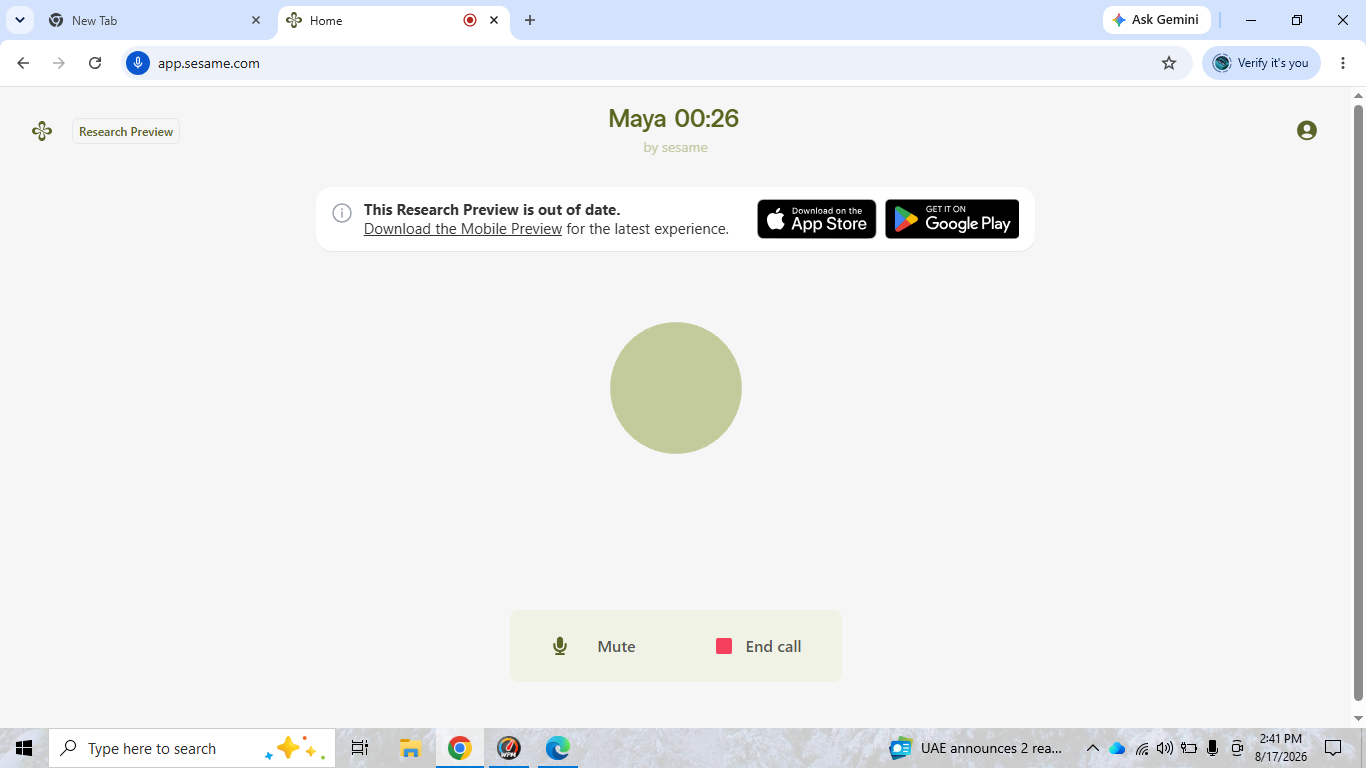
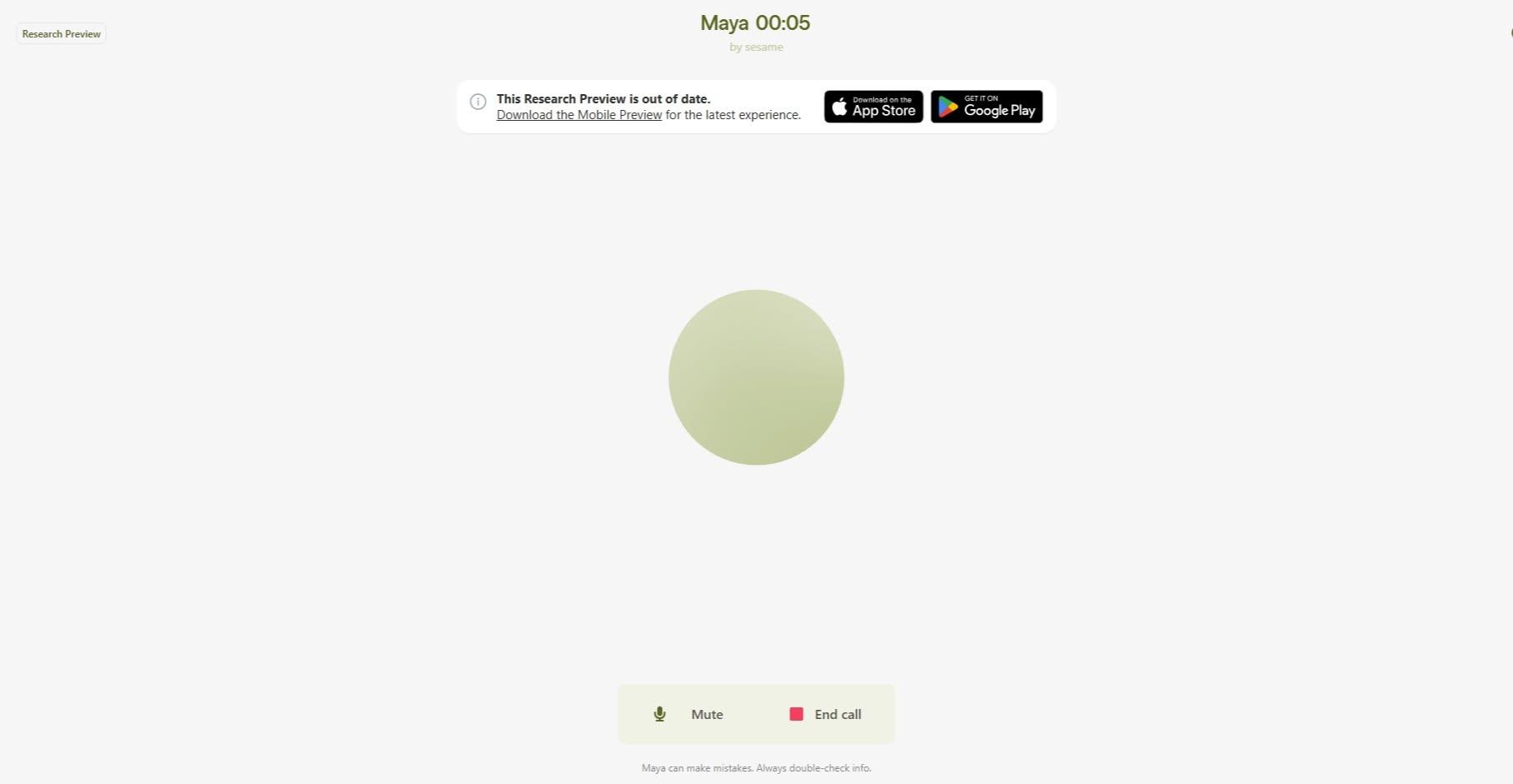
In this video, I will explain **how to download and use Sesame** in a simple and beginner-friendly way.
Sesame is an interesting AI-powered tool that can make it easier to interact with technology through natural conversations.
In this tutorial, I will walk you through the basic steps you need to get started and explain the main features in an easy way.
**In this video, you will learn:**
What is Sesame?
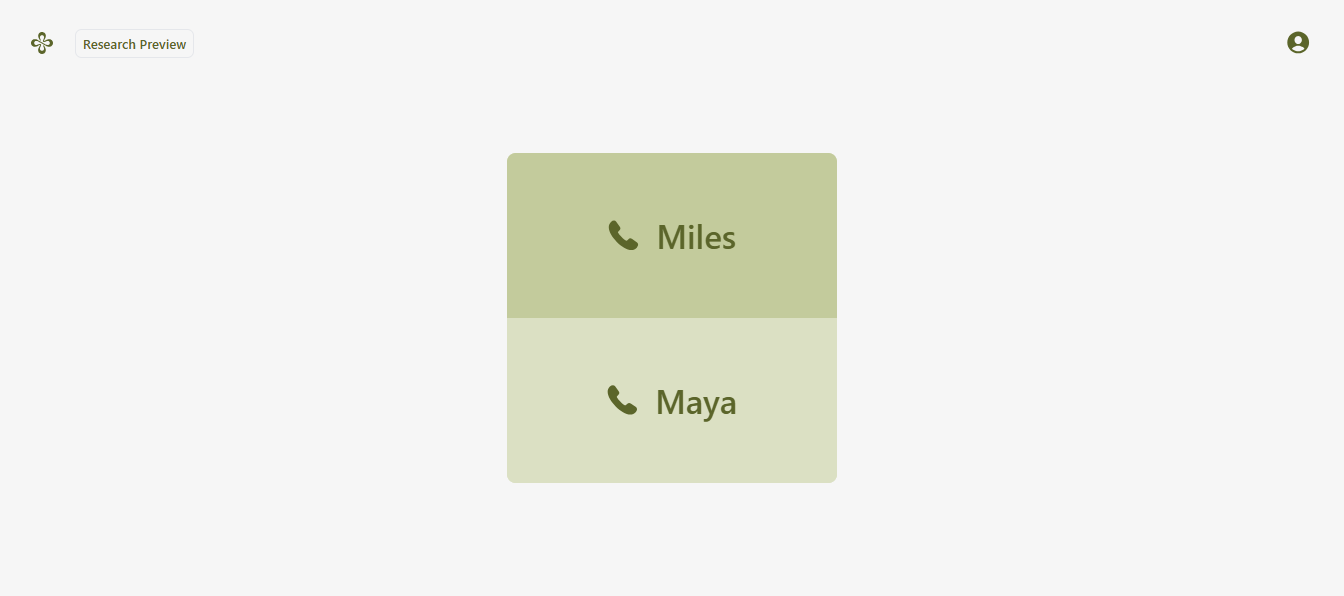
How to access Sesame
How to create or sign in to your account
How to set up Sesame
How to use the main features
How to interact with Sesame
How to ask questions and give instructions
How to explore its AI features
Basic tips for beginners
How to use Sesame effectively
Common things beginners should know
Whether you are a student, beginner, AI enthusiast, or someone who wants to learn about new technology, this video can help you understand the basics of Sesame.
I will try to explain everything step by step so that you can follow along easily. You don't need to be an expert in technology to get started.
AI technology is becoming an important part of our digital world, and learning how to use AI tools can help us improve our creativity, productivity, communication, and learning skills.
If you are interested in **Artificial Intelligence, AI assistants, technology, digital skills, and new online tools**, make sure you watch the complete video!
If you find this tutorial helpful, don't forget to **LIKE, SHARE, and SUBSCRIBE** to support my learning journey.
Thank you for watching!
Keep learning
, keep exploring
, and keep creating!
#Sesame #SesameAI #HowToUseSesame #SesameTutorial #AI #ArtificialIntelligence #AITools #AIAssistant #AIForBeginners #Technology #DigitalSkills #LearnAI #AIStudent #BeginnerGuide #TechTutorial #OnlineLearning #Education #TechnologyForStudents #AIChat #FutureTechnology #rsisb
Roll No.269
FOundation Level
Account Creation
🎙️ **How to Download and Use Sesame? | Complete Beginner Guide** 🤖✨
Assalamualaikum everyone! 👋
My name is **Syed Hasan**, and I am a Foundation Level student at **Rehan School, Islamabad Campus**. 🎓 In this video, I will explain **how to download and use Sesame** in a simple and beginner-friendly way. 🚀
Sesame is an interesting AI-powered tool that can make it easier to interact with technology through natural conversations. 🤖💬 In this tutorial, I will walk you through the basic steps you need to get started and explain the main features in an easy way.
📱 **In this video, you will learn:**
✅ What is Sesame?
✅ How to access Sesame
✅ How to create or sign in to your account
✅ How to set up Sesame
✅ How to use the main features
✅ How to interact with Sesame
✅ How to ask questions and give instructions
✅ How to explore its AI features
✅ Basic tips for beginners
✅ How to use Sesame effectively
✅ Common things beginners should know
Whether you are a student, beginner, AI enthusiast, or someone who wants to learn about new technology, this video can help you understand the basics of Sesame. 🌟💻
I will try to explain everything step by step so that you can follow along easily. You don't need to be an expert in technology to get started. 😊
AI technology is becoming an important part of our digital world, and learning how to use AI tools can help us improve our creativity, productivity, communication, and learning skills. 📚💡
If you are interested in **Artificial Intelligence, AI assistants, technology, digital skills, and new online tools**, make sure you watch the complete video! 🎥✨
👍 If you find this tutorial helpful, don't forget to **LIKE, SHARE, and SUBSCRIBE** to support my learning journey. 🔔❤️
Thank you for watching! 🙏
Keep learning 📚, keep exploring 🤖, and keep creating! 🚀✨
#Sesame #SesameAI #HowToUseSesame #SesameTutorial #AI #ArtificialIntelligence #AITools #AIAssistant #AIForBeginners #Technology #DigitalSkills #LearnAI #AIStudent #BeginnerGuide #TechTutorial #OnlineLearning #Education #TechnologyForStudents #AIChat #FutureTechnology 🤖💻📚✨