



#rsisb
Parent Task
Creat Streamyard
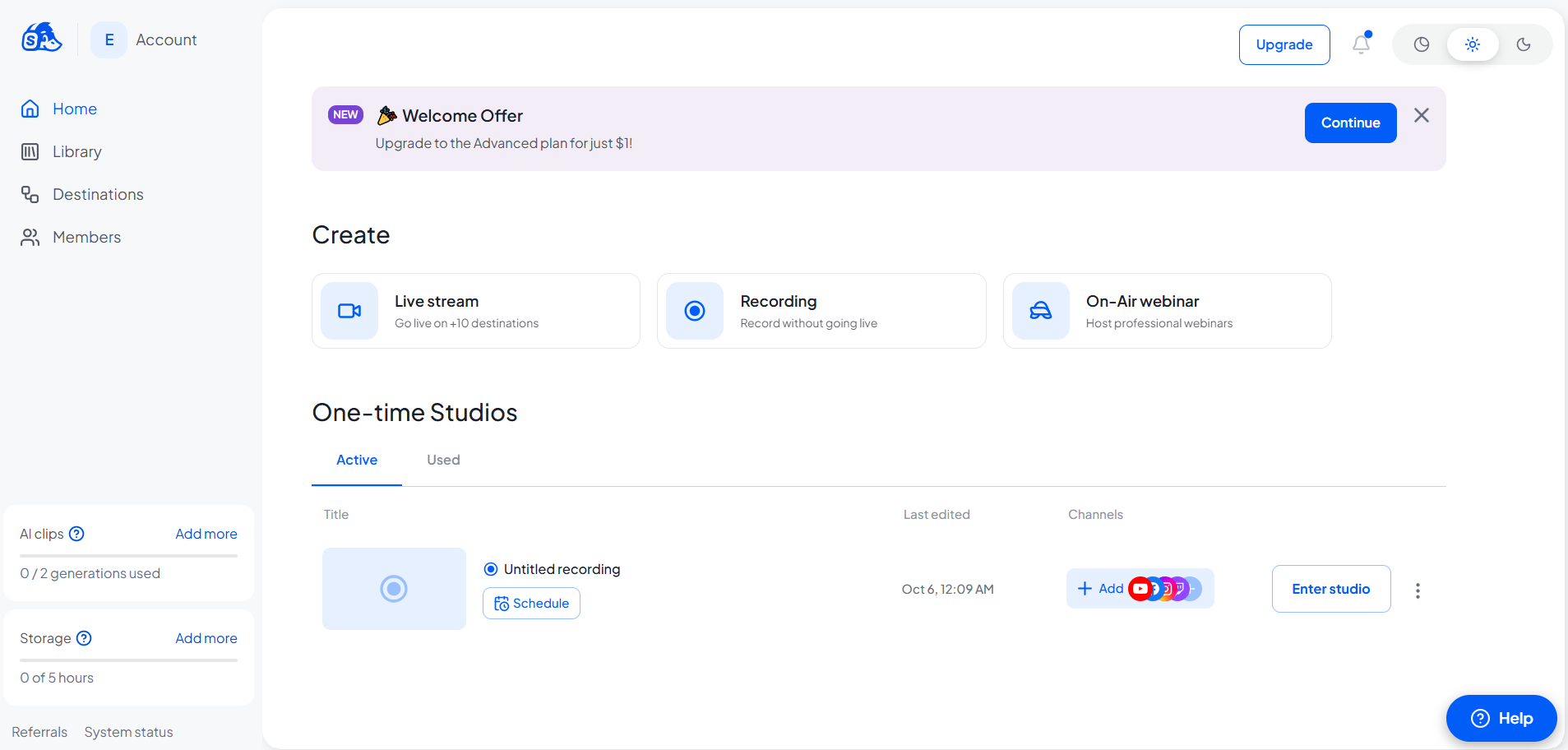
Successfully Created My StreamYard Interview Account!
I’m excited to share that I have successfully created and logged into my StreamYard account! This is another step forward in my digital journey, helping me prepare for professional interviews, live streaming, and online communication.
Looking forward to exploring new opportunities, connecting with people, and creating amazing content with StreamYard!
\#StreamYard #StreamYardAccount #AccountCreation #InterviewAccount #DigitalSkills #LiveStreaming #ContentCreation #ProfessionalGrowth #NewBeginnings #TaskCompleted #LearningAndGrowing #TechJourney
Parent Task
Creat Streamyard
Successfully Created My StreamYard Interview Account!
I’m excited to share that I have successfully created and logged into my StreamYard account! This is another step forward in my digital journey, helping me prepare for professional interviews, live streaming, and online communication.
Looking forward to exploring new opportunities, connecting with people, and creating amazing content with StreamYard!
\#StreamYard #StreamYardAccount #AccountCreation #InterviewAccount #DigitalSkills #LiveStreaming #ContentCreation #ProfessionalGrowth #NewBeginnings #TaskCompleted #LearningAndGrowing #TechJourney
#rsisb
Parent Task
Creat Streamyard
🚀 Successfully Created My StreamYard Interview Account! 🎙️
I’m excited to share that I have successfully created and logged into my StreamYard account! 🎉 This is another step forward in my digital journey, helping me prepare for professional interviews, live streaming, and online communication. 💻✨
Looking forward to exploring new opportunities, connecting with people, and creating amazing content with StreamYard! 🌟🎥
\#StreamYard #StreamYardAccount #AccountCreation #InterviewAccount #DigitalSkills #LiveStreaming #ContentCreation #ProfessionalGrowth #NewBeginnings #TaskCompleted #LearningAndGrowing #TechJourney 🚀🎙️
0 Comentários
0 Compartilhamentos
2320 Visualizações
