*How to Create a Gmail Account – My First Task!**
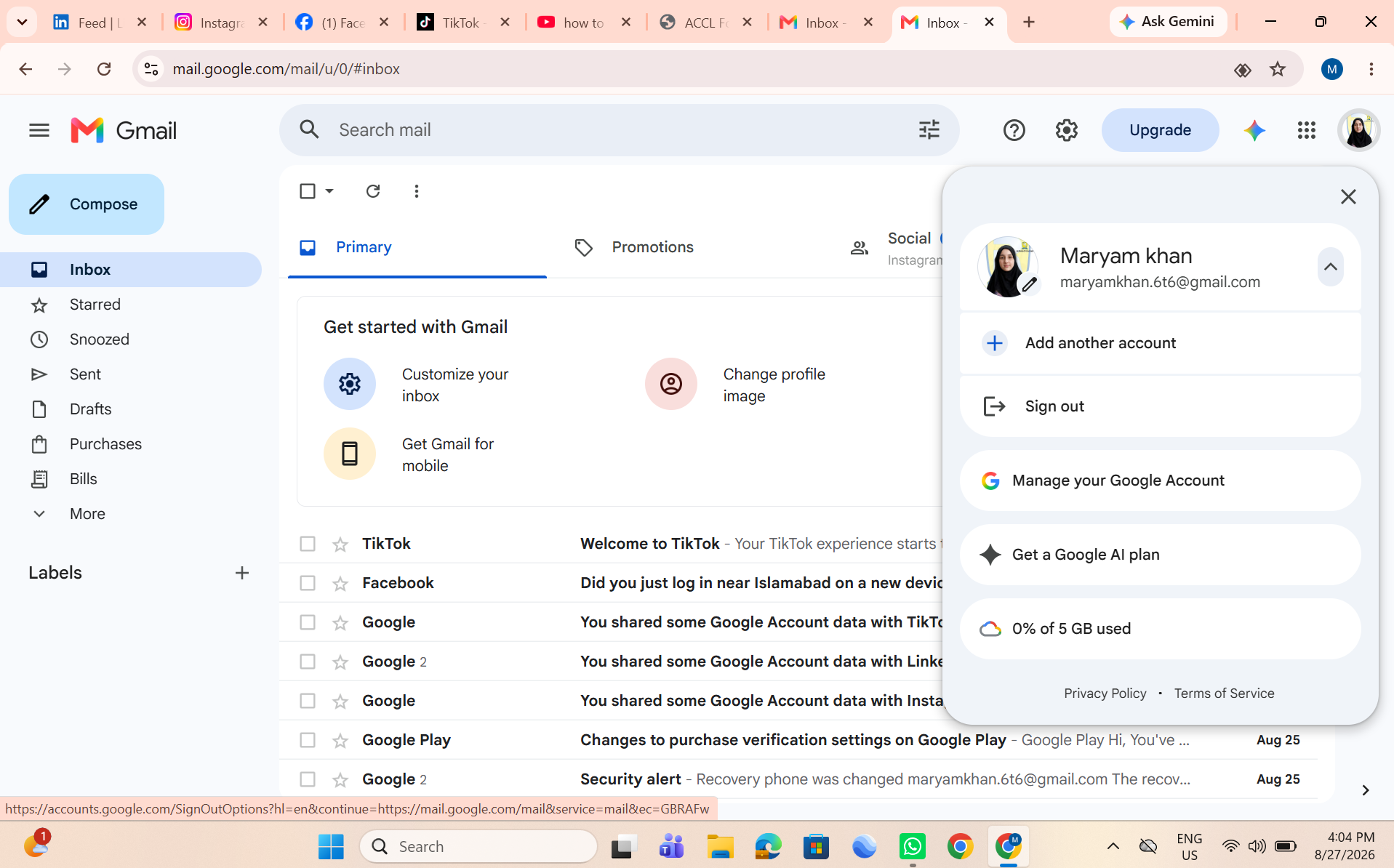
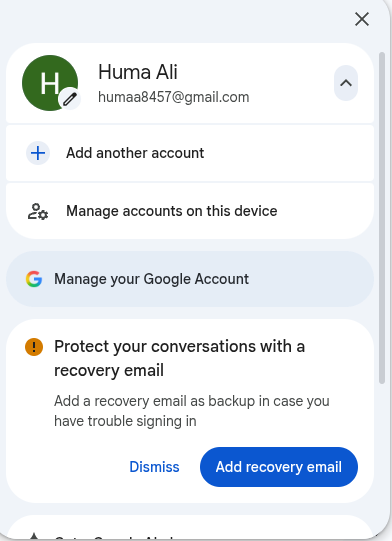
Today was my first day, and I learned how to create a Gmail account step by step. I learned how to choose a username, create a strong password, add basic information, and complete the account setup.
This task helped me understand the basics of using Gmail and creating an online account. It was a great learning experience and an exciting start to my journey!
#Gmail #CreateGmailAccount #FirstTask #MyFirstDay #Learning #DigitalSkills #Technology #Google #ComputerSkills #NewJourney
Today was my first day, and I learned how to create a Gmail account step by step. I learned how to choose a username, create a strong password, add basic information, and complete the account setup.
This task helped me understand the basics of using Gmail and creating an online account. It was a great learning experience and an exciting start to my journey!
#Gmail #CreateGmailAccount #FirstTask #MyFirstDay #Learning #DigitalSkills #Technology #Google #ComputerSkills #NewJourney
*How to Create a Gmail Account – My First Task!** 🎉
Today was my first day, and I learned how to create a Gmail account step by step. I learned how to choose a username, create a strong password, add basic information, and complete the account setup. 💻✨
This task helped me understand the basics of using Gmail and creating an online account. It was a great learning experience and an exciting start to my journey! 🚀📚
#Gmail #CreateGmailAccount #FirstTask #MyFirstDay #Learning #DigitalSkills #Technology #Google #ComputerSkills #NewJourney 💻📧🌟
0 Commenti
0 condivisioni
1946 Views