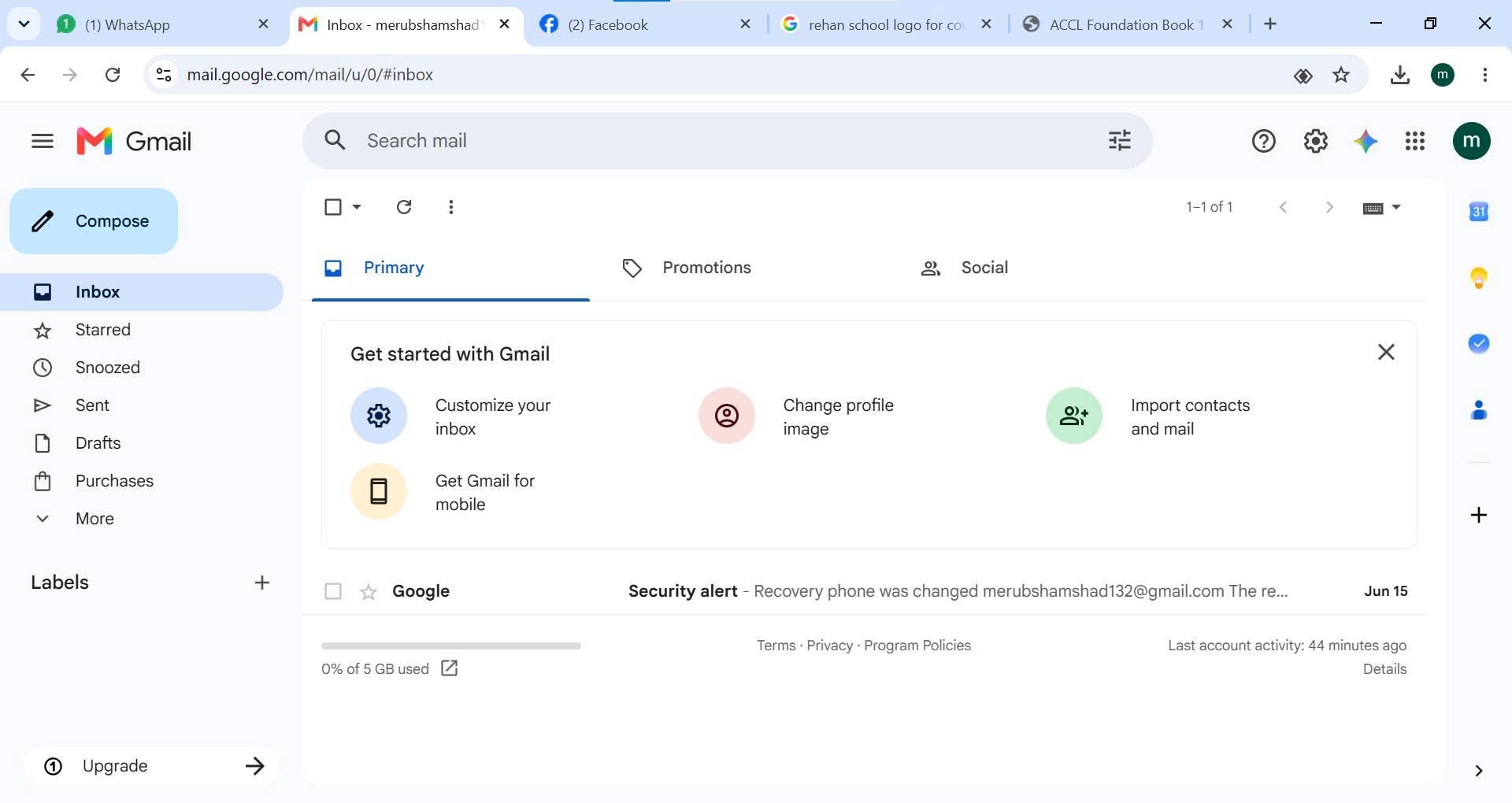
• RSIF8
    roll no 94
    task no 1
    task topic HOW TO CREATE A GMAIL ACCOUNT
    How to Create a Gmail Account
    Creating a Gmail account is quick and easy!
    Go to the Gmail sign-up page.
    Enter your first and last name.
    Choose a unique username.
    Create a strong password .
    Add your phone number for security .
    Verify your account and complete the setup.
    Start sending emails, using Google Drive, YouTube, Google Meet, and more!
    Your Gmail account is now ready to use!
    #Gmail #GoogleAccount #EmailAccount #TechTips #DigitalSkills #OnlineLearning #GmailTutorial #Technology #InternetBasics #HowTo #EmailSetup
    RSIF8 roll no 94 task no 1 task topic HOW TO CREATE A GMAIL ACCOUNT ๐Ÿ“งโœจ How to Create a Gmail Account โœจ๐Ÿ“ง Creating a Gmail account is quick and easy! ๐Ÿš€ 1๏ธโƒฃ Go to the Gmail sign-up page. 2๏ธโƒฃ Enter your first and last name. 3๏ธโƒฃ Choose a unique username. 4๏ธโƒฃ Create a strong password ๐Ÿ”’. 5๏ธโƒฃ Add your phone number for security ๐Ÿ“ฑ. 6๏ธโƒฃ Verify your account and complete the setup. โœ… 7๏ธโƒฃ Start sending emails, using Google Drive, YouTube, Google Meet, and more! ๐ŸŒ๐Ÿ’ก ๐ŸŽ‰ Your Gmail account is now ready to use! #Gmail #GoogleAccount #EmailAccount #TechTips #DigitalSkills #OnlineLearning #GmailTutorial #Technology #InternetBasics #HowTo #EmailSetup ๐Ÿ“งโœจ๐Ÿš€
    0 Comments 0 Shares 3002 Views
  • RSIF8
    Roll no 64
    Task no 02
    Task topic How to Make a Facebook
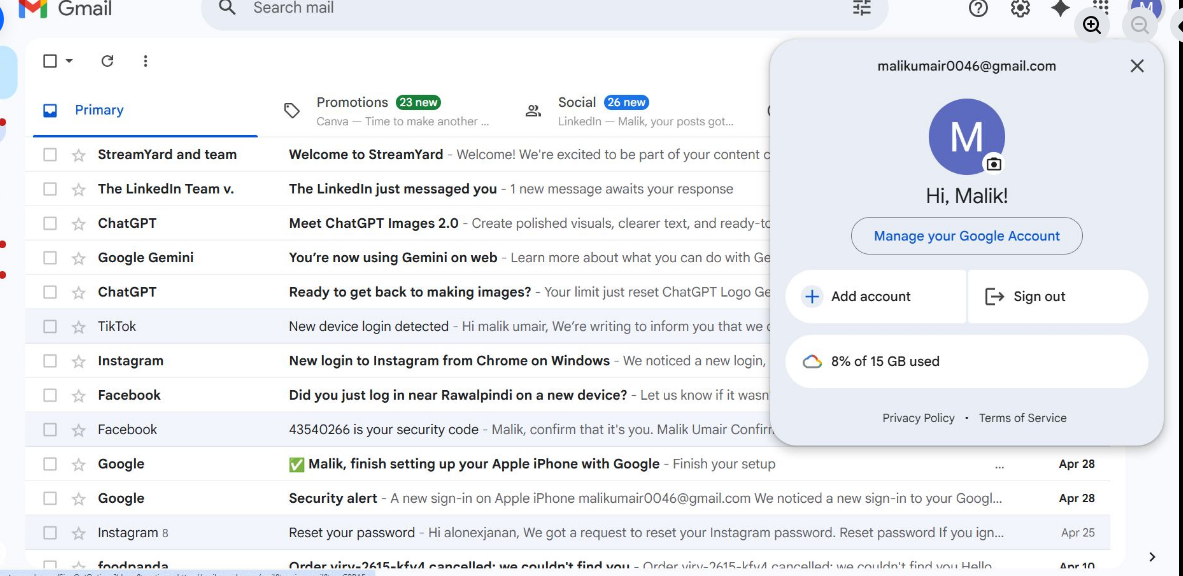
    Creating a Gmail account is quick and easy! First, go to the official Gmail signup page and click on “Create account.” Fill in your basic details like your name, username, and a strong password . Then, add your phone number for verification and enter the code you receive. After that, provide a recovery email (optional) and your date of birth . Agree to the terms and conditions , and boom—you’re ready to explore your new Gmail account! Now you can send emails, use Google services, and stay connected with the world
    hashtag#Gmail hashtag#CreateAccount hashtag#EmailSetup hashtag#GoogleAccount hashtag#TechTips hashtag#DigitalLife hashtag#EasySteps hashtag#OnlineLearning hashtag#StudentLife
    RSIF8 Roll no 64 Task no 02 Task topic How to Make a Facebook Creating a Gmail account is quick and easy! ๐Ÿ“งโœจ First, go to the official Gmail signup page and click on “Create account.” Fill in your basic details like your name, username, and a strong password ๐Ÿ”. Then, add your phone number for verification ๐Ÿ“ฑ and enter the code you receive. After that, provide a recovery email (optional) and your date of birth ๐ŸŽ‚. Agree to the terms and conditions โœ”๏ธ, and boom—you’re ready to explore your new Gmail account! ๐Ÿš€ Now you can send emails, use Google services, and stay connected with the world ๐ŸŒ๐Ÿ’ฌ hashtag#Gmail hashtag#CreateAccount hashtag#EmailSetup hashtag#GoogleAccount hashtag#TechTips hashtag#DigitalLife hashtag#EasySteps hashtag#OnlineLearning hashtag#StudentLife ๐Ÿ“ง๐Ÿš€โœจ
    0 Comments 0 Shares 1855 Views
  • RSIF8
    Roll no 64
    Task no 01
    Task topic How to Create a Gmail
    Account?
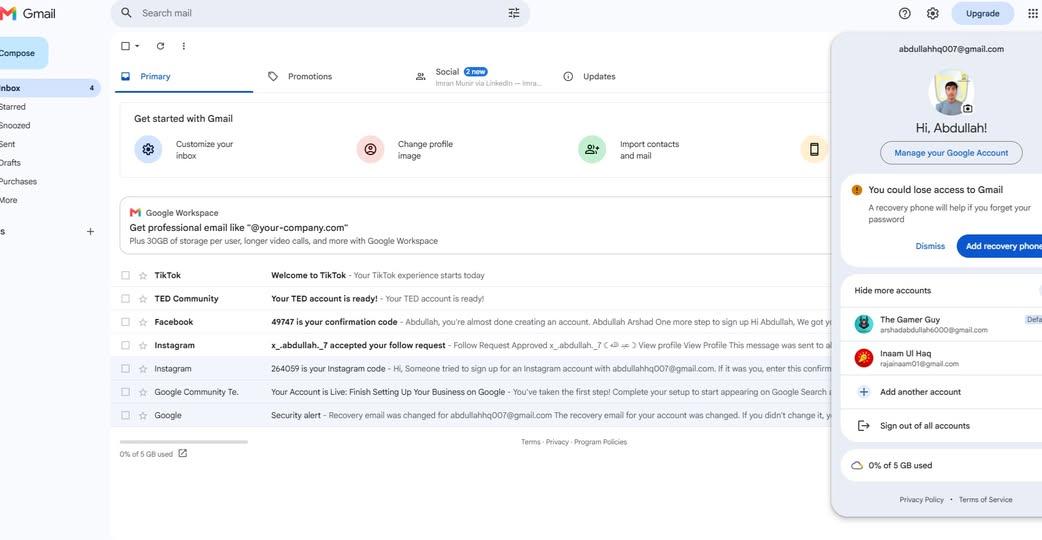
    Creating a Gmail account is quick and easy! First, go to the official Gmail signup page and click on “Create account.” Fill in your basic details like your name, username, and a strong password . Then, add your phone number for verification and enter the code you receive. After that, provide a recovery email (optional) and your date of birth . Agree to the terms and conditions , and boom—you’re ready to explore your new Gmail account! Now you can send emails, use Google services, and stay connected with the world
    hashtag#Gmail hashtag#CreateAccount hashtag#EmailSetup hashtag#GoogleAccount hashtag#TechTips hashtag#DigitalLife hashtag#EasySteps hashtag#OnlineLearning hashtag#StudentLife
    RSIF8 Roll no 64 Task no 01 Task topic How to Create a Gmail Account? Creating a Gmail account is quick and easy! ๐Ÿ“งโœจ First, go to the official Gmail signup page and click on “Create account.” Fill in your basic details like your name, username, and a strong password ๐Ÿ”. Then, add your phone number for verification ๐Ÿ“ฑ and enter the code you receive. After that, provide a recovery email (optional) and your date of birth ๐ŸŽ‚. Agree to the terms and conditions โœ”๏ธ, and boom—you’re ready to explore your new Gmail account! ๐Ÿš€ Now you can send emails, use Google services, and stay connected with the world ๐ŸŒ๐Ÿ’ฌ hashtag#Gmail hashtag#CreateAccount hashtag#EmailSetup hashtag#GoogleAccount hashtag#TechTips hashtag#DigitalLife hashtag#EasySteps hashtag#OnlineLearning hashtag#StudentLife ๐Ÿ“ง๐Ÿš€โœจ
    0 Comments 0 Shares 1776 Views
  • RSIF8
    Roll No: 99
    Task No:1
    Task Topic: HOW TO CREATE A GMAIL ACCOUNT?
    Creating a Gmail account is quick, easy, and completely free! Whether you're signing up for the first time or creating a new email for work, school, or personal use, this step-by-step guide will help you get started in just a few minutes.
    Follow the simple instructions, set up your account securely, and unlock access to Gmail, Google Drive, YouTube, Google Photos, Google Meet, and many other Google services.
    Save this post for later and share it with someone who needs help creating a Gmail account!
    #Gmail #Google #Email #GmailAccount #CreateGmail #GoogleAccount #EmailSetup #TechTips #DigitalSkills #OnlineGuide #Technology #Internet #Productivity #BeginnerGuide #HowTo #LearnTechnology #SocialMediaTips #TechTutorial #EasySteps #DigitalLife
    RSIF8 Roll No: 99 Task No:1 Task Topic: HOW TO CREATE A GMAIL ACCOUNT? Creating a Gmail account is quick, easy, and completely free! ๐Ÿ“ง Whether you're signing up for the first time or creating a new email for work, school, or personal use, this step-by-step guide will help you get started in just a few minutes. Follow the simple instructions, set up your account securely, and unlock access to Gmail, Google Drive, YouTube, Google Photos, Google Meet, and many other Google services. ๐Ÿ’ก Save this post for later and share it with someone who needs help creating a Gmail account! #Gmail #Google #Email #GmailAccount #CreateGmail #GoogleAccount #EmailSetup #TechTips #DigitalSkills #OnlineGuide #Technology #Internet #Productivity #BeginnerGuide #HowTo #LearnTechnology #SocialMediaTips #TechTutorial #EasySteps #DigitalLife
    0 Comments 0 Shares 3743 Views