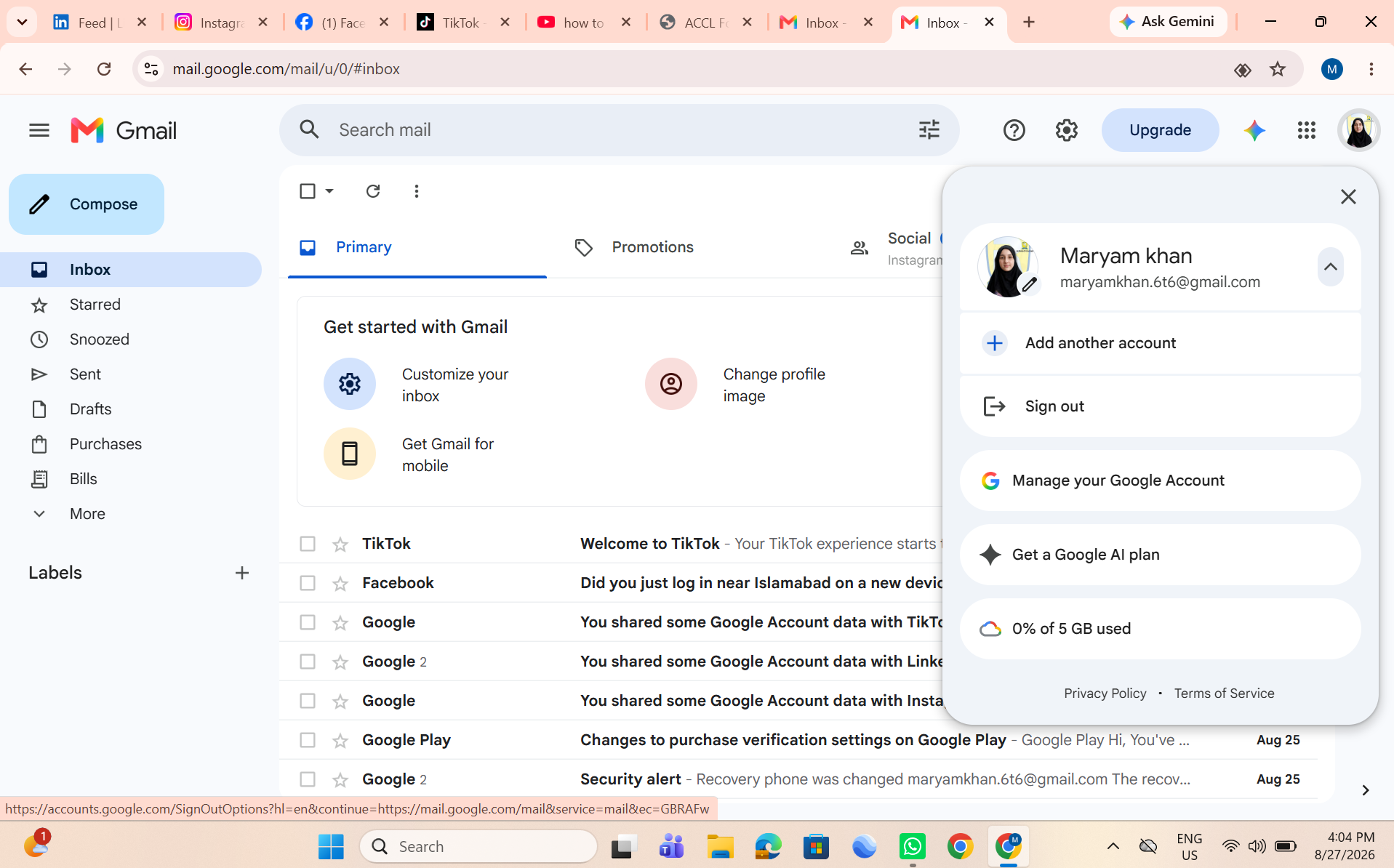
• RSIF8
    roll no 94
    task no 1
    task topic HOW TO CREATE A GMAIL ACCOUNT
    How to Create a Gmail Account
    Creating a Gmail account is quick and easy!
    Go to the Gmail sign-up page.
    Enter your first and last name.
    Choose a unique username.
    Create a strong password .
    Add your phone number for security .
    Verify your account and complete the setup.
    Start sending emails, using Google Drive, YouTube, Google Meet, and more!
    Your Gmail account is now ready to use!
    #Gmail #GoogleAccount #EmailAccount #TechTips #DigitalSkills #OnlineLearning #GmailTutorial #Technology #InternetBasics #HowTo #EmailSetup
    RSIF8 roll no 94 task no 1 task topic HOW TO CREATE A GMAIL ACCOUNT 📧✨ How to Create a Gmail Account ✨📧 Creating a Gmail account is quick and easy! 🚀 1️⃣ Go to the Gmail sign-up page. 2️⃣ Enter your first and last name. 3️⃣ Choose a unique username. 4️⃣ Create a strong password 🔒. 5️⃣ Add your phone number for security 📱. 6️⃣ Verify your account and complete the setup. ✅ 7️⃣ Start sending emails, using Google Drive, YouTube, Google Meet, and more! 🌐💡 🎉 Your Gmail account is now ready to use! #Gmail #GoogleAccount #EmailAccount #TechTips #DigitalSkills #OnlineLearning #GmailTutorial #Technology #InternetBasics #HowTo #EmailSetup 📧✨🚀
    0 Kommentare 0 Anteile 3008 Ansichten
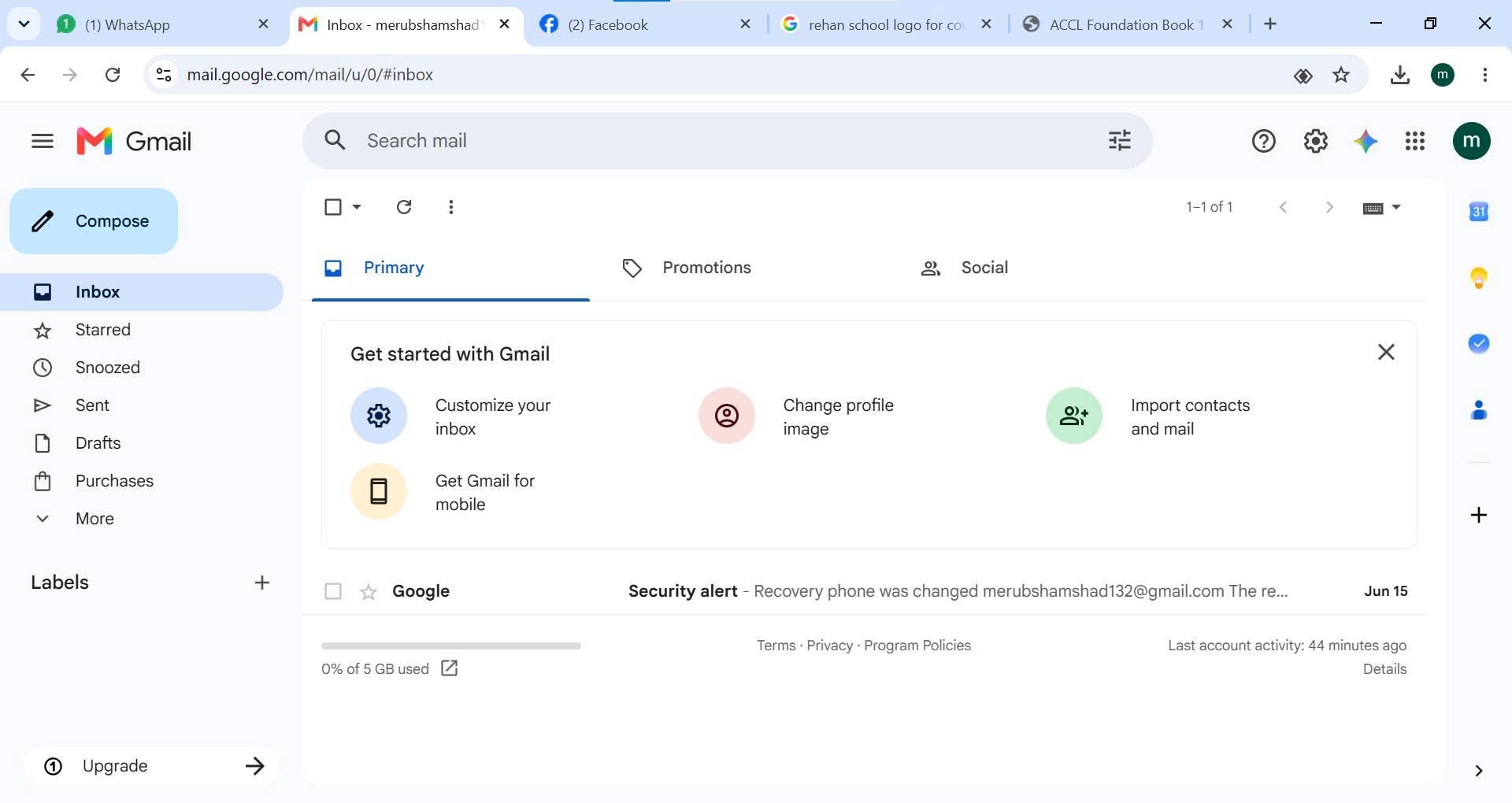
  • RISF8
    Roll no:100
    Task no:1
    Task Topic: How to Create a Gmail Account
    How to Create a Gmail Account | Step-by-Step Tutorial
    Want to create a new Gmail account but don't know where to start? In this easy step-by-step tutorial, I'll show you how to create a Gmail account in just a few minutes. Whether you're using a mobile phone or a computer , this guide is perfect for beginners.
    In this video, you'll learn:
    How to create a new Gmail account
    How to set up your Google account
    Tips for creating a secure password
    How to verify your phone number
    How to start using Gmail for emails and other Google services
    If you found this video helpful, don't forget to:
    Like
    Comment
    Subscribe
    Share with your friends
    Thanks for watching!
    #Gmail #GoogleAccount #CreateGmail #GmailTutorial #EmailAccount #Google #TechTutorial #HowTo #BeginnerGuide #GmailSetup #AndroidTips #ComputerTips #StepByStep #TechTips #YouTubeTutorial
    RISF8 Roll no:100 Task no:1 Task Topic: How to Create a Gmail Account 📧 How to Create a Gmail Account | Step-by-Step Tutorial 🚀 Want to create a new Gmail account but don't know where to start? 🤔 In this easy step-by-step tutorial, I'll show you how to create a Gmail account in just a few minutes. Whether you're using a mobile phone 📱 or a computer 💻, this guide is perfect for beginners. ✅ In this video, you'll learn: 📌 How to create a new Gmail account 📌 How to set up your Google account 📌 Tips for creating a secure password 🔒 📌 How to verify your phone number 📌 How to start using Gmail for emails and other Google services If you found this video helpful, don't forget to: 👍 Like 💬 Comment 🔔 Subscribe 📤 Share with your friends Thanks for watching! ❤️ #Gmail #GoogleAccount #CreateGmail #GmailTutorial #EmailAccount #Google #TechTutorial #HowTo #BeginnerGuide #GmailSetup #AndroidTips #ComputerTips #StepByStep #TechTips #YouTubeTutorial
    0 Kommentare 0 Anteile 3631 Ansichten
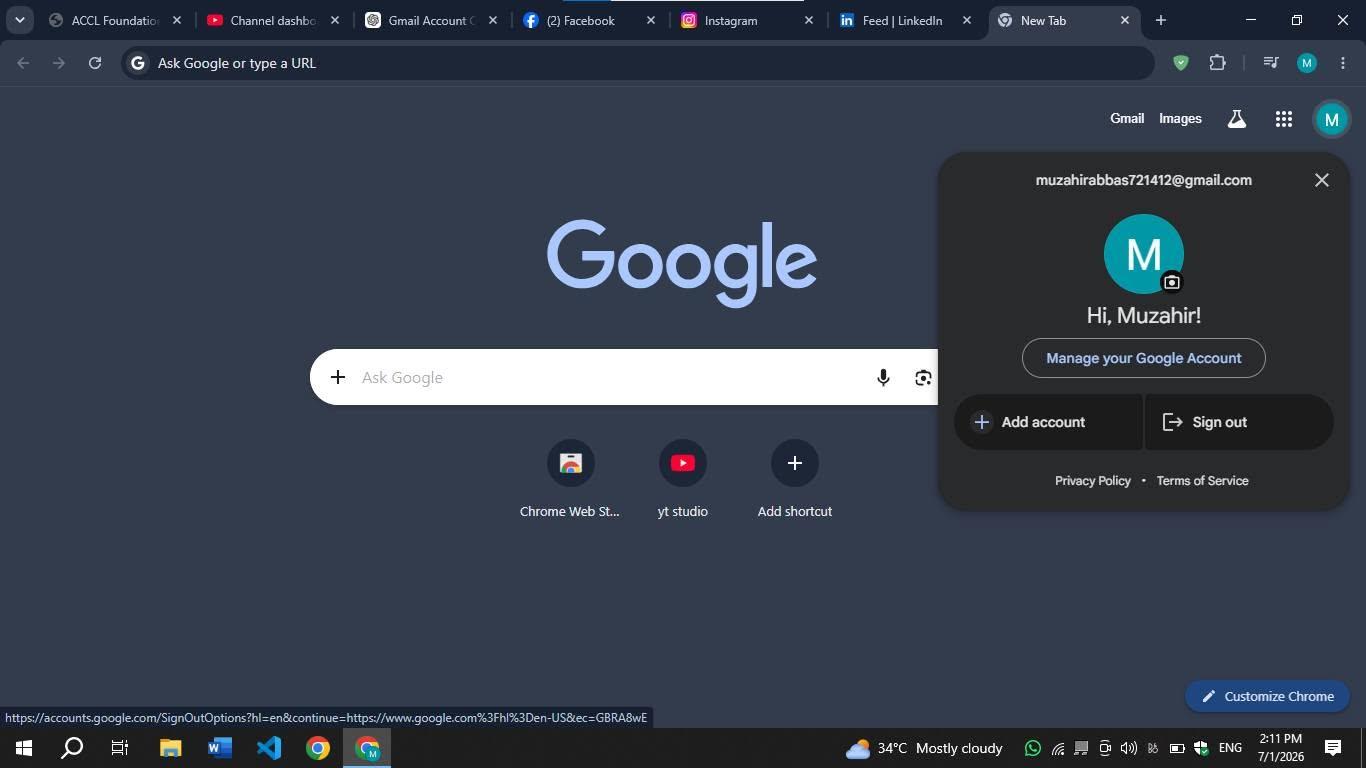
  • RSIF8
    Roll no:112
    Task no:01
    Task Topic:How to Create a Gmail Account?
    ### Create a Gmail Account Easily!
    Want to create your own Gmail account? Follow these simple steps!
    Go to **[www.gmail.com](http://www.gmail.com)**
    Click **Create Account** → choose **For Myself** or **For Business**
    Enter your first name, last name, and choose a username
    Create a strong password
    Verify your phone number via SMS (if requested)
    Add a recovery email
    Enter your birth date and gender
    Agree to Google’s terms
    Add a profile picture (optional)
    Done! Your Gmail inbox is ready to use!
    #Gmail #GoogleAccount #CreateGmailAccount #GmailTutorial #EmailTips #TechTips #HowTo #EmailAccount #GoogleGmail #BeginnerGuide #GmailSetup #DigitalSkills
    RSIF8 Roll no:112 Task no:01 Task Topic:How to Create a Gmail Account? ### 📧 Create a Gmail Account Easily! 🚀 Want to create your own Gmail account? 📩✨ Follow these simple steps! 🌐 Go to **[www.gmail.com](http://www.gmail.com)** 👤 Click **Create Account** → choose **For Myself** or **For Business** 📝 Enter your first name, last name, and choose a username 🔐 Create a strong password 📱 Verify your phone number via SMS (if requested) 📧 Add a recovery email 🎂 Enter your birth date and gender ✅ Agree to Google’s terms 🖼️ Add a profile picture (optional) 🎉 Done! Your Gmail inbox is ready to use! #Gmail #GoogleAccount #CreateGmailAccount #GmailTutorial #EmailTips #TechTips #HowTo #EmailAccount #GoogleGmail #BeginnerGuide #GmailSetup #DigitalSkills 📧💻✨🚀
    0 Kommentare 1 Anteile 3501 Ansichten