• RSIF8
    Roll no 101
    task no 05
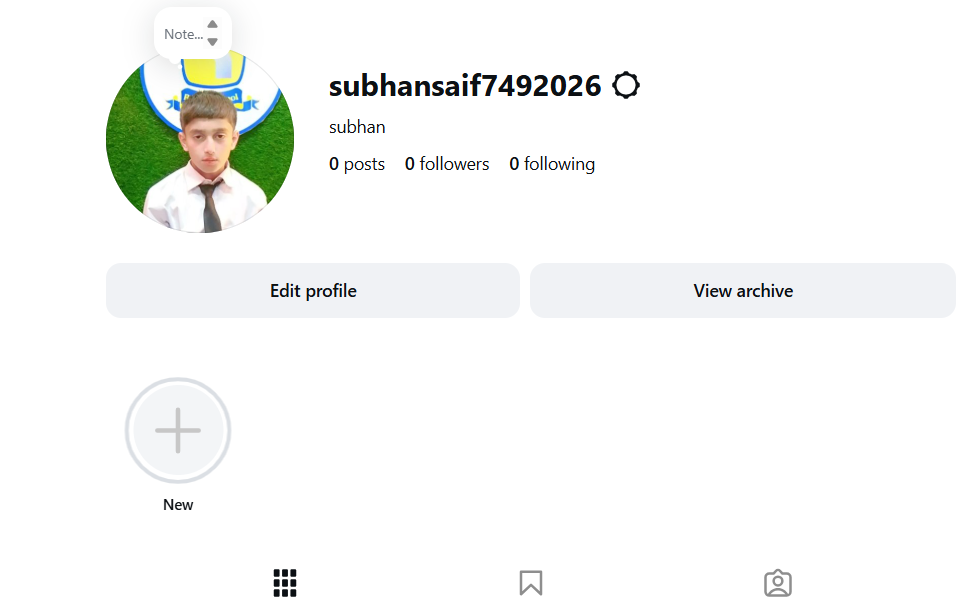
    task topic How to Create an Instagram Account?
    Ready to join Instagram and start sharing your favorite moments? This simple step-by-step guide is perfect for beginners who want to learn how to create an Instagram account and set up their profile with ease.

    From creating your account to choosing a username, adding a profile picture, finding people you know, and adjusting your privacy settings, this tutorial covers the essential basics.

    What you'll learn:
    How to get started with Instagram
    How to create your account
    How to choose a username
    How to add a profile picture
    How to find and follow accounts
    How to explore photos, videos, and Reels
    How to manage basic privacy settings
    Simple tips for new Instagram users

    Perfect for beginners! Whether you're using an Android phone, iPhone, or tablet, these simple steps will help you understand the basics of Instagram.

    Follow the complete tutorial and start exploring Instagram today!

    Enjoying the guide?
    Like
    Share
    Follow for more easy technology tutorials!

    #Instagram #InstagramAccount #CreateInstagramAccount #InstagramTutorial #InstagramGuide #InstagramTips #HowTo #StepByStep #BeginnerGuide #InstagramForBeginners #SocialMedia #SocialMediaTips #TechTips #DigitalSkills #LearnInstagram #OnlineTutorial #Technology #EasyGuide #DigitalLearning #Tutorial #NewUsers #InstagramHelp #LearnTechnology
    RSIF8 Roll no 101 task no 05 task topic How to Create an Instagram Account? Ready to join Instagram and start sharing your favorite moments? ✨📱 This simple step-by-step guide is perfect for beginners who want to learn how to create an Instagram account and set up their profile with ease. 👤💜 From creating your account to choosing a username, adding a profile picture, finding people you know, and adjusting your privacy settings, this tutorial covers the essential basics. 🔐🌟 🎯 What you'll learn: ✅ How to get started with Instagram 📲 ✅ How to create your account ✅ How to choose a username 👤 ✅ How to add a profile picture 🖼️ ✅ How to find and follow accounts 👥 ✅ How to explore photos, videos, and Reels 🎥 ✅ How to manage basic privacy settings 🔒 ✅ Simple tips for new Instagram users 💡 🌟 Perfect for beginners! Whether you're using an Android phone, iPhone, or tablet, these simple steps will help you understand the basics of Instagram. 👉 Follow the complete tutorial and start exploring Instagram today! 📸🚀 💜 Enjoying the guide? 👍 Like 🔄 Share ➕ Follow for more easy technology tutorials! #Instagram #InstagramAccount #CreateInstagramAccount #InstagramTutorial #InstagramGuide #InstagramTips #HowTo #StepByStep #BeginnerGuide #InstagramForBeginners #SocialMedia #SocialMediaTips #TechTips #DigitalSkills #LearnInstagram #OnlineTutorial #Technology #EasyGuide #DigitalLearning #Tutorial #NewUsers #InstagramHelp #LearnTechnology 📸📱💻✨🚀
    0 Commentaires 0 Parts 3091 Vue
  • #rsisb
    Roll No.269
    Foundation Level
    Account Creation


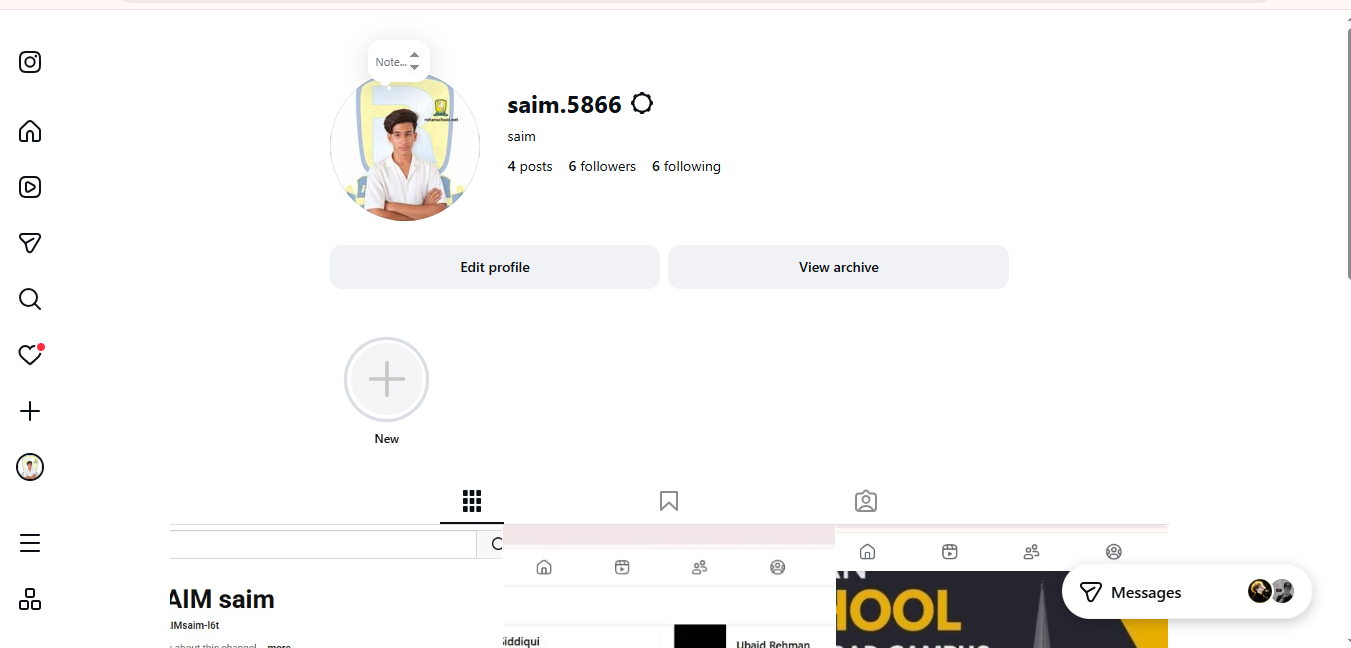
    # How to Create an Instagram Account?
    Hello everyone! Welcome to my video! In this video, I will explain **how to create an Instagram account step by step** in a simple and easy way.
    Instagram is a popular social media platform where you can share photos, videos, Reels, Stories, and connect with friends, family, and people around the world.
    In this video, you will learn:
    How to download and open Instagram
    How to sign up for a new account
    How to use your email or phone number
    How to choose a username
    How to create a strong password
    How to add a profile picture
    How to set up your profile
    Basic privacy and safety tips
    I hope this video helps beginners understand how to create and set up an Instagram account easily. Watch the complete video and follow each step carefully!
    Like the video
    Share your thoughts in the comments
    Subscribe for more easy tutorials
    #Instagram #InstagramAccount #HowToCreateInstagram #InstagramTutorial #SocialMedia #InstagramForBeginners #TechTutorial #OnlineLearning #DigitalSkills #LearnInstagram #Tutorial #Education
    #rsisb Roll No.269 Foundation Level Account Creation # 📸 How to Create an Instagram Account? 🌟 Hello everyone! 👋 Welcome to my video! In this video, I will explain **how to create an Instagram account step by step** in a simple and easy way. 📱✨ Instagram is a popular social media platform where you can share photos, videos, Reels, Stories, and connect with friends, family, and people around the world. 🌍❤️ In this video, you will learn: 📲 How to download and open Instagram 📝 How to sign up for a new account 📧 How to use your email or phone number 👤 How to choose a username 🔐 How to create a strong password 🖼️ How to add a profile picture ⚙️ How to set up your profile 🔒 Basic privacy and safety tips I hope this video helps beginners understand how to create and set up an Instagram account easily. Watch the complete video and follow each step carefully! 😊 👍 Like the video 💬 Share your thoughts in the comments 🔔 Subscribe for more easy tutorials #Instagram #InstagramAccount #HowToCreateInstagram #InstagramTutorial #SocialMedia #InstagramForBeginners #TechTutorial #OnlineLearning #DigitalSkills #LearnInstagram #Tutorial #Education 📱✨
    0 Commentaires 0 Parts 2495 Vue
  • #rsisb
    Roll no.239
    Account Creation no.6


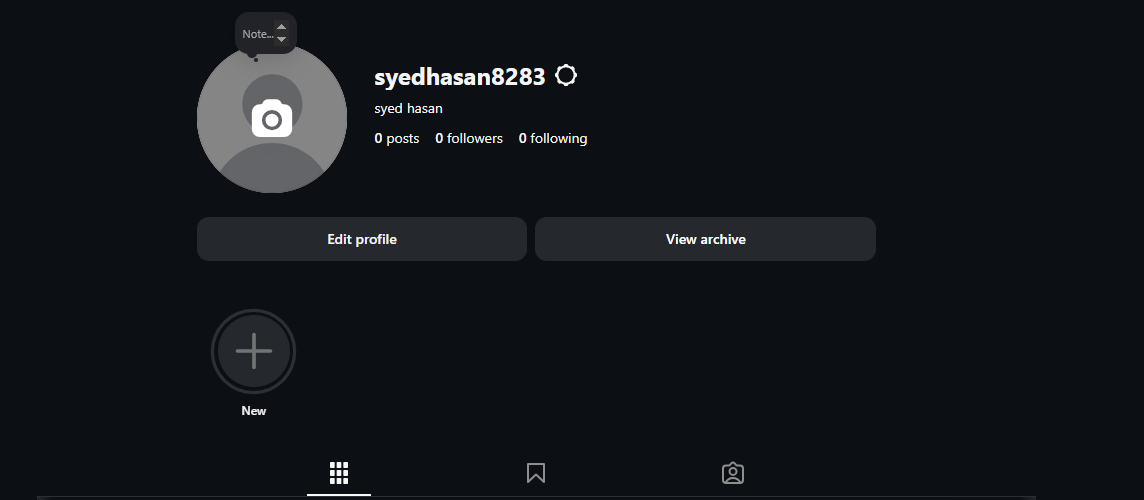
    Instagram is one of the world’s most popular social media platforms, allowing people to **share photos and videos, create Stories and Reels, follow friends and creators, discover new content, and communicate with others**. Creating an Instagram account is a simple process, but understanding the setup and privacy options can help beginners use the platform more confidently and safely.

    In this topic, **“How to Create an Instagram Account?”**, we explore the basic steps involved in joining Instagram and setting up a new profile. The process generally begins by installing the Instagram app or visiting Instagram through a web browser. New users can sign up using an **email address or phone number**, and they may also be offered other sign-up options depending on their device and location.

    After creating an account, the next step is choosing a **username**. Your username is an important part of your Instagram identity because people can use it to find your profile. A good username should be easy to remember, simple to type, and appropriate for the type of content you plan to share.

    You can then personalize your profile by adding a **profile picture, name, biography, and other optional information**. Your bio gives visitors a quick idea about who you are, what you do, or what kind of content they can expect from your account. If you are creating an account for a project, business, educational purpose, or creative work, your profile can be designed to clearly communicate that purpose.

    Instagram also provides different ways to **connect with people and discover content**. You can search for friends, creators, organizations, and topics that interest you. Following relevant accounts can help personalize the content that appears in your feed and recommendations. You can also interact with content through likes, comments, shares, and messages.

    Another important part of creating an Instagram account is **privacy and security**. Before sharing personal information, it is useful to review your account's privacy settings. Depending on your needs, you may choose whether your account is public or private and manage who can interact with you or see your content.

    Security is equally important. Use a **strong and unique password**, protect your email address or phone number, and enable available security features such as **two-factor authentication**. Be careful with suspicious messages, unfamiliar links, fake accounts, and requests for personal information. Remember that protecting your account is just as important as creating it.

    Once your account is ready, you can begin exploring Instagram's features, including **Posts, Stories, Reels, direct messages, and other creative tools**. However, responsible social media use means thinking carefully before posting and remembering that anything shared online can potentially reach a wider audience.

    This topic is especially useful for beginners who want to understand **how to create an Instagram account, personalize a profile, connect with others, manage privacy, and stay secure online**. With the right settings and responsible habits, Instagram can be a useful platform for communication, creativity, learning, and sharing ideas.

    ### Hashtags

    #Instagram #InstagramAccount #CreateInstagramAccount #InstagramTutorial #HowToInstagram #InstagramForBeginners #SocialMedia #SocialMediaTips #InstagramTips #DigitalSkills #DigitalLiteracy #Technology #TechTips #OnlineSafety #InternetSafety #Privacy #AccountSecurity #TwoFactorAuthentication #SocialMediaLearning #LearnInstagram #DigitalEducation #OnlineCommunication #ContentCreation #InstagramReels #InstagramStories #SocialNetworking #ComputerSkills #Education #Learning #TechEducation
    #rsisb Roll no.239 Account Creation no.6 Instagram is one of the world’s most popular social media platforms, allowing people to **share photos and videos, create Stories and Reels, follow friends and creators, discover new content, and communicate with others**. Creating an Instagram account is a simple process, but understanding the setup and privacy options can help beginners use the platform more confidently and safely. In this topic, **“How to Create an Instagram Account?”**, we explore the basic steps involved in joining Instagram and setting up a new profile. The process generally begins by installing the Instagram app or visiting Instagram through a web browser. New users can sign up using an **email address or phone number**, and they may also be offered other sign-up options depending on their device and location. After creating an account, the next step is choosing a **username**. Your username is an important part of your Instagram identity because people can use it to find your profile. A good username should be easy to remember, simple to type, and appropriate for the type of content you plan to share. 👤✨ You can then personalize your profile by adding a **profile picture, name, biography, and other optional information**. Your bio gives visitors a quick idea about who you are, what you do, or what kind of content they can expect from your account. If you are creating an account for a project, business, educational purpose, or creative work, your profile can be designed to clearly communicate that purpose. Instagram also provides different ways to **connect with people and discover content**. You can search for friends, creators, organizations, and topics that interest you. Following relevant accounts can help personalize the content that appears in your feed and recommendations. You can also interact with content through likes, comments, shares, and messages. ❤️💬 Another important part of creating an Instagram account is **privacy and security**. Before sharing personal information, it is useful to review your account's privacy settings. Depending on your needs, you may choose whether your account is public or private and manage who can interact with you or see your content. 🔐🛡️ Security is equally important. Use a **strong and unique password**, protect your email address or phone number, and enable available security features such as **two-factor authentication**. Be careful with suspicious messages, unfamiliar links, fake accounts, and requests for personal information. Remember that protecting your account is just as important as creating it. Once your account is ready, you can begin exploring Instagram's features, including **Posts, Stories, Reels, direct messages, and other creative tools**. However, responsible social media use means thinking carefully before posting and remembering that anything shared online can potentially reach a wider audience. This topic is especially useful for beginners who want to understand **how to create an Instagram account, personalize a profile, connect with others, manage privacy, and stay secure online**. With the right settings and responsible habits, Instagram can be a useful platform for communication, creativity, learning, and sharing ideas. 🌐📚 ### 🔖 Hashtags #Instagram #InstagramAccount #CreateInstagramAccount #InstagramTutorial #HowToInstagram #InstagramForBeginners #SocialMedia #SocialMediaTips #InstagramTips #DigitalSkills #DigitalLiteracy #Technology #TechTips #OnlineSafety #InternetSafety #Privacy #AccountSecurity #TwoFactorAuthentication #SocialMediaLearning #LearnInstagram #DigitalEducation #OnlineCommunication #ContentCreation #InstagramReels #InstagramStories #SocialNetworking #ComputerSkills #Education #Learning #TechEducation 📱📸✨
    0 Commentaires 0 Parts 8129 Vue