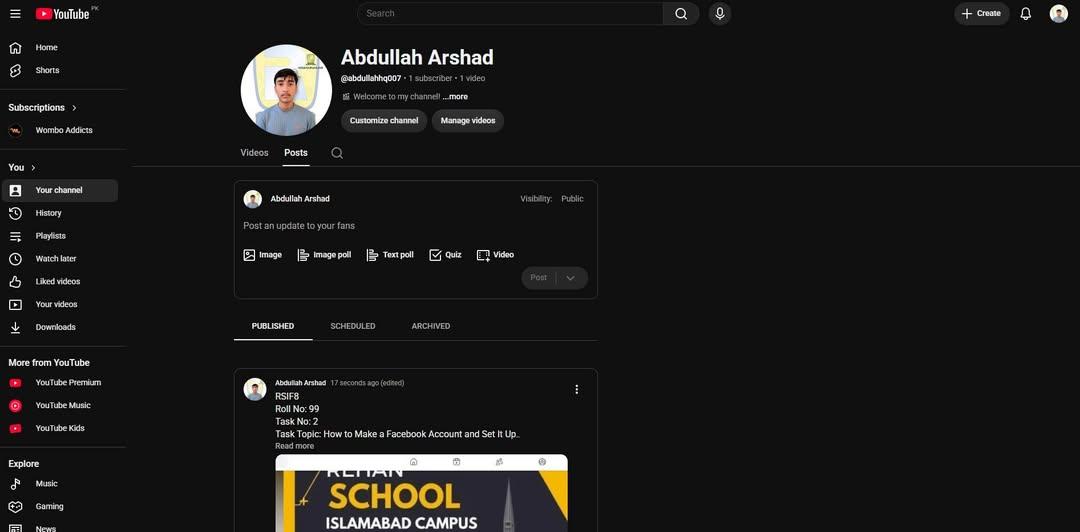
• #rsisb
    RollNo.247
    Foundation Level
    Task No.2
    Set It Up
    Creating a Facebook account is one of the easiest ways to connect with friends, family, classmates, and communities from all over the world. Whether you want to share photos , watch videos , join groups , or promote your business , Facebook provides everything in one place.
    Step 1: Visit Facebook
    Open your web browser and go to facebook.com, or download the Facebook app from your device's app store.
    Step 2: Sign Up
    Click "Create New Account" and fill in your details:
    First and Last Name
    Email Address or Mobile Number
    Create a Strong Password
    Date of Birth
    Select Your Gender
    Step 3: Verify Your Account
    Facebook will send a verification code to your email or phone number. Enter the code to confirm your account.
    Step 4: Add Your Profile Picture
    Upload a clear and friendly profile photo so people can recognize you easily.
    Step 5: Complete Your Profile
    Add information such as:
    City
    School or College
    Workplace
    Hobbies & Interests
    Cover Photo
    A complete profile helps you connect with others more effectively.
    Step 6: Find Friends
    Search for friends by name, email, or phone number. You can also send friend requests and grow your network.
    Step 7: Adjust Privacy Settings
    Protect your personal information by choosing who can see your posts, photos, and profile details. Privacy settings help keep your account safe.
    Step 8: Start Posting
    Share your thoughts , photos , videos , achievements , and memorable moments with your friends and followers.
    Why Use Facebook?
    Stay connected with family and friends.
    Join educational and interest-based groups.
    Promote your business or personal brand.
    Watch entertaining and educational videos.
    Discover events and communities.
    Chat instantly using Messenger.
    Learning how to create and set up a Facebook account is a valuable digital skill. Once your profile is complete, you can safely explore Facebook's features, communicate with people worldwide, and become part of a global online community. Keep your account secure by using a strong password, enabling two-factor authentication, and avoiding suspicious links. Happy connecting!
    #Facebook #FacebookAccount #SocialMedia #DigitalSkills #OnlineLearning #TechTips #BeginnerGuide #CreateAccount #FacebookSetup #LearnTechnology #InternetBasics #AILearning #StudentLife #RehanSchool #DigitalEducation #SocialNetworking #TechEducation #OnlineCommunity #LearningJourney #StayConnected See less
    #rsisb RollNo.247 Foundation Level Task No.2 Set It Up ๐ŸŒ๐Ÿ“ฑ Creating a Facebook account is one of the easiest ways to connect with friends, family, classmates, and communities from all over the world. ๐ŸŒ Whether you want to share photos ๐Ÿ“ธ, watch videos ๐ŸŽฅ, join groups ๐Ÿ‘ฅ, or promote your business ๐Ÿ’ผ, Facebook provides everything in one place. ๐Ÿš€ Step 1: Visit Facebook Open your web browser and go to facebook.com, or download the Facebook app from your device's app store. ๐Ÿ“ฑ๐Ÿ’ป ๐Ÿ“ Step 2: Sign Up Click "Create New Account" and fill in your details: ๐Ÿ‘ค First and Last Name ๐Ÿ“ง Email Address or ๐Ÿ“ฑ Mobile Number ๐Ÿ”’ Create a Strong Password ๐ŸŽ‚ Date of Birth ๐Ÿšป Select Your Gender โœ… Step 3: Verify Your Account Facebook will send a verification code to your email or phone number. Enter the code to confirm your account. โœ”๏ธ ๐Ÿ–ผ๏ธ Step 4: Add Your Profile Picture Upload a clear and friendly profile photo so people can recognize you easily. ๐Ÿ˜Š ๐Ÿ“– Step 5: Complete Your Profile Add information such as: ๐Ÿ  City ๐ŸŽ“ School or College ๐Ÿ’ผ Workplace โค๏ธ Hobbies & Interests ๐Ÿ“ธ Cover Photo A complete profile helps you connect with others more effectively. ๐Ÿ‘ฅ Step 6: Find Friends Search for friends by name, email, or phone number. You can also send friend requests and grow your network. ๐Ÿค ๐Ÿ”’ Step 7: Adjust Privacy Settings Protect your personal information by choosing who can see your posts, photos, and profile details. Privacy settings help keep your account safe. ๐Ÿ›ก๏ธ ๐Ÿ“ข Step 8: Start Posting Share your thoughts ๐Ÿ’ญ, photos ๐Ÿ“ธ, videos ๐ŸŽฅ, achievements ๐Ÿ†, and memorable moments with your friends and followers. ๐ŸŒŸ Why Use Facebook? ๐ŸŒ Stay connected with family and friends. ๐Ÿ“š Join educational and interest-based groups. ๐Ÿ’ผ Promote your business or personal brand. ๐ŸŽฅ Watch entertaining and educational videos. ๐Ÿ“… Discover events and communities. ๐Ÿ’ฌ Chat instantly using Messenger. Learning how to create and set up a Facebook account is a valuable digital skill. Once your profile is complete, you can safely explore Facebook's features, communicate with people worldwide, and become part of a global online community. Keep your account secure by using a strong password, enabling two-factor authentication, and avoiding suspicious links. Happy connecting! ๐Ÿš€๐ŸŒŸ #Facebook #FacebookAccount #SocialMedia #DigitalSkills #OnlineLearning #TechTips #BeginnerGuide #CreateAccount #FacebookSetup #LearnTechnology #InternetBasics #AILearning #StudentLife #RehanSchool #DigitalEducation #SocialNetworking #TechEducation #OnlineCommunity #LearningJourney #StayConnected See less
    0 Comments 0 Shares 5639 Views
  • #rsisb
    Roll No 244
    Foundation level
    Task no 8
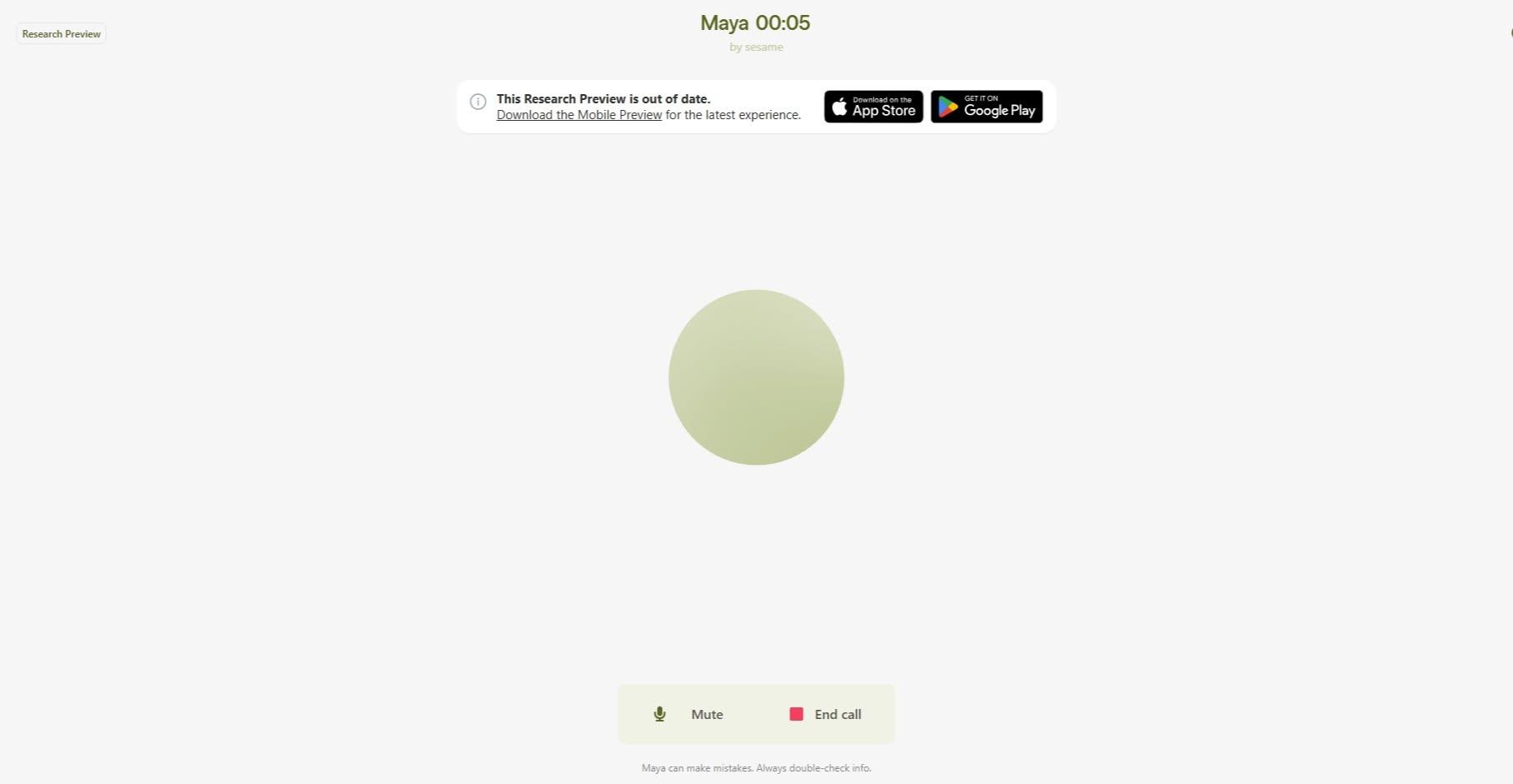
    How to Download and Use Sesame?
    Want to get started with Sesame? Download the Sesame app from your device's app store, install it, create your account, and follow the simple setup process. Once you're in, explore its features, customize your profile, and start enjoying a smarter and more productive experience.
    Whether you're a beginner or a tech enthusiast, Sesame makes it easy to connect, learn, and achieve more!
    #Sesame #DownloadSesame #SesameApp #TechTips #DigitalSkills #LearnTechnology #OnlineLearning #ProductivityTools #MobileApps #TechGuide #

    #rsisb Roll No 244 Foundation level Task no 8 ๐Ÿ“ฒ How to Download and Use Sesame? ๐Ÿš€ Want to get started with Sesame? ๐ŸŒŸ Download the Sesame app from your device's app store, install it, create your account, and follow the simple setup process. ๐Ÿ› ๏ธ Once you're in, explore its features, customize your profile, and start enjoying a smarter and more productive experience. ๐Ÿ’กโœจ Whether you're a beginner or a tech enthusiast, Sesame makes it easy to connect, learn, and achieve more! ๐ŸŽฏ๐Ÿ“ฑ #Sesame #DownloadSesame #SesameApp #TechTips #DigitalSkills #LearnTechnology #OnlineLearning #ProductivityTools #MobileApps #TechGuide ๐Ÿš€๐Ÿ“ฒ#
    0 Comments 0 Shares 1974 Views
  • #rsisb
    Roll No.244
    Task No.1
    Foundation Level
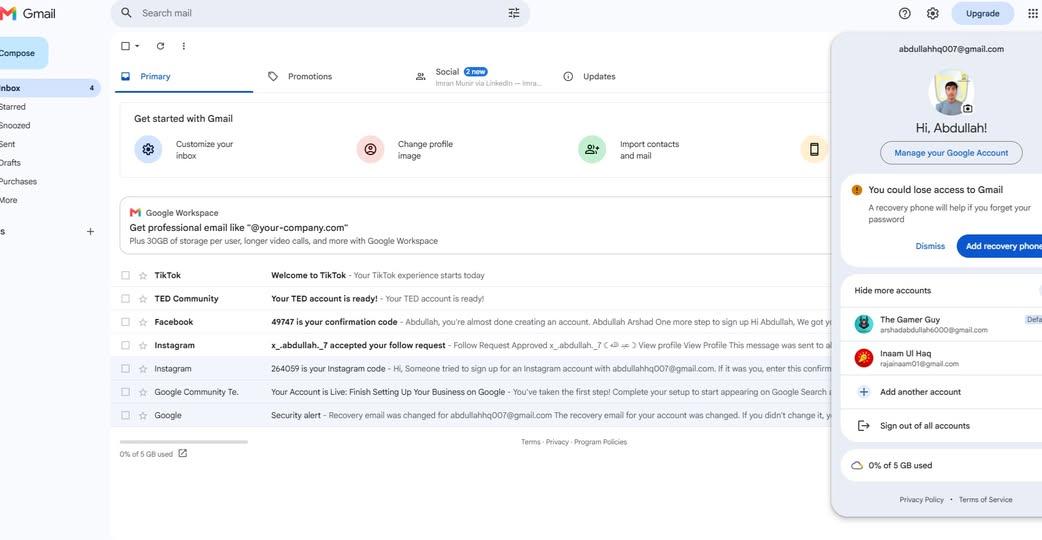
    Creating a Gmail account is your first step toward exploring the digital world! With a Gmail account, you can send and receive emails , access Google Drive , watch videos on YouTube , use Google Meet , download apps from the Play Store , and much more. The process is simple, free, and only takes a few minutes. Create your account today and unlock endless opportunities for learning, communication, and productivity!
    #Gmail #GoogleAccount #CreateGmail #Email #DigitalSkills #OnlineLearning #TechTips #Google #Productivity #StayConnected #BeginnerFriendly #InternetSkills #LearnTechnology #FreeAccount


    #rsisb Roll No.244 Task No.1 Foundation Level ๐Ÿ“งโœจ Creating a Gmail account is your first step toward exploring the digital world! ๐ŸŒ๐Ÿ’ป With a Gmail account, you can send and receive emails ๐Ÿ“ฉ, access Google Drive โ˜๏ธ, watch videos on YouTube โ–ถ๏ธ, use Google Meet ๐ŸŽฅ, download apps from the Play Store ๐Ÿ“ฑ, and much more. ๐Ÿš€ The process is simple, free, and only takes a few minutes. โณ Create your account today and unlock endless opportunities for learning, communication, and productivity! ๐ŸŒŸ๐Ÿ’™ #Gmail ๐Ÿ“ง #GoogleAccount ๐ŸŒ #CreateGmail โœ… #Email ๐Ÿ“ฉ #DigitalSkills ๐Ÿ’ป #OnlineLearning ๐Ÿ“š #TechTips ๐Ÿ’ก #Google ๐ŸŒ #Productivity ๐Ÿš€ #StayConnected ๐Ÿค #BeginnerFriendly ๐Ÿ˜Š #InternetSkills ๐ŸŒ #LearnTechnology ๐ŸŽฏ #FreeAccount
    0 Comments 0 Shares 1984 Views