#rsisb
Roll No 240
How to use restream for interviews?
Foundation level
**How to Use Restream for Interviews – Complete Guide!**
Want to host professional online interviews and stream them live to multiple platforms at the same time?
Restream is a powerful tool that allows you to invite guests, manage your live broadcasts, and engage with your audience effortlessly.
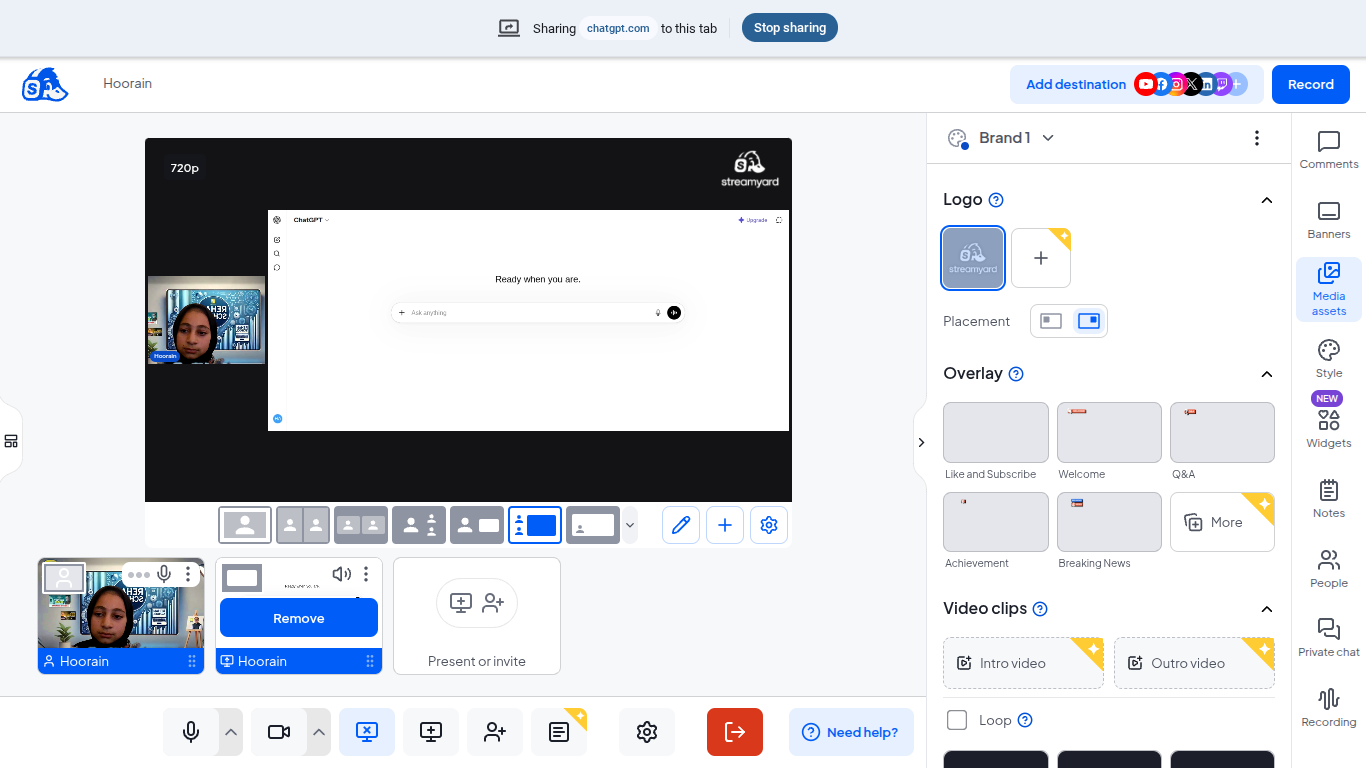
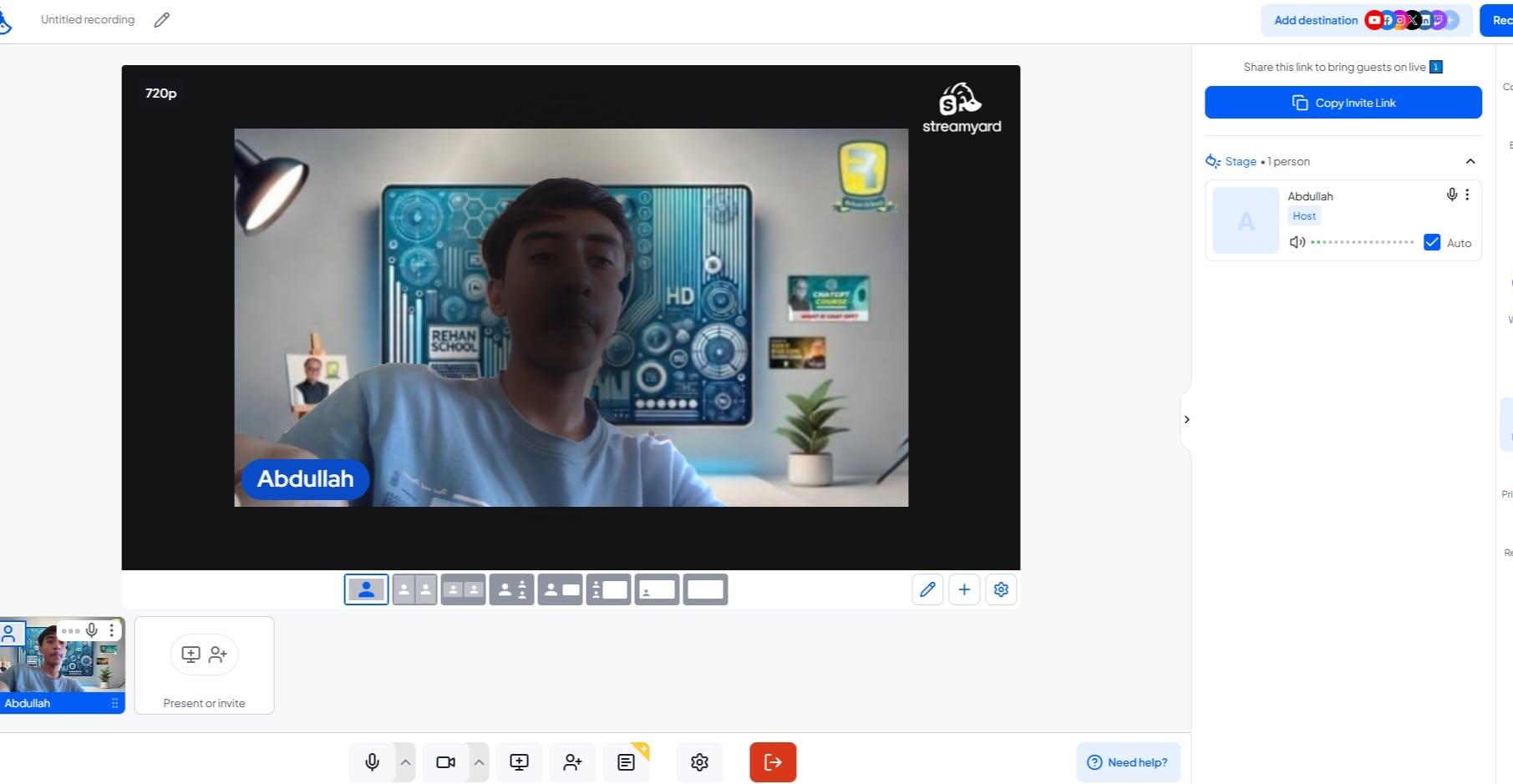
In this tutorial, you'll learn how to set up your Restream account, create a live studio, invite interview guests with a simple link, customize your stream layout, share your screen, and broadcast your interview to platforms like YouTube, Facebook, LinkedIn, and more.
Whether you're a content creator, podcaster, entrepreneur, teacher, or business professional, Restream helps you create high-quality interviews without needing expensive equipment or advanced technical skills.
By using Restream, you can:
Stream to multiple platforms simultaneously
Invite guests from anywhere in the world
Customize layouts and branding
Display comments and audience reactions live
Record interviews for future content
Grow your audience and increase engagement
Live interviews are a great way to share knowledge, build your personal brand, network with industry experts, and create valuable content that your audience will love.
Watch this step-by-step guide and start hosting professional live interviews with confidence today!
#Restream #LiveStreaming #OnlineInterviews #PodcastInterview #ContentCreation #LiveBroadcast #StreamingTips #SocialMediaMarketing #DigitalMarketing #YouTubeLive #FacebookLive #LinkedInLive #Podcasting #VideoMarketing #RemoteInterviews #InterviewTips #ContentCreator #TechTutorial #OnlineBusiness #PersonalBranding #GrowYourAudience #LiveStream #StreamLikeAPro #ProfessionalInterviews
Rehan School Islamabad Campus
Asma Shaheen EducationWali
Irum Asim
Saima Happinesswali
#rsisb
Roll No 240
How to use restream for interviews?
Foundation level
🎙️🚀 **How to Use Restream for Interviews – Complete Guide!**
Want to host professional online interviews and stream them live to multiple platforms at the same time? 🌍📹 Restream is a powerful tool that allows you to invite guests, manage your live broadcasts, and engage with your audience effortlessly.
In this tutorial, you'll learn how to set up your Restream account, create a live studio, invite interview guests with a simple link, customize your stream layout, share your screen, and broadcast your interview to platforms like YouTube, Facebook, LinkedIn, and more. 🎤💻✨
Whether you're a content creator, podcaster, entrepreneur, teacher, or business professional, Restream helps you create high-quality interviews without needing expensive equipment or advanced technical skills. 🚀📈
By using Restream, you can:
✅ Stream to multiple platforms simultaneously
✅ Invite guests from anywhere in the world
✅ Customize layouts and branding
✅ Display comments and audience reactions live
✅ Record interviews for future content
✅ Grow your audience and increase engagement
Live interviews are a great way to share knowledge, build your personal brand, network with industry experts, and create valuable content that your audience will love. 🌟🎯
Watch this step-by-step guide and start hosting professional live interviews with confidence today! 🎥🔥
#Restream #LiveStreaming #OnlineInterviews #PodcastInterview #ContentCreation #LiveBroadcast #StreamingTips #SocialMediaMarketing #DigitalMarketing #YouTubeLive #FacebookLive #LinkedInLive #Podcasting #VideoMarketing #RemoteInterviews #InterviewTips #ContentCreator #TechTutorial #OnlineBusiness #PersonalBranding #GrowYourAudience #LiveStream #StreamLikeAPro #ProfessionalInterviews 🚀🎙️📹✨🔥
Rehan School Islamabad Campus
Asma Shaheen EducationWali
Irum Asim
Saima Happinesswali