**Interview (StreamYard)**
**Name:** Ahid Soccer Wala
**Date:** 26 October 2026
**Task:** Interview (StreamYard)
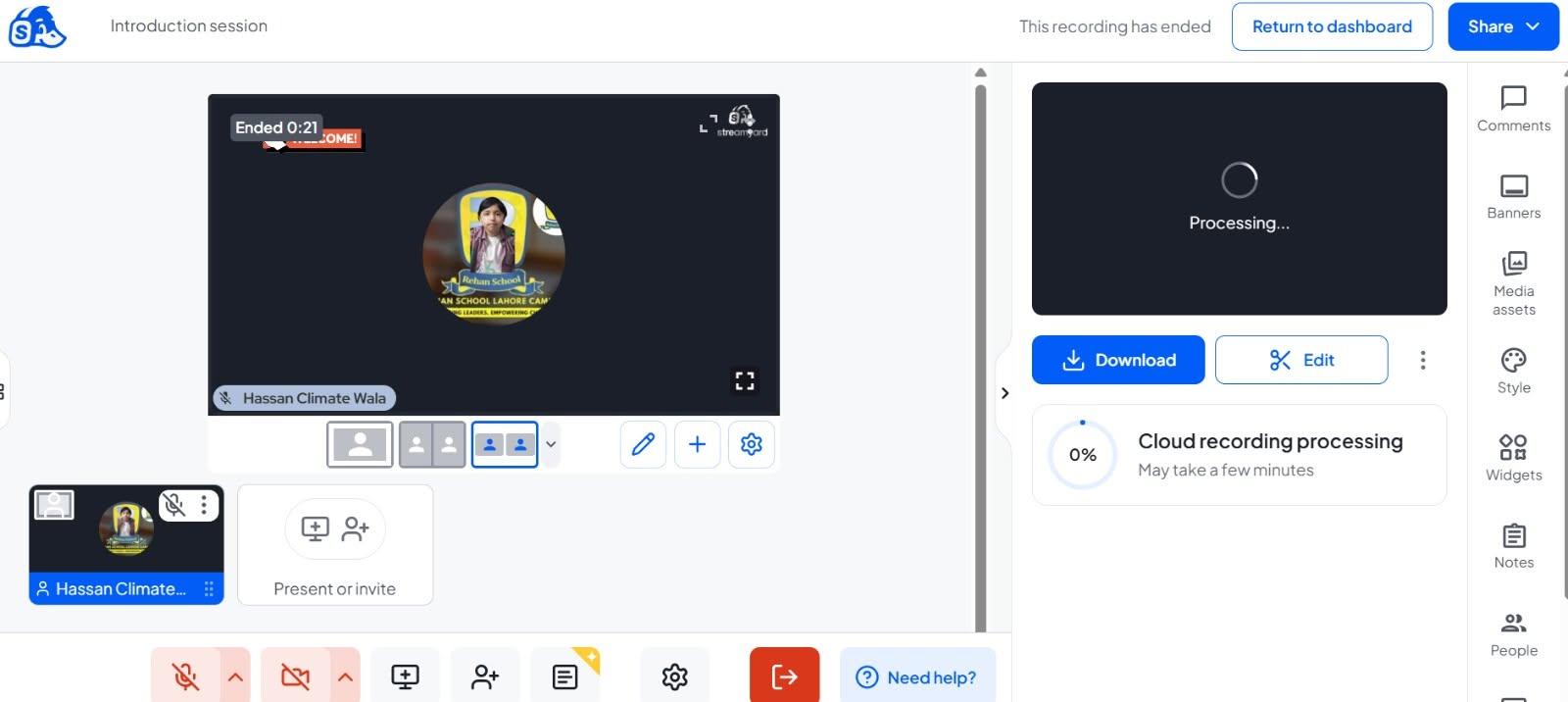
Today, I’m completing my Interview task using StreamYard! I’ll practise my communication skills, ask interesting questions, listen carefully to my guest, and build my confidence as an interviewer.
Learning to communicate confidently, one interview at a time!
#Interview #StreamYard #CommunicationSkills #Confidence #LearningJourney #DailyChallenge #AhidSoccerWala
**Name:** Ahid Soccer Wala
**Date:** 26 October 2026
**Task:** Interview (StreamYard)
Today, I’m completing my Interview task using StreamYard! I’ll practise my communication skills, ask interesting questions, listen carefully to my guest, and build my confidence as an interviewer.
Learning to communicate confidently, one interview at a time!
#Interview #StreamYard #CommunicationSkills #Confidence #LearningJourney #DailyChallenge #AhidSoccerWala
🎤✨ **Interview (StreamYard)** ✨🎥
👤 **Name:** Ahid Soccer Wala
📅 **Date:** 26 October 2026
🎯 **Task:** Interview (StreamYard)
🎙️ Today, I’m completing my Interview task using StreamYard! I’ll practise my communication skills, ask interesting questions, listen carefully to my guest, and build my confidence as an interviewer. 🗣️💪
📹 Learning to communicate confidently, one interview at a time! 🌟🚀
#Interview #StreamYard #CommunicationSkills #Confidence #LearningJourney #DailyChallenge #AhidSoccerWala 🎤✨
0 Comentários
0 Compartilhamentos
178 Visualizações
2