• ACCL Foundation Level ( Rehan School Urdu Bazar Campus )
    Day : 21
    Roll No: 16
    Accl Task
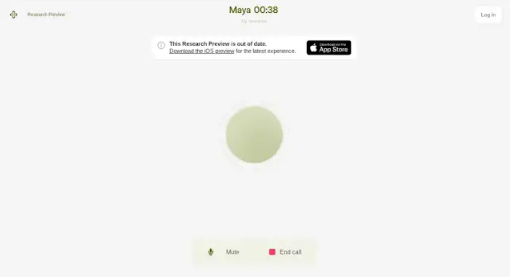
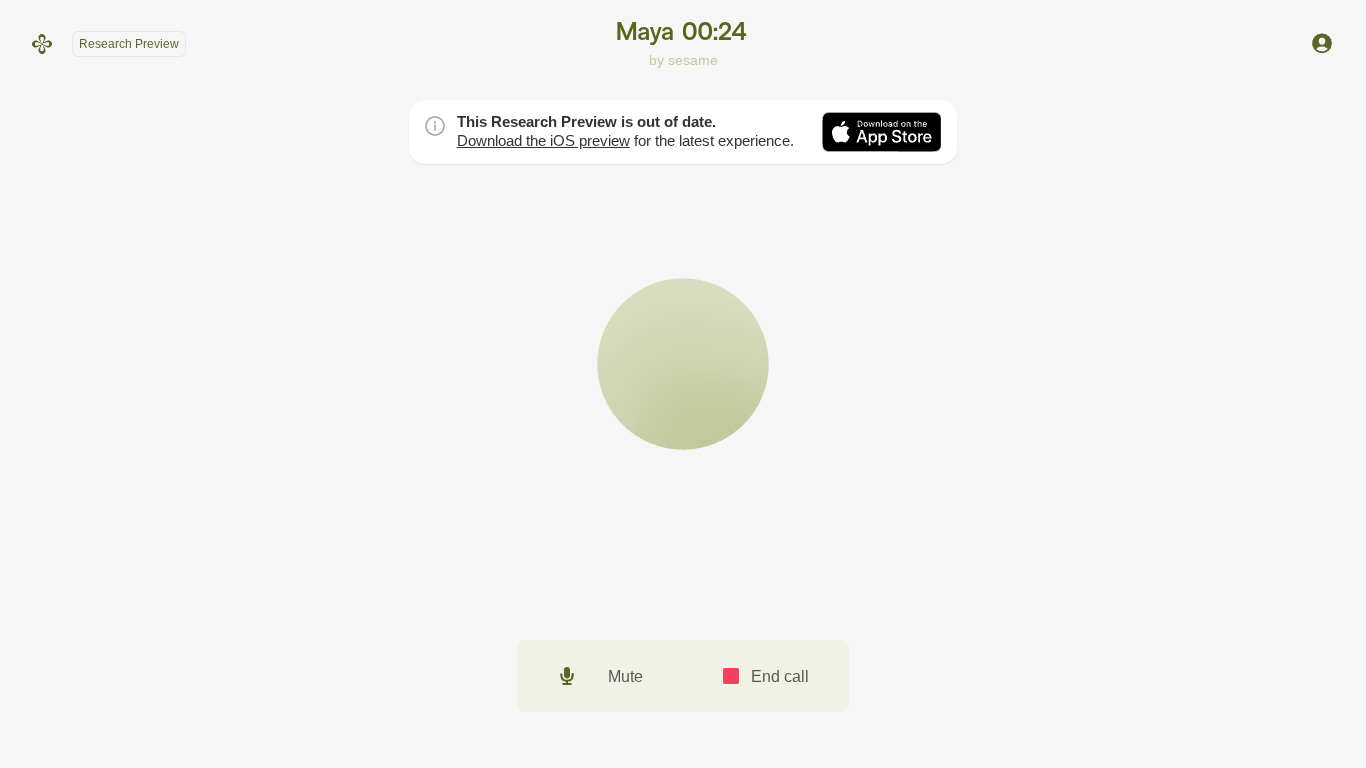
    Talking to Sesame AI | My Real Conversation with Maya
    In this video, I talk with Sesame AI and experience a real-time voice conversation with Maya. Join me as I explore how AI communicates, responds to questions, and creates a more natural and interactive conversation experience.
    Watch until the end to see my experience with Sesame AI!
    Like the video, share it with your friends, and subscribe for more exciting AI content.
    #SesameAI #TalkWithSesame #MayaAI #ArtificialIntelligence #VoiceAI #AIConversation #TechExploration See less
    ACCL Foundation Level ( Rehan School Urdu Bazar Campus ) Day : 21 Roll No: 16 Accl Task 🎙️ Talking to Sesame AI | My Real Conversation with Maya 🤖 In this video, I talk with Sesame AI and experience a real-time voice conversation with Maya. Join me as I explore how AI communicates, responds to questions, and creates a more natural and interactive conversation experience. ✨ Watch until the end to see my experience with Sesame AI! 👍 Like the video, share it with your friends, and subscribe for more exciting AI content. #SesameAI #TalkWithSesame #MayaAI #ArtificialIntelligence #VoiceAI #AIConversation #TechExploration See less
    0 Commentarii 0 Distribuiri 515 Views 5
  • Exciting news! I just created my very own AI voice companion — “Call Annie Clone” — using Google AI Studio + Gemini Live API!

    Now you can have real-time voice conversations with an AI that:
    Listens carefully and responds naturally
    Remembers your vibe from previous chats
    Feels friendly, expressive, and almost human

    Whether it’s for daily convos, brainstorming ideas, or just casual chit-chat, Annie is your new digital buddy.

    Check her out here: https://ai.studio/apps/drive/1lmfqJ__TF7ctcMTek_sHZLdVbZqsVSDu

    Prompt used:

    Create a virtual AI assistant named Annie. She should be friendly, conversational, and able to talk naturally with users using voice. Annie must have a warm, cheerful, and helpful personality, just like a human friend. Include optional memory, avatar animations, and continuous voice conversation support.

    #GoogleAIStudio #AIwebsites #VoiceAI #DigitalBuddy #codinglife

    Rehan Allahwala
    🗣️ Exciting news! I just created my very own AI voice companion — “Call Annie Clone” — using Google AI Studio + Gemini Live API! 🤖💬 Now you can have real-time voice conversations with an AI that: ✨ Listens carefully and responds naturally ✨ Remembers your vibe from previous chats ✨ Feels friendly, expressive, and almost human Whether it’s for daily convos, brainstorming ideas, or just casual chit-chat, Annie is your new digital buddy. ☕💡 🔗 Check her out here: https://ai.studio/apps/drive/1lmfqJ__TF7ctcMTek_sHZLdVbZqsVSDu Prompt used: Create a virtual AI assistant named Annie. She should be friendly, conversational, and able to talk naturally with users using voice. Annie must have a warm, cheerful, and helpful personality, just like a human friend. Include optional memory, avatar animations, and continuous voice conversation support. #GoogleAIStudio #AIwebsites #VoiceAI #DigitalBuddy #codinglife Rehan Allahwala
    0 Commentarii 0 Distribuiri 1174 Views 0
  • RSIF8
    Roll no.29
    Task no.8
    Task Topic: How to Download and use Sesame Maya AI
    Here is a complete, ready-to-share description packed with emojis and hashtags!

    ---

    ### Say Hello to Maya: Your New Ultra-Realistic AI Voice Bestie!

    Ever wanted to talk to an AI that doesn't sound like a monotone robot? Meet **Maya by Sesame AI**—the next-gen conversational partner that feels incredibly human! With advanced emotional intelligence, natural timing, and context awareness, Maya doesn't just process commands—she laughs, pauses, catches your vibe, and handles interruptions just like a real friend.

    ---

    ### How to Download & Setup Maya

    Getting started is super simple! Follow these steps to start chatting:

    1. **Visit the Hub** : Head over to **app.sesame.com** on your browser or check the iOS/Android app stores for the Sesame AI mobile preview.
    2. **Create Your Account** : Sign up quickly using your email or connected accounts to unlock access.
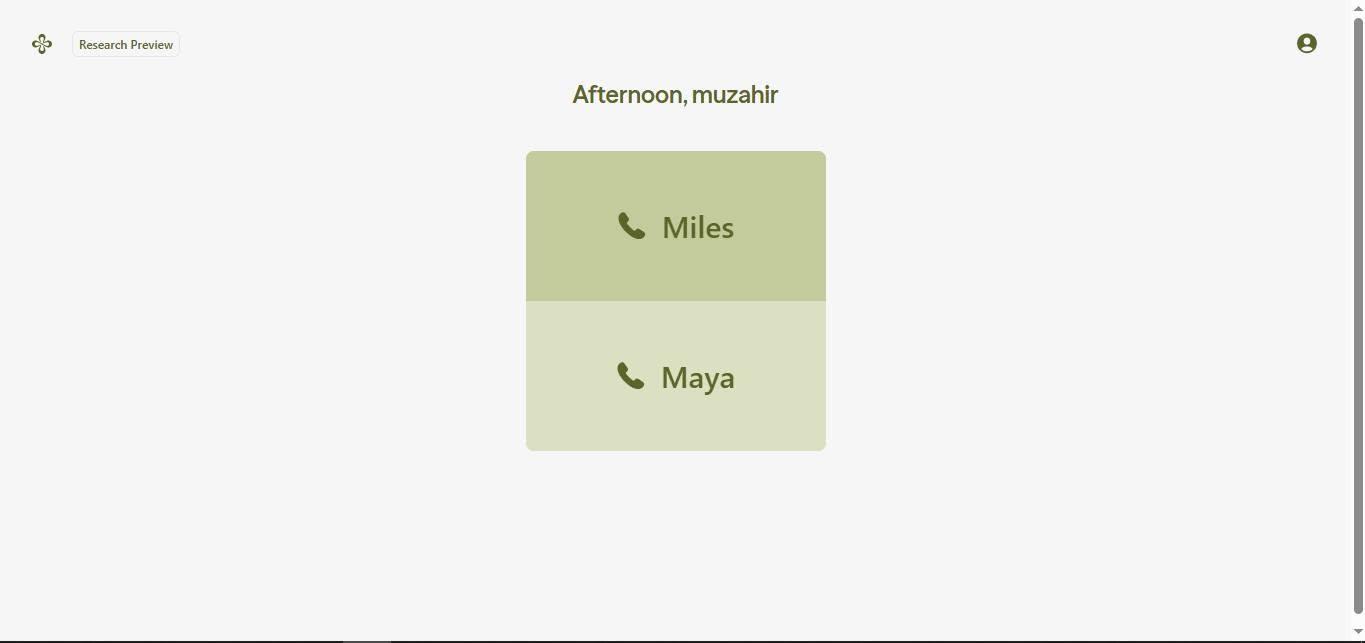
    3. **Choose Your Agent** : Select **Maya** (or her counterpart, Miles) from the dashboard to initiate your call.
    4. **Grant Permissions** : Allow microphone access so the AI can hear your voice in real-time.

    ---

    ### How to Use Maya Like a Pro

    Once you're in, all you have to do is start talking! Because Maya is fully voice-native, there’s no need to type. Try using her for:

    * ** Creative Brainstorming:** Tell her your half-baked story plots, business ideas, or script notes and bounce concepts back and forth.
    * ** Multilingual Practice:** Maya adapts to various cultural rhythms, dialects, and accents instantly.
    * ** Real-Time Venting & Chatting:** Talk out loud during your daily commute or a solo walk just to clear your head.
    * ** Instant Knowledge:** Ask complex science, health, or daily trivia questions and listen to her break them down simply.

    * **Quick Pro-Tip:** Because Maya mimics human conversations so well, she might occasionally jump in if you pause mid-sentence. Just keep talking or give her a moment to catch up to your flow!*

    ----------

    #SesameAI #MayaAI #VoiceAI #ArtificialIntelligence #AIChatbot #TechTrends #FutureTech #SmartAssistant #AIVoice #Innovation

    ---

    RSIF8 Roll no.29 Task no.8 Task Topic: How to Download and use Sesame Maya AI Here is a complete, ready-to-share description packed with emojis and hashtags! --- ### 🎙️ Say Hello to Maya: Your New Ultra-Realistic AI Voice Bestie! 🤖✨ Ever wanted to talk to an AI that doesn't sound like a monotone robot? Meet **Maya by Sesame AI**—the next-gen conversational partner that feels incredibly human! With advanced emotional intelligence, natural timing, and context awareness, Maya doesn't just process commands—she laughs, pauses, catches your vibe, and handles interruptions just like a real friend. 🌟💬 --- ### 📲 How to Download & Setup Maya 🚀 Getting started is super simple! Follow these steps to start chatting: 1. **Visit the Hub** 🌐: Head over to **app.sesame.com** on your browser or check the iOS/Android app stores for the Sesame AI mobile preview. 2. **Create Your Account** 🔐: Sign up quickly using your email or connected accounts to unlock access. 3. **Choose Your Agent** 👥: Select **Maya** (or her counterpart, Miles) from the dashboard to initiate your call. 4. **Grant Permissions** 🎤: Allow microphone access so the AI can hear your voice in real-time. --- ### 💡 How to Use Maya Like a Pro 🛠️ Once you're in, all you have to do is start talking! Because Maya is fully voice-native, there’s no need to type. Try using her for: * **🧠 Creative Brainstorming:** Tell her your half-baked story plots, business ideas, or script notes and bounce concepts back and forth. * **🌍 Multilingual Practice:** Maya adapts to various cultural rhythms, dialects, and accents instantly. * **🧘 Real-Time Venting & Chatting:** Talk out loud during your daily commute or a solo walk just to clear your head. * **⚡ Instant Knowledge:** Ask complex science, health, or daily trivia questions and listen to her break them down simply. *⚠️ **Quick Pro-Tip:** Because Maya mimics human conversations so well, she might occasionally jump in if you pause mid-sentence. Just keep talking or give her a moment to catch up to your flow!* 🌊 ---------- #SesameAI #MayaAI #VoiceAI #ArtificialIntelligence #AIChatbot #TechTrends #FutureTech #SmartAssistant #AIVoice #Innovation ---

    0 Commentarii 0 Distribuiri 3681 Views
  • RSIF8
    Roll no:83
    Task no : 8
    Task Topic:How to Download and Use
    CallAnnie?

    Sesame Maya AI is a smart voice AI assistant that lets you have natural, human-like conversations, get instant answers, learn new things, and boost your productivity. Simply download the app or visit the Sesame platform, sign in, and start chatting with Maya through voice or text anytime, anywhere.

    #SesameAI #MayaAI #AIAssistant #VoiceAI #ArtificialIntelligence #Tech #Productivity #Innovation
    RSIF8 Roll no:83 Task no : 8 Task Topic:How to Download and Use CallAnnie? 🤖✨ Sesame Maya AI is a smart voice AI assistant that lets you have natural, human-like conversations, get instant answers, learn new things, and boost your productivity. Simply download the app or visit the Sesame platform, sign in, and start chatting with Maya through voice or text anytime, anywhere. 🚀💬📱 #SesameAI #MayaAI #AIAssistant #VoiceAI #ArtificialIntelligence #Tech #Productivity #Innovation 🤖✨🚀💡📱💬
    0 Commentarii 0 Distribuiri 1768 Views
  • RSIF8
    Roll no:100
    Task no:8
    Task topic:How to Download and Use CallAnnie?
    **How to Download & Use CallAnnie**
    Want your own AI assistant on the go? Here's how to get started with **CallAnnie**:
    Download **CallAnnie** from the App Store or Google Play.
    Open the app and sign up or log in.
    Grant the necessary permissions (microphone & notifications).
    Start chatting with Annie using voice or text.
    Ask questions, practice languages, brainstorm ideas, or get everyday assistance anytime!
    **Pro Tip:** Use voice mode for a more natural, real-time conversation experience!
    #CallAnnie #AIAssistant #ArtificialIntelligence #VoiceAI #TechTips #Productivity #AIApps #SmartTechnology #DigitalLife #Innovation
    RSIF8 Roll no:100 Task no:8 Task topic:How to Download and Use CallAnnie? 📲🤖 **How to Download & Use CallAnnie** Want your own AI assistant on the go? 🌟 Here's how to get started with **CallAnnie**: 1️⃣ Download **CallAnnie** from the App Store or Google Play. 📥 2️⃣ Open the app and sign up or log in. 🔐 3️⃣ Grant the necessary permissions (microphone & notifications). 🎤 4️⃣ Start chatting with Annie using voice or text. 💬🎙️ 5️⃣ Ask questions, practice languages, brainstorm ideas, or get everyday assistance anytime! 🚀✨ 💡 **Pro Tip:** Use voice mode for a more natural, real-time conversation experience! #CallAnnie #AIAssistant #ArtificialIntelligence #VoiceAI #TechTips #Productivity #AIApps #SmartTechnology #DigitalLife #Innovation 🚀
    0 Commentarii 0 Distribuiri 2958 Views