



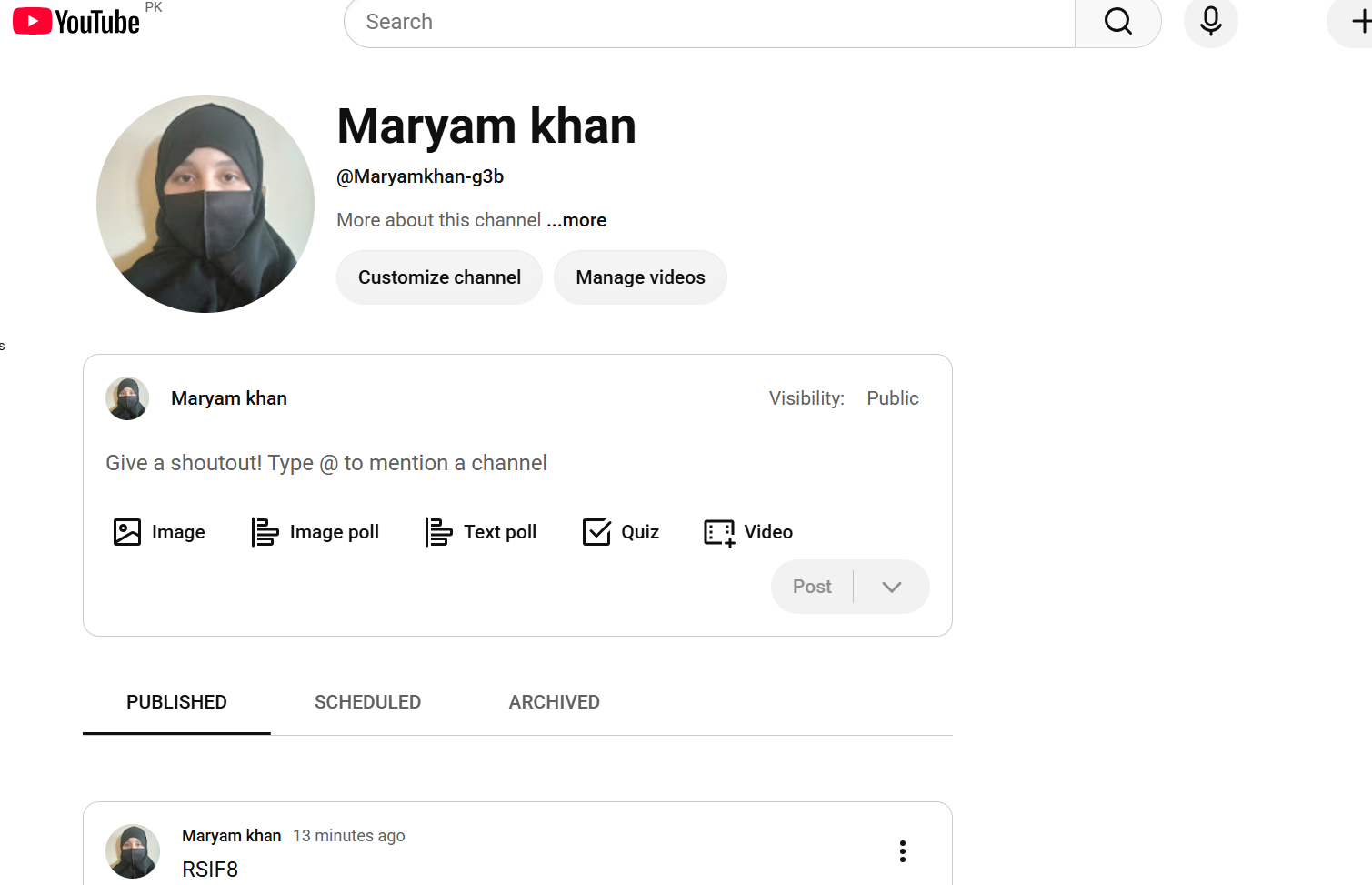
RSIF8
Roll no:112
Task no:4
Task Topic: How to Create a YouTube Account & Start Your Channel!
Want to start your own YouTube channel? Follow these simple steps to create your account and get started!
Go to YouTube.com
Click Sign In and log in with your Google account
Click your profile icon and choose Create a Channel
Add a profile picture and channel banner
Write an attractive channel description
Upload your first video
Choose the right privacy settings
Your YouTube channel is ready!
Tip: Create interesting content, use a clear thumbnail, and stay consistent to grow your channel.
#YouTube #YouTubeChannel #CreateYouTubeAccount #YouTubeTips #YouTubeTutorial #YouTubeCreator #ContentCreator #StartYouTube #YouTubeBeginners #VideoCreator #SocialMedia #DigitalSkills #TechTips #OnlineLearning #YouTubeGrowth
Roll no:112
Task no:4
Task Topic: How to Create a YouTube Account & Start Your Channel!
Want to start your own YouTube channel? Follow these simple steps to create your account and get started!
Go to YouTube.com
Click Sign In and log in with your Google account
Click your profile icon and choose Create a Channel
Add a profile picture and channel banner
Write an attractive channel description
Upload your first video
Choose the right privacy settings
Your YouTube channel is ready!
Tip: Create interesting content, use a clear thumbnail, and stay consistent to grow your channel.
#YouTube #YouTubeChannel #CreateYouTubeAccount #YouTubeTips #YouTubeTutorial #YouTubeCreator #ContentCreator #StartYouTube #YouTubeBeginners #VideoCreator #SocialMedia #DigitalSkills #TechTips #OnlineLearning #YouTubeGrowth
RSIF8
Roll no:112
Task no:4
Task Topic: How to Create a YouTube Account & Start Your Channel! ▶️📱
Want to start your own YouTube channel? 🚀 Follow these simple steps to create your account and get started! 👇
🌐 Go to YouTube.com
🔐 Click Sign In and log in with your Google account
👤 Click your profile icon and choose Create a Channel
🖼️ Add a profile picture and channel banner
📝 Write an attractive channel description
🎬 Upload your first video
🔒 Choose the right privacy settings
🎉 Your YouTube channel is ready!
💡 Tip: Create interesting content, use a clear thumbnail, and stay consistent to grow your channel. 🌟📈
#YouTube #YouTubeChannel #CreateYouTubeAccount #YouTubeTips #YouTubeTutorial #YouTubeCreator #ContentCreator #StartYouTube #YouTubeBeginners #VideoCreator #SocialMedia #DigitalSkills #TechTips #OnlineLearning #YouTubeGrowth
0 Comentários
0 Compartilhamentos
4460 Visualizações