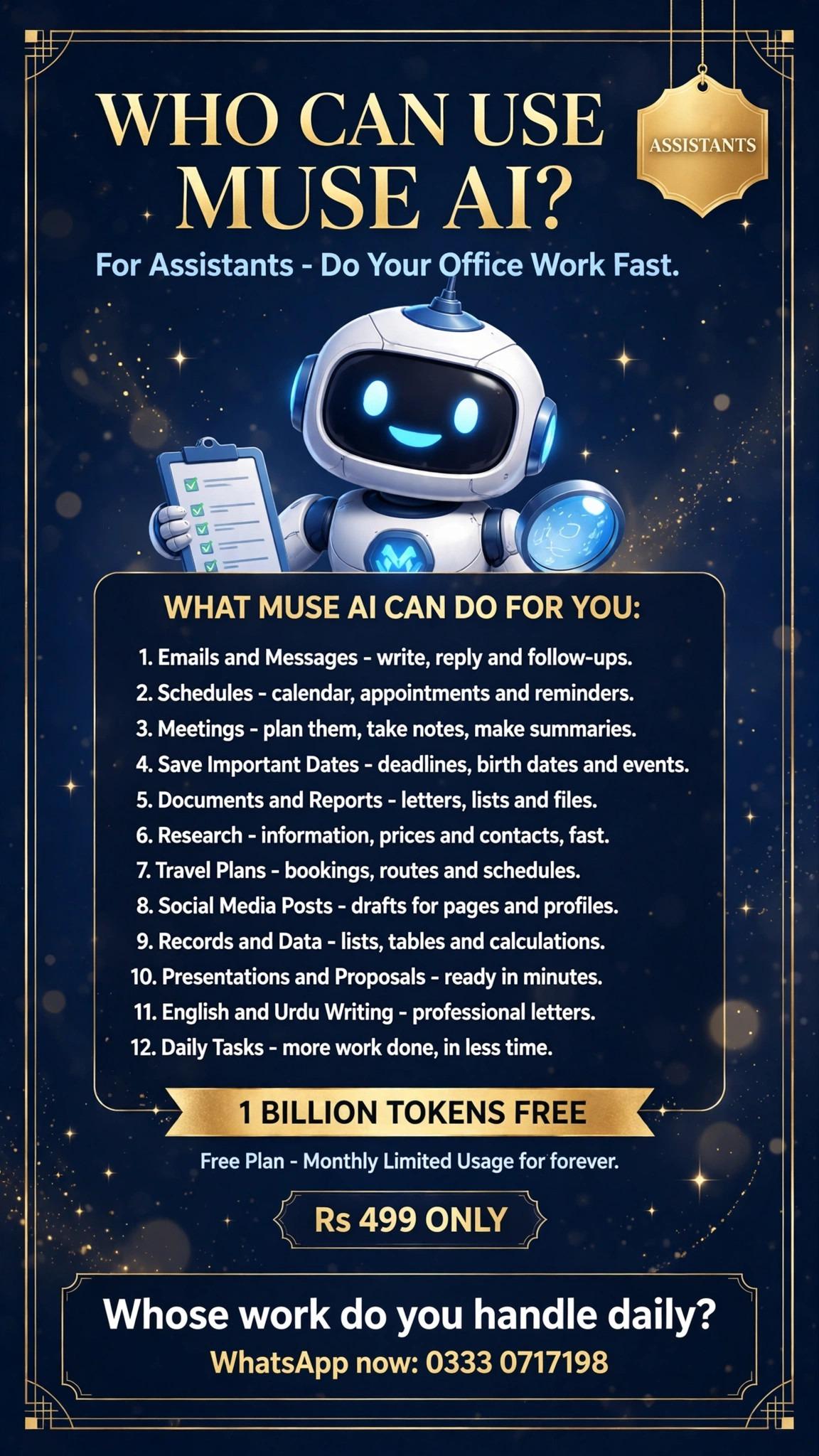
• Who can use Muse AI? — For Assistants!
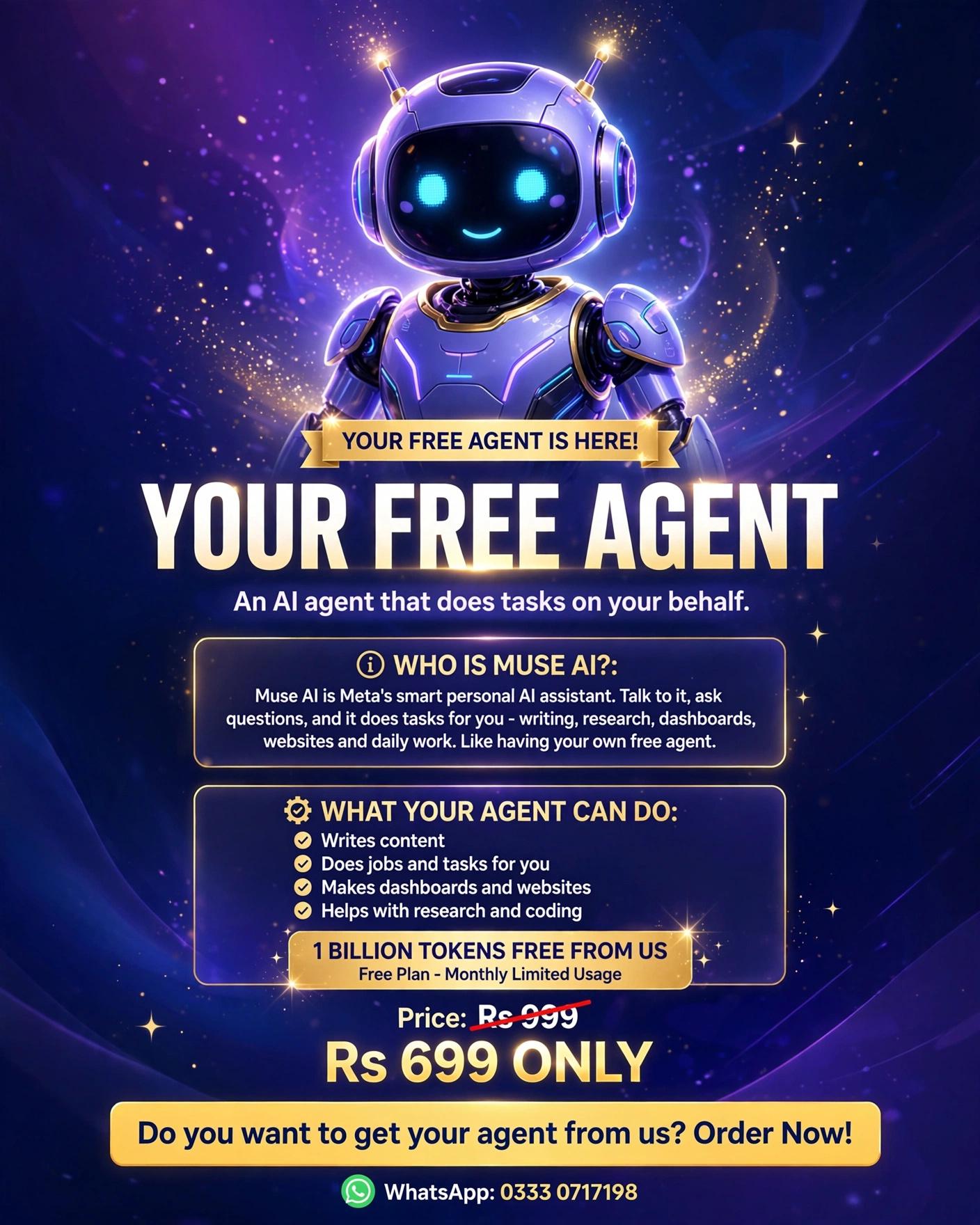
    Do your office work fast and finish more in less time.
    Emails, schedules, meetings, documents, research, travel plans and much more — all in one assistant.
    1 Billion Tokens FREE | Free Plan, Monthly Limited Usage for forever
    Only Rs 499
    WhatsApp now: 0333 0717198
    #MuseAI #Assistant #OfficeWork #AITools #Pakistan #Productivity
    Who can use Muse AI? — For Assistants! Do your office work fast and finish more in less time. Emails, schedules, meetings, documents, research, travel plans and much more — all in one assistant. 1 Billion Tokens FREE | Free Plan, Monthly Limited Usage for forever Only Rs 499 WhatsApp now: 0333 0717198 #MuseAI #Assistant #OfficeWork #AITools #Pakistan #Productivity
    0 Commentaires 0 Parts 341 Vue
  • RSIF8
    Task no:01
    Task Topic:Create Gmail Account


    **Day 1 – Create Gmail Account**

    Today, I learned how to creRSIF8
    Task no:01
    Topic;Create Gmail Accoate a new Gmail account step by step. Gmail is a free email service provided by Google that helps us send and receive emails easily. It is very useful for communication, sharing documents, sending pictures, receiving important messages, and staying connected with others.

    In this learning activity, I learned how to open Gmail, select the Create Account option, enter my personal details, choose a unique username, create a strong password, and complete the account setup process. I also learned why keeping our passwords safe and private is important.

    Creating a Gmail account is an important step in learning digital skills. It helps students in their studies, online learning, communication, and many other activities. This was my first step towards improving my computer and internet skills.

    **#GmailAccount #CreateGmailAccount #Day1 #DigitalSkills #ComputerLearning #Technology #GoogleGmail #OnlineLearning #LearnNewSkills #DigitalEducation #StudentLearning #ComputerSkills #StepByStepLearning #LearningJourney #TechForStudents**
    RSIF8 Task no:01 Task Topic:Create Gmail Account 📧 **Day 1 – Create Gmail Account** 💻✨ Today, I learned how to creRSIF8 Task no:01 Topic;Create Gmail Accoate a new Gmail account step by step. Gmail is a free email service provided by Google that helps us send and receive emails easily. It is very useful for communication, sharing documents, sending pictures, receiving important messages, and staying connected with others. In this learning activity, I learned how to open Gmail, select the Create Account option, enter my personal details, choose a unique username, create a strong password, and complete the account setup process. I also learned why keeping our passwords safe and private is important. Creating a Gmail account is an important step in learning digital skills. It helps students in their studies, online learning, communication, and many other activities. This was my first step towards improving my computer and internet skills. 🌟📚 **#GmailAccount #CreateGmailAccount #Day1 #DigitalSkills #ComputerLearning #Technology #GoogleGmail #OnlineLearning #LearnNewSkills #DigitalEducation #StudentLearning #ComputerSkills #StepByStepLearning #LearningJourney #TechForStudents**
    0 Commentaires 0 Parts 704 Vue
  • My Gmail Account Creation – Digital Communication Journey
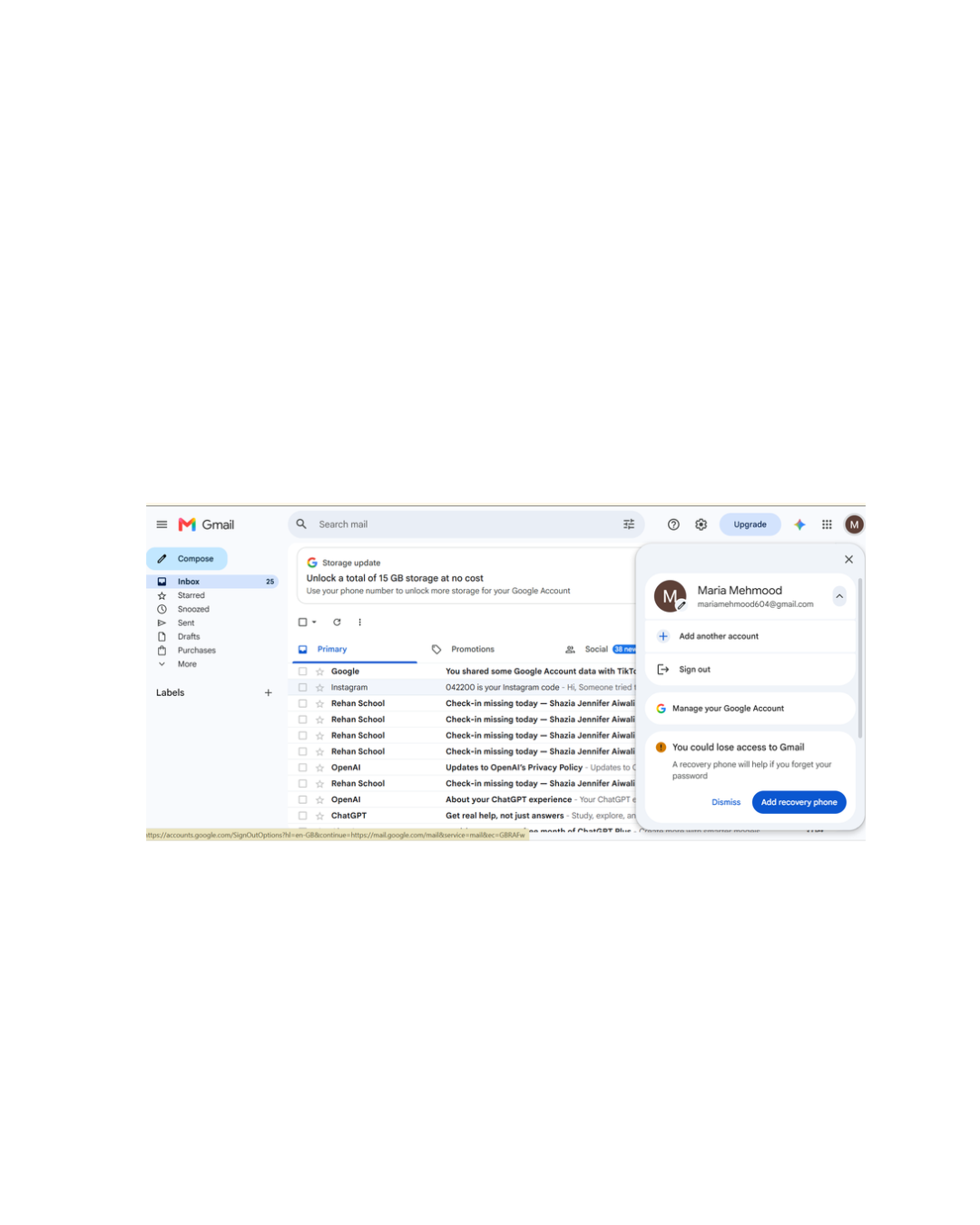
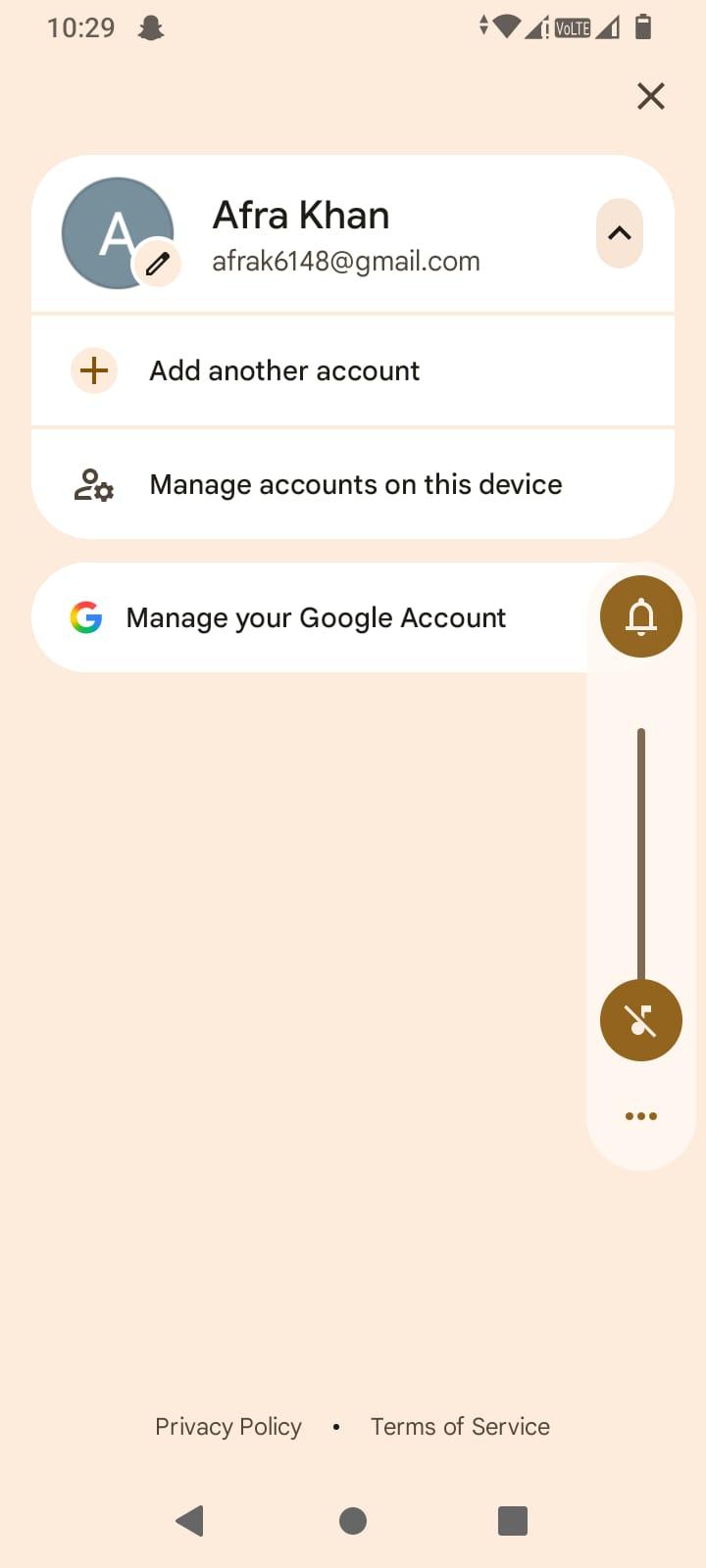
    Today, I successfully created my own Gmail Account and explored the Gmail interface.
    Book: A — Foundation Level
    Date: 31 October 2026
    Day: Saturday
    What I Learned:
    How to create a Gmail account.
    Understanding the Gmail inbox.
    Exploring Compose, Inbox, Sent, Drafts and Starred.
    Learning the basics of email communication.
    Understanding how Gmail helps us stay connected.
    My Learning Journey:
    This activity helped me take another step towards becoming digitally skilled and improving my communication skills.
    Learn, Explore & Grow!
    #Gmail #Google #EmailAccount #DigitalSkills #Technology #LearningJourney #FoundationLevel #RehanSchool
    📧✨ My Gmail Account Creation – Digital Communication Journey 🚀 Today, I successfully created my own Gmail Account and explored the Gmail interface. 🎉 📚 Book: A — Foundation Level 📅 Date: 31 October 2026 🗓️ Day: Saturday 💡 What I Learned: How to create a Gmail account. Understanding the Gmail inbox. Exploring Compose, Inbox, Sent, Drafts and Starred. Learning the basics of email communication. Understanding how Gmail helps us stay connected. 🌍 My Learning Journey: This activity helped me take another step towards becoming digitally skilled and improving my communication skills. 📩 Learn, Explore & Grow! #Gmail #Google #EmailAccount #DigitalSkills #Technology #LearningJourney #FoundationLevel #RehanSchool
    1
    0 Commentaires 0 Parts 554 Vue
  • Accl portal
    Day 1
    Task 1
    Book 1
    My Professional Gmail Account

    Gmail is a reliable and professional email service by Google that helps me communicate, share information, and stay connected with people around the world.

    This email account is created for professional communication, important messages, educational purposes, online services, and managing digital activities.

    Email Communication: Sending and receiving emails professionally.
    Security & Privacy: Keeping account information safe and secure.
    Organization: Managing important emails, documents, and notifications.
    Education & Learning: Connecting with educational platforms and learning resources.
    Digital Connectivity: Accessing Google services and other online platforms.
    Professional Networking: Communicating respectfully and building professional connections.

    My goal is to use this Gmail account responsibly for communication, learning, productivity, and professional development.

    Stay Connected | Communicate Professionally | Keep Growing
    @
    Accl portal Day 1 Task 1 Book 1 📧✨ My Professional Gmail Account ✨📧 🌐 Gmail is a reliable and professional email service by Google that helps me communicate, share information, and stay connected with people around the world. 💼 This email account is created for professional communication, important messages, educational purposes, online services, and managing digital activities. 📩 Email Communication: Sending and receiving emails professionally. 🔐 Security & Privacy: Keeping account information safe and secure. 📂 Organization: Managing important emails, documents, and notifications. 🎓 Education & Learning: Connecting with educational platforms and learning resources. 💻 Digital Connectivity: Accessing Google services and other online platforms. 🤝 Professional Networking: Communicating respectfully and building professional connections. 🚀 My goal is to use this Gmail account responsibly for communication, learning, productivity, and professional development. ✨ Stay Connected | Communicate Professionally | Keep Growing 📧💼 @
    0 Commentaires 0 Parts 552 Vue
  • Accl Portal
    Day 2
    Week 1
    Book #1
    Task #2
    How to create a facebook account
    Visit www.facebook.com → Click Create New Account
    Fill name, email/phone, password, birth date, gender
    Verify account with email or phone code
    Add profile picture and optional details
    Find friends and connect
    Done — Facebook account ready
    Submit your Facebook profile link (e.g., https://facebook.com/yourname)
    Accl Portal Day 2 Week 1 Book #1 Task #2 How to create a facebook account Visit www.facebook.com → Click Create New Account Fill name, email/phone, password, birth date, gender Verify account with email or phone code Add profile picture and optional details Find friends and connect Done — Facebook account ready Submit your Facebook profile link (e.g., https://facebook.com/yourname)
    1
    0 Commentaires 0 Parts 339 Vue
  • Accl Portal
    Day 1
    week 1
    Task 1
    How to create a gmail account
    Open your browser and go to www.gmail.com
    Click on Create Account → choose "For Myself" or "For Business"
    Enter first name, last name, choose username, and create a password
    Verify your phone number via SMS code
    (Optional) Add recovery email, enter birth date & gender
    Agree to Google's terms and set up profile picture (optional)
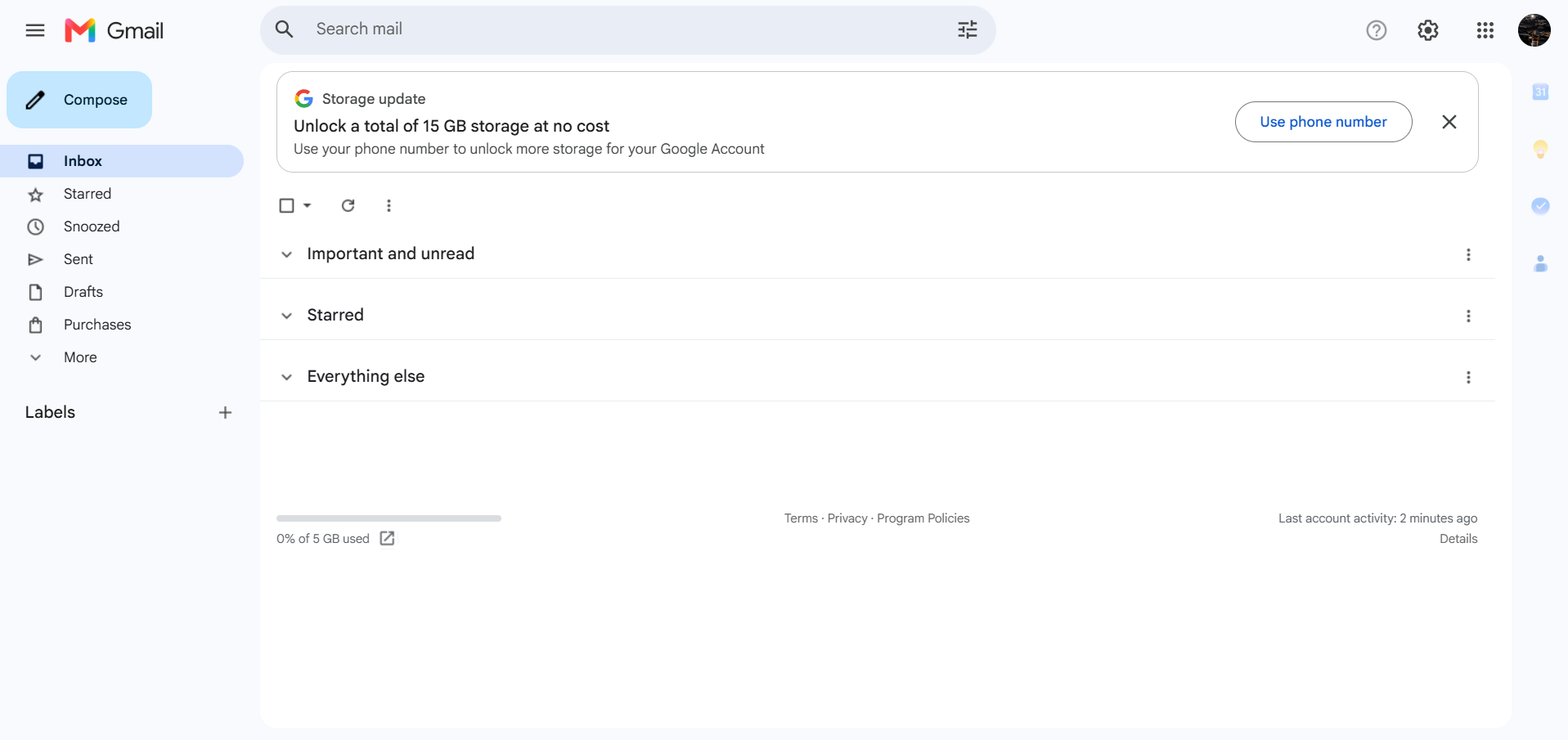
    Done — Gmail inbox ready
    Submit your Gmail address (e.g., yourname@gmail.com)
    Accl Portal Day 1 week 1 Task 1 How to create a gmail account Open your browser and go to www.gmail.com Click on Create Account → choose "For Myself" or "For Business" Enter first name, last name, choose username, and create a password Verify your phone number via SMS code (Optional) Add recovery email, enter birth date & gender Agree to Google's terms and set up profile picture (optional) Done — Gmail inbox ready Submit your Gmail address (e.g., yourname@gmail.com)
    0 Commentaires 0 Parts 401 Vue
  • Big Offer! Don't miss it!

    New Muse AI Account | 1 Billion Tokens FREE from us!
    Free Plan | Monthly Limited Usage

    Your personal AI assistant — for jobs, dashboards, websites, writing and research.

    Price: Only Rs 699
    Limited Offer | only a few accounts left!

    3 Requirements:

    Fresh email
    Confirm the Meta code
    Account released after payment
    WhatsApp now! Order today:
    0333 0717198

    #MuseAI #AI #Pakistan #Students #Freelancing
    Big Offer! Don't miss it! New Muse AI Account | 1 Billion Tokens FREE from us! Free Plan | Monthly Limited Usage Your personal AI assistant — for jobs, dashboards, websites, writing and research. 💰 Price: Only Rs 699 ⏰ Limited Offer | only a few accounts left! 3 Requirements: Fresh email Confirm the Meta code Account released after payment 👉 WhatsApp now! Order today: 0333 0717198 #MuseAI #AI #Pakistan #Students #Freelancing
    0 Commentaires 0 Parts 2223 Vue


  • Liked by aiman_zaheer_ and 1 other
    Mohsin #RSF8
    Call Annine NO:7
    Class: foundation level
    rool no:13
    Made by Me

    “Please” – The Evolution of Politeness (5 Min)

    The word “please” may be small, but it has a very important place in communication. We use it when making requests, asking for help, or speaking respectfully with other people. This simple word can make our conversations sound kinder, more respectful, and more thoughtful.

    From childhood, many of us are taught to use polite words such as “please,” “thank you,” “sorry,” and “excuse me.” These words help us communicate our feelings and requests in a positive way. Saying “please” shows that we understand that other people have their own choices, time, and responsibilities.

    The idea of politeness has changed throughout history. Different societies and cultures have developed their own ways of showing respect. The words people use, the way they make requests, and the customs they follow can be different from one place to another. However, the basic idea of treating others with consideration remains important.

    “Please” is especially useful when we want something from another person. Compare “Give me your book” with “Please give me your book.” The second sentence sounds more respectful because it turns a direct command into a polite request. Although the word itself is simple, it can influence the tone of an entire conversation.

    Politeness is also important in schools, workplaces, families, and online communication. When students speak politely with teachers and classmates, it can create a more positive learning environment. Similarly, using respectful language in messages, emails, and social media conversations can help prevent misunderstandings.

    Another interesting part of politeness is that it is not only about words. Tone of voice, facial expressions, listening, patience, and respect also influence how our communication is received. Someone can say “please” but still sound disrespectful if their overall behavior is unkind. True politeness comes from both our words and our attitude.

    Liked by aiman_zaheer_ and 1 other Mohsin #RSF8🎓✨ Call Annine NO:7 Class: foundation level 📚 rool no:13 Made by Me 💻🚀 🌟 “Please” – The Evolution of Politeness (5 Min) The word “please” may be small, but it has a very important place in communication. We use it when making requests, asking for help, or speaking respectfully with other people. This simple word can make our conversations sound kinder, more respectful, and more thoughtful. From childhood, many of us are taught to use polite words such as “please,” “thank you,” “sorry,” and “excuse me.” These words help us communicate our feelings and requests in a positive way. Saying “please” shows that we understand that other people have their own choices, time, and responsibilities. The idea of politeness has changed throughout history. Different societies and cultures have developed their own ways of showing respect. The words people use, the way they make requests, and the customs they follow can be different from one place to another. However, the basic idea of treating others with consideration remains important. “Please” is especially useful when we want something from another person. Compare “Give me your book” with “Please give me your book.” The second sentence sounds more respectful because it turns a direct command into a polite request. Although the word itself is simple, it can influence the tone of an entire conversation. Politeness is also important in schools, workplaces, families, and online communication. When students speak politely with teachers and classmates, it can create a more positive learning environment. Similarly, using respectful language in messages, emails, and social media conversations can help prevent misunderstandings. Another interesting part of politeness is that it is not only about words. Tone of voice, facial expressions, listening, patience, and respect also influence how our communication is received. Someone can say “please” but still sound disrespectful if their overall behavior is unkind. True politeness comes from both our words and our attitude.

    0 Commentaires 0 Parts 1412 Vue 37
  • RSIF8
    Roll no:14
    coding task no:12
    coding task topic:Simple Contact Book (store/manage contacts)

    **Simple Contact Book – Store and Manage Contacts**

    **Description:**

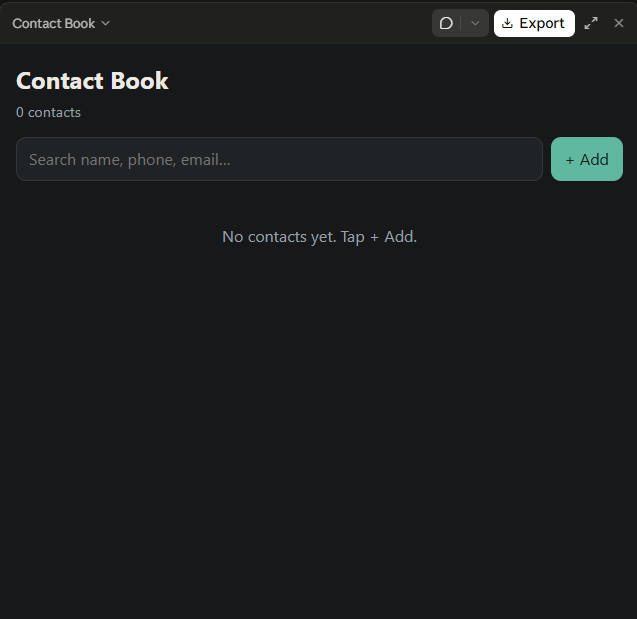
    The Simple Contact Book is a useful and user-friendly application designed to store, organize, and manage contact information easily. This project allows users to save important details such as names, phone numbers, and email addresses in one convenient place. Instead of searching through a long list of contacts, users can quickly find the information they need whenever required.

    The application includes essential features such as **adding new contacts, viewing saved contacts, editing existing information, deleting unwanted contacts, and searching for specific people**. These features make contact management simple, fast, and efficient.

    The main purpose of this project is to provide a practical solution for organizing personal or professional contacts while learning the fundamentals of programming and application development. It helps beginners understand important concepts such as data storage, user input, searching, updating records, and deleting information.

    With its simple design and easy-to-use features, the Simple Contact Book is an excellent beginner-friendly programming project. It demonstrates how technology can make everyday tasks easier and more organized.

    **Key Features:**
    - Add new contacts.
    - View all saved contacts.
    - Edit contact details.
    - Delete unwanted contacts.
    - Search contacts by name or phone number.
    - Keep contact information organized.

    **Project Goal:** To develop a simple, efficient, and user-friendly application that makes storing and managing contacts quick and convenient.

    #SimpleContactBook #ProgrammingProject #ContactManager #BeginnerCoding #AppDevelopment #LearnProgramming #ComputerScience #CodingProject #Technology #StudentProject

    RSIF8 Roll no:14 coding task no:12 coding task topic:Simple Contact Book (store/manage contacts) 📱 **Simple Contact Book – Store and Manage Contacts** 📇 **Description:** The Simple Contact Book is a useful and user-friendly application designed to store, organize, and manage contact information easily. 📒✨ This project allows users to save important details such as names, phone numbers, and email addresses in one convenient place. Instead of searching through a long list of contacts, users can quickly find the information they need whenever required. The application includes essential features such as **adding new contacts, viewing saved contacts, editing existing information, deleting unwanted contacts, and searching for specific people**. 🔍📞 These features make contact management simple, fast, and efficient. The main purpose of this project is to provide a practical solution for organizing personal or professional contacts while learning the fundamentals of programming and application development. 💻🚀 It helps beginners understand important concepts such as data storage, user input, searching, updating records, and deleting information. With its simple design and easy-to-use features, the Simple Contact Book is an excellent beginner-friendly programming project. It demonstrates how technology can make everyday tasks easier and more organized. 🌟 **Key Features:** - ➕ Add new contacts. - 📋 View all saved contacts. - ✏️ Edit contact details. - 🗑️ Delete unwanted contacts. - 🔎 Search contacts by name or phone number. - 📱 Keep contact information organized. 🎯 **Project Goal:** To develop a simple, efficient, and user-friendly application that makes storing and managing contacts quick and convenient. #SimpleContactBook #ProgrammingProject #ContactManager #BeginnerCoding #AppDevelopment #LearnProgramming #ComputerScience #CodingProject #Technology #StudentProject 💻📱✨
    0 Commentaires 0 Parts 2366 Vue
  • #rsisb Foundation level student. Roll no:232 Documentary NO:6 🌐💻 **Documentary — How the Internet Changed the World** 🌍🚀 Welcome to an exciting journey through the history of the internet! 🎬✨ In this documentary, *How the Internet Changed the World*, we explore how the internet transformed the way people communicate, learn, work, and share information. Discover how the internet connects billions of people around the world, makes education more accessible, supports businesses, and creates new opportunities in science, technology, and entertainment. 📱🌐 From emails and social media to online learning and artificial intelligence, the internet has become an essential part of modern life. 🤖📚 We will also explore the challenges of the digital world, including online safety, privacy, misinformation, and responsible internet use. 🔐💡 Understanding both the benefits and challenges of the internet helps us become smarter and more responsible digital citizens. Join me as we discover how this powerful invention changed our world and continues to shape our future! 🌎⚡ **Learn, Explore, Connect, and Innovate! 🚀💡** #HowTheInternetChangedTheWorld #Internet #Technology #DigitalWorld #HistoryOfTheInternet #ArtificialIntelligence #DigitalEducation #Innovation #Communication #OnlineLearning #InternetSafety #DigitalCitizenship #EducationalDocumentary #TechEvolution #FutureOfTechnology 🌐💻🤖📚🌍✨ Irum Asim Leadershipwali Asma Shaheen EducationWali Rehan School Islamabad Campus https://www.facebook.com/share/v/19cP7WVama/
    WWW.FACEBOOK.COM
    Facebook
    #rsisb Foundation level student. Roll no:232 Documentary NO:6 🌐💻 **Documentary — How the Internet Changed the World** 🌍🚀 Welcome to an exciting journey through the history of the internet! 🎬✨ In...
    0 Commentaires 0 Parts 2892 Vue
Plus de résultats