RSIF8
Roll no.29
Task no.1
Task Topic:How to Create Your Gmail Account
1.Go to the Sign-Up Page:Step
1.Open your web browser and head to the Google Account Creation page (or visit gmail.com and click "Create account"). 2.Choose Your Account Type:Step 2.Select whether this account is for your personal use, for a child, or for a business.
3.Enter Your Basic Info:Step
3.Type in your First Name and Last Name. Then, choose a unique Username (this will be your new email address, like yourname@gmail.com). 4.Create a Strong Password:Step
4.Mix letters, numbers, and symbols to keep your account safe. Enter it twice to confirm, then click Next.
5.Add Recovery Details:Step
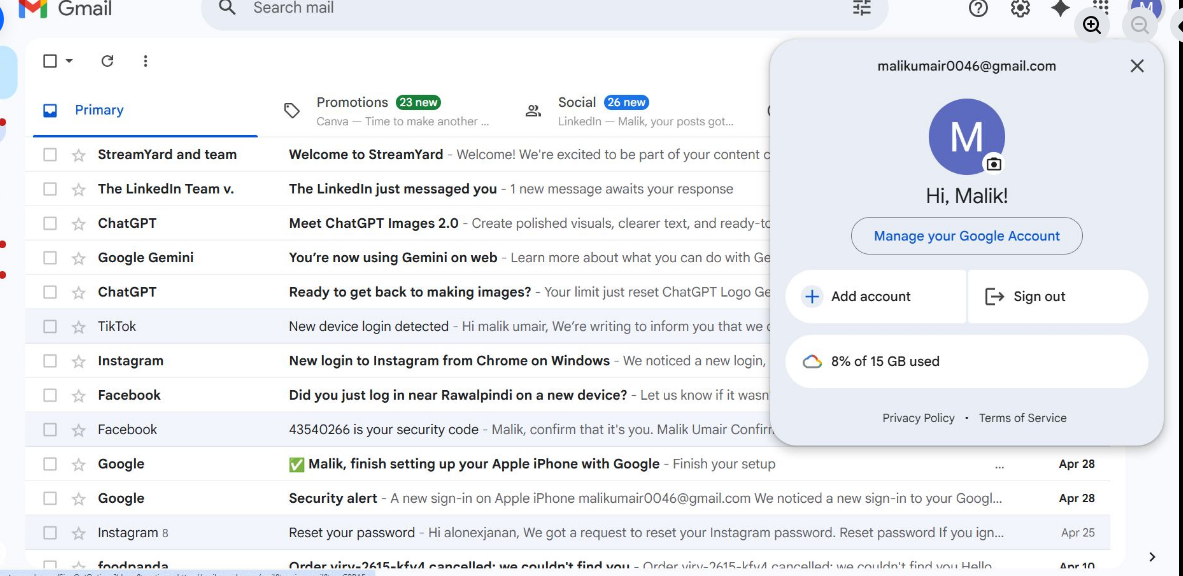
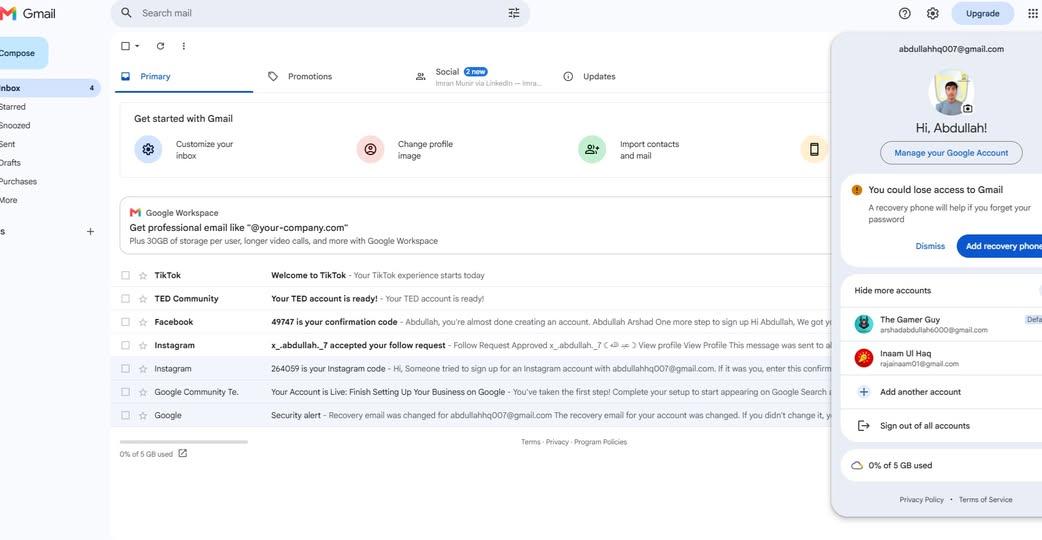
5.Google will ask for a phone number and a recovery email. While some fields might be optional, adding them helps you get back into your account if you ever forget your password! 6.Review and Agree:Step 6.Enter your birthday and gender, click Next, and then review Google's Privacy and Terms. Click "I agree" to finish up. Once you finish these steps, you will be automatically redirected to your brand-new Gmail inbox! #GmailSetup #TechTips #NewAccount #EmailEssentials #DigitalLife#fypジ
Roll no.29
Task no.1
Task Topic:How to Create Your Gmail Account
1.Go to the Sign-Up Page:Step
1.Open your web browser and head to the Google Account Creation page (or visit gmail.com and click "Create account"). 2.Choose Your Account Type:Step 2.Select whether this account is for your personal use, for a child, or for a business.
3.Enter Your Basic Info:Step
3.Type in your First Name and Last Name. Then, choose a unique Username (this will be your new email address, like yourname@gmail.com). 4.Create a Strong Password:Step
4.Mix letters, numbers, and symbols to keep your account safe. Enter it twice to confirm, then click Next.
5.Add Recovery Details:Step
5.Google will ask for a phone number and a recovery email. While some fields might be optional, adding them helps you get back into your account if you ever forget your password! 6.Review and Agree:Step 6.Enter your birthday and gender, click Next, and then review Google's Privacy and Terms. Click "I agree" to finish up. Once you finish these steps, you will be automatically redirected to your brand-new Gmail inbox! #GmailSetup #TechTips #NewAccount #EmailEssentials #DigitalLife#fypジ
RSIF8
Roll no.29
Task no.1
Task Topic:How to Create Your Gmail Account 📧
1.Go to the Sign-Up Page:Step
1.Open your web browser and head to the Google Account Creation page (or visit gmail.com and click "Create account"). 🌐2.Choose Your Account Type:Step 2.Select whether this account is for your personal use, for a child, or for a business. 🧑💻
3.Enter Your Basic Info:Step
3.Type in your First Name and Last Name. Then, choose a unique Username (this will be your new email address, like yourname@gmail.com). ✍️4.Create a Strong Password:Step
4.Mix letters, numbers, and symbols to keep your account safe. Enter it twice to confirm, then click Next. 🔒
5.Add Recovery Details:Step
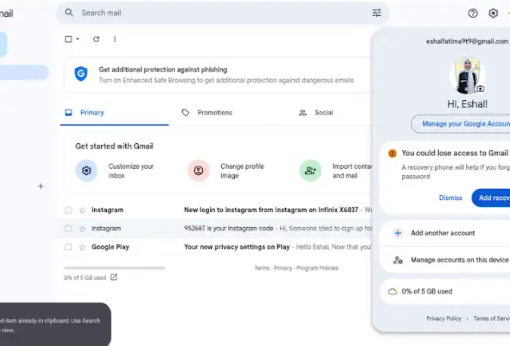
5.Google will ask for a phone number and a recovery email. While some fields might be optional, adding them helps you get back into your account if you ever forget your password! 📞6.Review and Agree:Step 6.Enter your birthday and gender, click Next, and then review Google's Privacy and Terms. Click "I agree" to finish up. 🎉Once you finish these steps, you will be automatically redirected to your brand-new Gmail inbox! ✨#GmailSetup #TechTips #NewAccount #EmailEssentials #DigitalLife#fypジ
0 Yorumlar
0 hisse senetleri
2616 Views