RSIF8
roll no 94
task no 1
task topic HOW TO CREATE A GMAIL ACCOUNT
How to Create a Gmail Account
Creating a Gmail account is quick and easy!
Go to the Gmail sign-up page.
Enter your first and last name.
Choose a unique username.
Create a strong password .
Add your phone number for security .
Verify your account and complete the setup.
Start sending emails, using Google Drive, YouTube, Google Meet, and more!
Your Gmail account is now ready to use!
#Gmail #GoogleAccount #EmailAccount #TechTips #DigitalSkills #OnlineLearning #GmailTutorial #Technology #InternetBasics #HowTo #EmailSetup
roll no 94
task no 1
task topic HOW TO CREATE A GMAIL ACCOUNT
How to Create a Gmail Account
Creating a Gmail account is quick and easy!
Go to the Gmail sign-up page.
Enter your first and last name.
Choose a unique username.
Create a strong password .
Add your phone number for security .
Verify your account and complete the setup.
Start sending emails, using Google Drive, YouTube, Google Meet, and more!
Your Gmail account is now ready to use!
#Gmail #GoogleAccount #EmailAccount #TechTips #DigitalSkills #OnlineLearning #GmailTutorial #Technology #InternetBasics #HowTo #EmailSetup
RSIF8
roll no 94
task no 1
task topic HOW TO CREATE A GMAIL ACCOUNT
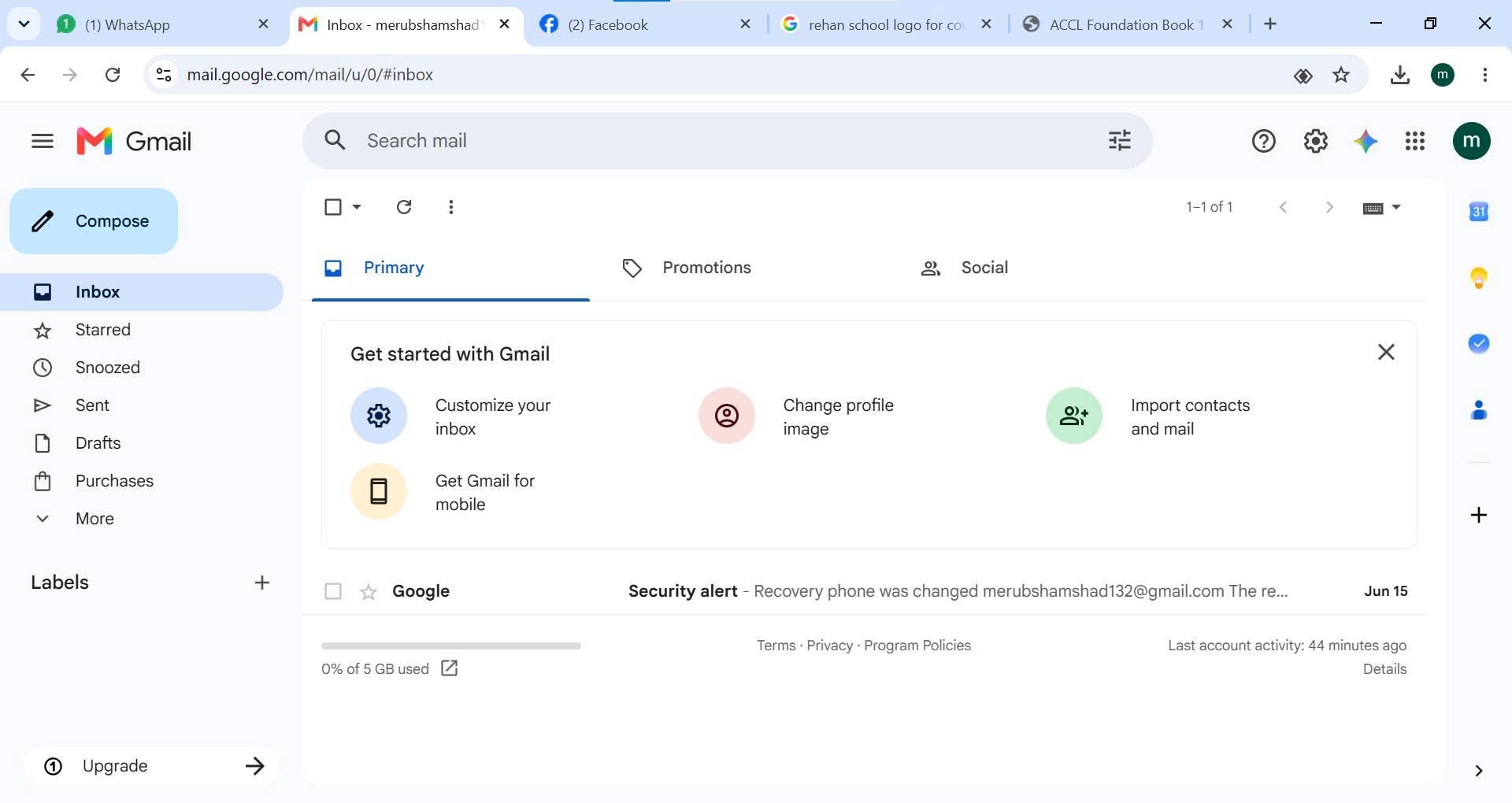
📧✨ How to Create a Gmail Account ✨📧
Creating a Gmail account is quick and easy! 🚀
1️⃣ Go to the Gmail sign-up page.
2️⃣ Enter your first and last name.
3️⃣ Choose a unique username.
4️⃣ Create a strong password 🔒.
5️⃣ Add your phone number for security 📱.
6️⃣ Verify your account and complete the setup. ✅
7️⃣ Start sending emails, using Google Drive, YouTube, Google Meet, and more! 🌐💡
🎉 Your Gmail account is now ready to use!
#Gmail #GoogleAccount #EmailAccount #TechTips #DigitalSkills #OnlineLearning #GmailTutorial #Technology #InternetBasics #HowTo #EmailSetup 📧✨🚀
0 Comments
0 Shares
745 Views