• RSIF8
    Roll no : 113
    Post No: 3
    Post Topic: How to Make a Facebook Account and Set It Up

    How to Make a Facebook Account and Set It Up

    Want to join Facebook but don’t know where to start? No worries! In this post, I’ll show you the simple steps to create a Facebook account and set it up properly.

    Step 1: Open Facebook and choose Create New Account.
    Step 2: Enter your name, date of birth, and other required information.
    Step 3: Add your email address or mobile phone number.
    Step 4: Create a strong and secure password.
    Step 5: Verify your email or phone number.
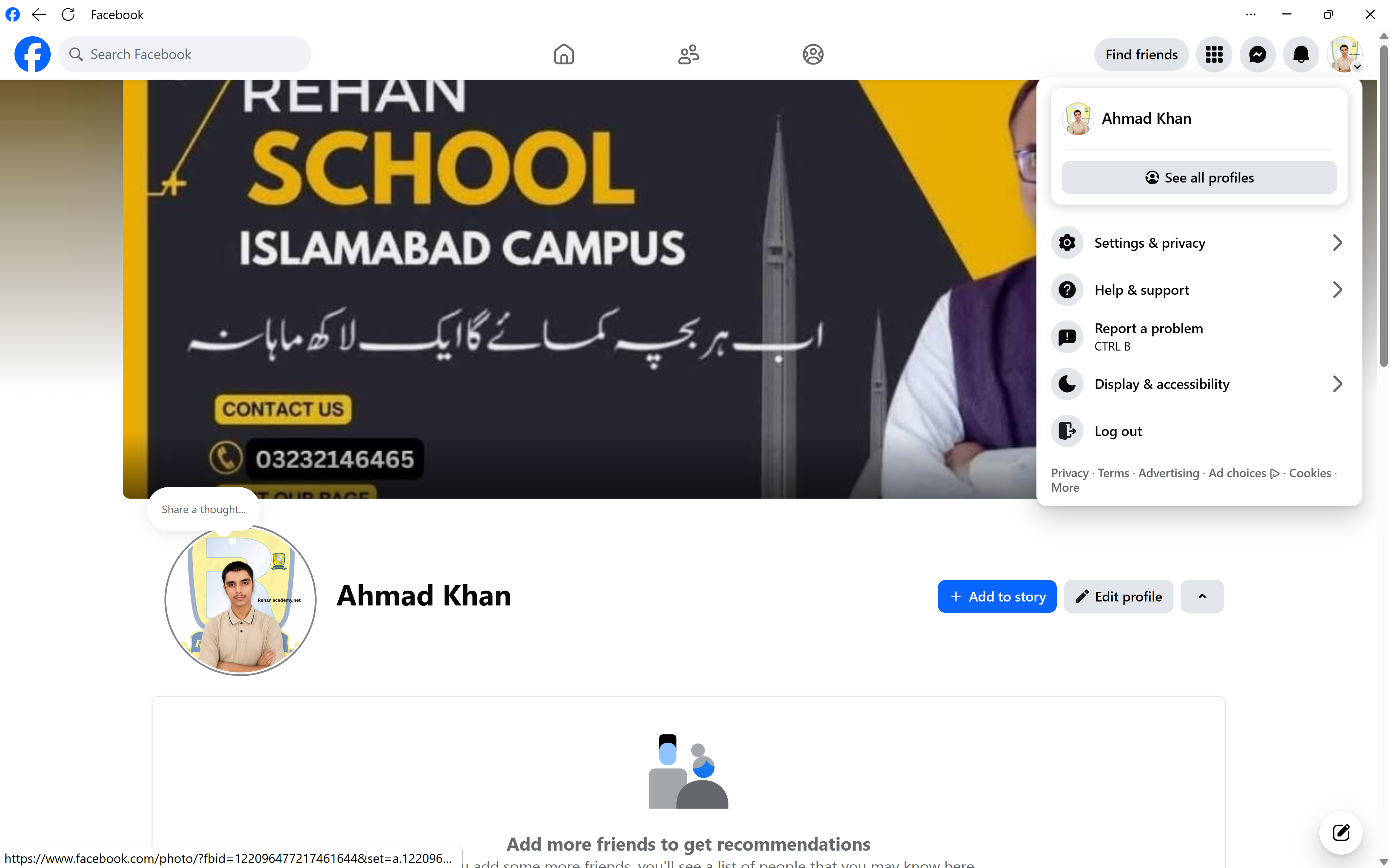
    Step 6: Add a profile picture and cover photo.
    Step 7: Complete your profile with useful information.
    Step 8: Check your privacy and security settings.

    And that's it! Your Facebook account is ready to use. Now you can connect with friends, share posts, follow pages, join communities, and explore the world of Facebook.

    Tip: Always use a strong password and never share your password or verification codes with anyone.

    Learn • Create • Connect • Grow

    #RSIF8 #Facebook #FacebookAccount #HowToFacebook #SocialMedia #DigitalSkills #Technology #InternetSkills #OnlineLearning #DigitalLiteracy #SocialMediaSkills #FacebookTips #ComputerSkills #TechTips #LearnTechnology #StepByStep #LearningJourney #StudentLife #OnlineSafety #CyberSafety #StaySafeOnline #DigitalWorld #KeepLearning
    RSIF8 Roll no : 113 Post No: 3 Post Topic: How to Make a Facebook Account and Set It Up 📱✨ How to Make a Facebook Account and Set It Up 🌐 Want to join Facebook but don’t know where to start? No worries! 😊 In this post, I’ll show you the simple steps to create a Facebook account and set it up properly. 🚀 👤 Step 1: Open Facebook and choose Create New Account. 📝 Step 2: Enter your name, date of birth, and other required information. 📧 Step 3: Add your email address or mobile phone number. 🔐 Step 4: Create a strong and secure password. ✅ Step 5: Verify your email or phone number. 🖼️ Step 6: Add a profile picture and cover photo. ✏️ Step 7: Complete your profile with useful information. 🔒 Step 8: Check your privacy and security settings. 🎉 And that's it! Your Facebook account is ready to use. Now you can connect with friends, share posts, follow pages, join communities, and explore the world of Facebook. 🌍💙 🔐 Tip: Always use a strong password and never share your password or verification codes with anyone. 📚 Learn • Create • Connect • Grow 🚀✨ #RSIF8 #Facebook #FacebookAccount #HowToFacebook #SocialMedia #DigitalSkills #Technology #InternetSkills #OnlineLearning #DigitalLiteracy #SocialMediaSkills #FacebookTips #ComputerSkills #TechTips #LearnTechnology #StepByStep #LearningJourney #StudentLife #OnlineSafety #CyberSafety #StaySafeOnline #DigitalWorld #KeepLearning 🚀💻📱
    0 Comments 0 Shares 2434 Views
  • RSIF8
    Roll no:113
    Post No:2
    Post Topic: How to Make a Facebook Account and Set It Up
    **How to Make a Facebook Account and Set It Up**

    Want to join Facebook but don’t know where to start? No worries! In this post, I’ll show you the simple steps to **create a Facebook account and set it up properly**.

    **Step 1:** Open Facebook and choose **Create New Account**.
    **Step 2:** Enter your name, date of birth, and other required information.
    **Step 3:** Add your email address or mobile phone number.
    **Step 4:** Create a strong and secure password.
    **Step 5:** Verify your email or phone number.
    **Step 6:** Add a profile picture and cover photo.
    **Step 7:** Complete your profile with useful information.
    **Step 8:** Check your privacy and security settings.

    And that's it! Your Facebook account is ready to use. Now you can connect with friends, share posts, follow pages, join communities, and explore the world of Facebook.

    **Tip:** Always use a strong password and never share your password or verification codes with anyone.

    **Learn • Create • Connect • Grow**

    #RSIF8 #Facebook #FacebookAccount #HowToFacebook #SocialMedia #DigitalSkills #Technology #InternetSkills #OnlineLearning #DigitalLiteracy #SocialMediaSkills #FacebookTips #ComputerSkills #TechTips #LearnTechnology #StepByStep #LearningJourney #StudentLife #OnlineSafety #CyberSafety #StaySafeOnline #DigitalWorld #KeepLearning
    RSIF8 Roll no:113 Post No:2 Post Topic: How to Make a Facebook Account and Set It Up 📱✨ **How to Make a Facebook Account and Set It Up** 🌐 Want to join Facebook but don’t know where to start? No worries! 😊 In this post, I’ll show you the simple steps to **create a Facebook account and set it up properly**. 🚀 👤 **Step 1:** Open Facebook and choose **Create New Account**. 📝 **Step 2:** Enter your name, date of birth, and other required information. 📧 **Step 3:** Add your email address or mobile phone number. 🔐 **Step 4:** Create a strong and secure password. ✅ **Step 5:** Verify your email or phone number. 🖼️ **Step 6:** Add a profile picture and cover photo. ✏️ **Step 7:** Complete your profile with useful information. 🔒 **Step 8:** Check your privacy and security settings. 🎉 And that's it! Your Facebook account is ready to use. Now you can connect with friends, share posts, follow pages, join communities, and explore the world of Facebook. 🌍💙 🔐 **Tip:** Always use a strong password and never share your password or verification codes with anyone. 📚 **Learn • Create • Connect • Grow** 🚀✨ #RSIF8 #Facebook #FacebookAccount #HowToFacebook #SocialMedia #DigitalSkills #Technology #InternetSkills #OnlineLearning #DigitalLiteracy #SocialMediaSkills #FacebookTips #ComputerSkills #TechTips #LearnTechnology #StepByStep #LearningJourney #StudentLife #OnlineSafety #CyberSafety #StaySafeOnline #DigitalWorld #KeepLearning 🚀💻📱
    0 Comments 0 Shares 2379 Views
  • #rsisb
    Roll no.239
    Account Creation no.5
    Foundation Level


    Creating a Facebook account is a simple way to connect with friends, family, communities, and people who share your interests. In this topic, **“How to Make a Facebook Account and Set It Up,”** we explore the complete process of creating a new account and preparing it for everyday use.

    The process begins with providing basic information such as your **name, date of birth, and contact details**, followed by choosing a strong password. After creating the account, you can verify your information and start setting up your profile.

    A well-organized Facebook profile can include a **profile picture, cover photo, short bio, education or work information, and other details** you want to share. You can also find friends, follow pages, join groups, and explore content based on your interests.

    An important part of setting up a Facebook account is **privacy and security**. You should review who can see your posts, who can contact you, and what personal information is visible on your profile. Using a strong, unique password and enabling available security features can also help protect your account.

    This topic provides beginners with a clear understanding of how to **create, personalize, secure, and manage a Facebook account responsibly**. Whether you want to stay connected with friends, follow useful pages, participate in communities, or share your own content, learning the basics can help you use Facebook with greater confidence.

    **Create smart. Connect responsibly. Stay safe online.**

    ### Hashtags

    #Facebook #FacebookAccount #HowToFacebook #CreateFacebookAccount #FacebookTutorial #SocialMedia #SocialMediaTips #FacebookTips #DigitalSkills #ComputerSkills #InternetSafety #OnlineSafety #Privacy #AccountSecurity #DigitalLiteracy #LearnFacebook #Technology #TechTips #SocialMediaLearning #OnlineCommunication #FacebookForBeginners #LearnTechnology #DigitalEducation #StaySafeOnline #SocialNetworking #FacebookGuide #Education #Learning #TechEducation #InternetSkills
    #rsisb Roll no.239 Account Creation no.5 Foundation Level Creating a Facebook account is a simple way to connect with friends, family, communities, and people who share your interests. In this topic, **“How to Make a Facebook Account and Set It Up,”** we explore the complete process of creating a new account and preparing it for everyday use. The process begins with providing basic information such as your **name, date of birth, and contact details**, followed by choosing a strong password. After creating the account, you can verify your information and start setting up your profile. 👤✨ A well-organized Facebook profile can include a **profile picture, cover photo, short bio, education or work information, and other details** you want to share. You can also find friends, follow pages, join groups, and explore content based on your interests. 👍📸 An important part of setting up a Facebook account is **privacy and security**. You should review who can see your posts, who can contact you, and what personal information is visible on your profile. Using a strong, unique password and enabling available security features can also help protect your account. 🔐🛡️ This topic provides beginners with a clear understanding of how to **create, personalize, secure, and manage a Facebook account responsibly**. Whether you want to stay connected with friends, follow useful pages, participate in communities, or share your own content, learning the basics can help you use Facebook with greater confidence. 📱 **Create smart. Connect responsibly. Stay safe online.** 🌐✨ ### 🔖 Hashtags #Facebook #FacebookAccount #HowToFacebook #CreateFacebookAccount #FacebookTutorial #SocialMedia #SocialMediaTips #FacebookTips #DigitalSkills #ComputerSkills #InternetSafety #OnlineSafety #Privacy #AccountSecurity #DigitalLiteracy #LearnFacebook #Technology #TechTips #SocialMediaLearning #OnlineCommunication #FacebookForBeginners #LearnTechnology #DigitalEducation #StaySafeOnline #SocialNetworking #FacebookGuide #Education #Learning #TechEducation #InternetSkills 📱🔐✨😁
    0 Comments 0 Shares 7490 Views