

• **Sharing with Others Live on Social Media**

    Social media has changed the way we communicate, learn, and connect with people around the world. Going live allows us to share moments, ideas, knowledge, events, and experiences with others in real time. Whether it is an educational discussion, a creative session, a special event, or simply connecting with an audience, live streaming gives people the opportunity to interact instantly.

    At the same time, responsible sharing is very important. Before going live, we should think about privacy, personal information, respectful communication, and the type of content we are sharing. A positive and safe online environment depends on everyone using social media responsibly.

    Live social media can be a powerful way to communicate, inspire others, learn new things, and build meaningful communities. When we use it wisely, respectfully, and safely, it can turn technology into a great tool for connection and learning.

    #SocialMedia #LiveStreaming #SocialMediaLive #DigitalCommunication #OnlineSafety #DigitalSkills #SocialMediaTips #LiveVideo #Technology #DigitalLearning #OnlineCommunity #SocialMediaAwareness #ContentCreation #InternetSafety #DigitalWorld
    πŸ“±πŸŒ **Sharing with Others Live on Social Media** πŸŽ₯✨ Social media has changed the way we communicate, learn, and connect with people around the world. Going live allows us to share moments, ideas, knowledge, events, and experiences with others in real time. Whether it is an educational discussion, a creative session, a special event, or simply connecting with an audience, live streaming gives people the opportunity to interact instantly. πŸ’¬β€οΈ At the same time, responsible sharing is very important. Before going live, we should think about privacy, personal information, respectful communication, and the type of content we are sharing. A positive and safe online environment depends on everyone using social media responsibly. πŸ”πŸŒŸ Live social media can be a powerful way to communicate, inspire others, learn new things, and build meaningful communities. When we use it wisely, respectfully, and safely, it can turn technology into a great tool for connection and learning. πŸš€πŸ“² #SocialMedia #LiveStreaming #SocialMediaLive #DigitalCommunication #OnlineSafety #DigitalSkills #SocialMediaTips #LiveVideo #Technology #DigitalLearning #OnlineCommunity #SocialMediaAwareness #ContentCreation #InternetSafety #DigitalWorld
    0 Reacties 0 aandelen 3714 Views 6
  • **Sharing with Others Live on Social Media**

    Social media has changed the way we communicate, learn, and connect with people around the world. Going live allows us to share moments, ideas, knowledge, events, and experiences with others in real time. Whether it is an educational discussion, a creative session, a special event, or simply connecting with an audience, live streaming gives people the opportunity to interact instantly.

    At the same time, responsible sharing is very important. Before going live, we should think about privacy, personal information, respectful communication, and the type of content we are sharing. A positive and safe online environment depends on everyone using social media responsibly.

    Live social media can be a powerful way to communicate, inspire others, learn new things, and build meaningful communities. When we use it wisely, respectfully, and safely, it can turn technology into a great tool for connection and learning.

    #SocialMedia #LiveStreaming #SocialMediaLive #DigitalCommunication #OnlineSafety #DigitalSkills #SocialMediaTips #LiveVideo #Technology #DigitalLearning #OnlineCommunity #SocialMediaAwareness #ContentCreation #InternetSafety #DigitalWorld
    πŸ“±πŸŒ **Sharing with Others Live on Social Media** πŸŽ₯✨ Social media has changed the way we communicate, learn, and connect with people around the world. Going live allows us to share moments, ideas, knowledge, events, and experiences with others in real time. Whether it is an educational discussion, a creative session, a special event, or simply connecting with an audience, live streaming gives people the opportunity to interact instantly. πŸ’¬β€οΈ At the same time, responsible sharing is very important. Before going live, we should think about privacy, personal information, respectful communication, and the type of content we are sharing. A positive and safe online environment depends on everyone using social media responsibly. πŸ”πŸŒŸ Live social media can be a powerful way to communicate, inspire others, learn new things, and build meaningful communities. When we use it wisely, respectfully, and safely, it can turn technology into a great tool for connection and learning. πŸš€πŸ“² #SocialMedia #LiveStreaming #SocialMediaLive #DigitalCommunication #OnlineSafety #DigitalSkills #SocialMediaTips #LiveVideo #Technology #DigitalLearning #OnlineCommunity #SocialMediaAwareness #ContentCreation #InternetSafety #DigitalWorld
    0 Reacties 1 aandelen 3692 Views 4
  • RSIF8
    Roll no 94
    task no 5
    task topic How to Create an Instagram Account

    Download the Instagram app from your app store.
    Tap Sign Up.
    Enter your email, phone number, or choose a social login.
    Create a unique username and secure password.
    Add a profile photo and complete your profile.
    Start following friends, creators, and your favorite pages!

    Now you're ready to share photos, videos, stories, and connect with people around the world!

    #Instagram #InstagramAccount #SocialMediaTips #DigitalLife #OnlineCommunity #CreateAccount #InstagramGuide #TechTips #SocialNetworking #GetStarted
    RSIF8 Roll no 94 task no 5 task topic✨ How to Create an Instagram Account βœ¨πŸ“± 1️⃣ Download the Instagram app from your app store. 2️⃣ Tap Sign Up. 3️⃣ Enter your email, phone number, or choose a social login. 4️⃣ Create a unique username and secure password. 5️⃣ Add a profile photo and complete your profile. 6️⃣ Start following friends, creators, and your favorite pages! πŸŽ‰ 🌟 Now you're ready to share photos, videos, stories, and connect with people around the world! #Instagram #InstagramAccount #SocialMediaTips #DigitalLife #OnlineCommunity #CreateAccount #InstagramGuide #TechTips #SocialNetworking #GetStarted πŸš€πŸ“Έ
    0 Reacties 0 aandelen 3437 Views
  • RSIF8
    roll no 94
    task no 2
    task topic How to create a facebook account
    How to Make a Facebook Account and Set It Up
    Creating a Facebook account is quick and easy! Simply download the Facebook app or visit the Facebook website , sign up with your name, email or phone number, create a secure password , and follow the setup steps. Add a profile picture , update your bio , connect with friends , and customize your privacy settings to make your account safe and personal.
    Stay connected, share your favorite moments , join communities , and explore everything Facebook has to offer!
    #Facebook #FacebookAccount #SocialMedia #OnlineCommunity #TechTips #DigitalLife #CreateAccount #StayConnected #FacebookSetup #EasyGuide
    RSIF8 roll no 94 task no 2 task topic How to create a facebook account ✨ How to Make a Facebook Account and Set It Up βœ¨πŸ“˜ Creating a Facebook account is quick and easy! πŸš€ Simply download the Facebook app πŸ“± or visit the Facebook website 🌐, sign up with your name, email or phone number, create a secure password πŸ”’, and follow the setup steps. Add a profile picture πŸ“Έ, update your bio πŸ“, connect with friends πŸ‘₯, and customize your privacy settings βš™οΈ to make your account safe and personal. Stay connected, share your favorite moments ❀️, join communities 🌍, and explore everything Facebook has to offer! πŸŽ‰ #Facebook #FacebookAccount #SocialMedia #OnlineCommunity #TechTips #DigitalLife #CreateAccount #StayConnected #FacebookSetup #EasyGuide
    0 Reacties 0 aandelen 2631 Views
  • RSIF8
    Roll no. 83
    Task no.2
    Task Topic: How to make a facebook
    How to Make a Facebook Account and Set It Up
    Creating a Facebook account is simple and only takes a few minutes. Follow these steps:
    Step 1: Visit Facebook
    Go to Facebook
    Step 2: Create a New Account
    Click "Create New Account" and enter:
    First and Last Name
    Mobile Number or Email Address
    Password
    Date of Birth
    Gender
    Step 3: Verify Your Account
    Facebook will send a verification code to your email or phone. Enter the code to confirm your account.
    Step 4: Add a Profile Picture
    Upload a clear photo of yourself so friends can recognize you.
    Step 5: Complete Your Profile
    Add:
    City or Hometown
    Education
    Workplace
    Interests and Hobbies
    Step 6: Find Friends
    Use the search bar to find friends and family and send friend requests.
    Step 7: Adjust Privacy Settings
    Go to Settings & Privacy to control:
    Who can see your posts
    Who can send friend requests
    Who can view your profile
    Step 8: Start Using Facebook
    Now you can:
    Like posts
    Comment on posts
    Share photos and videos
    Create your own posts
    Watch videos and join groups
    Your Facebook Account Is Ready!
    Stay connected, share moments, and interact with friends around the world.
    #Facebook
    #SocialMedia
    #FacebookAccount
    #CreateAccount
    #OnlineCommunity
    #DigitalLife
    #ConnectWithFriends
    #FacebookTips
    #TechGuide
    #StayConnected See less
    14w
    RSIF8 Roll no. 83 Task no.2 Task Topic: How to make a facebook πŸ“˜βœ¨ How to Make a Facebook Account and Set It Up βœ¨πŸ“˜ Creating a Facebook account is simple and only takes a few minutes. Follow these steps: πŸ“ Step 1: Visit Facebook Go to 🌐 Facebook πŸ‘€ Step 2: Create a New Account Click "Create New Account" and enter: βœ… First and Last Name βœ… Mobile Number or Email Address βœ… Password πŸ”’ βœ… Date of Birth πŸŽ‚ βœ… Gender πŸ“© Step 3: Verify Your Account Facebook will send a verification code to your email or phone. Enter the code to confirm your account. πŸ–ΌοΈ Step 4: Add a Profile Picture Upload a clear photo of yourself so friends can recognize you. πŸ“„ Step 5: Complete Your Profile Add: 🏠 City or Hometown πŸŽ“ Education πŸ’Ό Workplace ❀️ Interests and Hobbies πŸ‘₯ Step 6: Find Friends Use the search bar to find friends and family and send friend requests. βš™οΈ Step 7: Adjust Privacy Settings Go to Settings & Privacy to control: πŸ”’ Who can see your posts πŸ‘₯ Who can send friend requests πŸ“Έ Who can view your profile πŸ“± Step 8: Start Using Facebook Now you can: πŸ‘ Like posts πŸ’¬ Comment on posts πŸ“Έ Share photos and videos πŸ“’ Create your own posts πŸŽ₯ Watch videos and join groups πŸŽ‰ Your Facebook Account Is Ready! Stay connected, share moments, and interact with friends around the world. πŸŒπŸ’™ #Facebook πŸ“˜ #SocialMedia πŸ“± #FacebookAccount πŸ‘€ #CreateAccount ✨ #OnlineCommunity 🌍 #DigitalLife πŸ’» #ConnectWithFriends πŸ‘₯ #FacebookTips πŸ’‘ #TechGuide πŸš€ #StayConnected πŸ’™ See less 14w
    0 Reacties 0 aandelen 4173 Views
  • RSIF8
    Roll no 101
    task no 03
    task topic Follow Rehan Allahwala & Make 10 Mutual Friends
    Follow Rehan Allahwala & Make 10 Mutual Friends

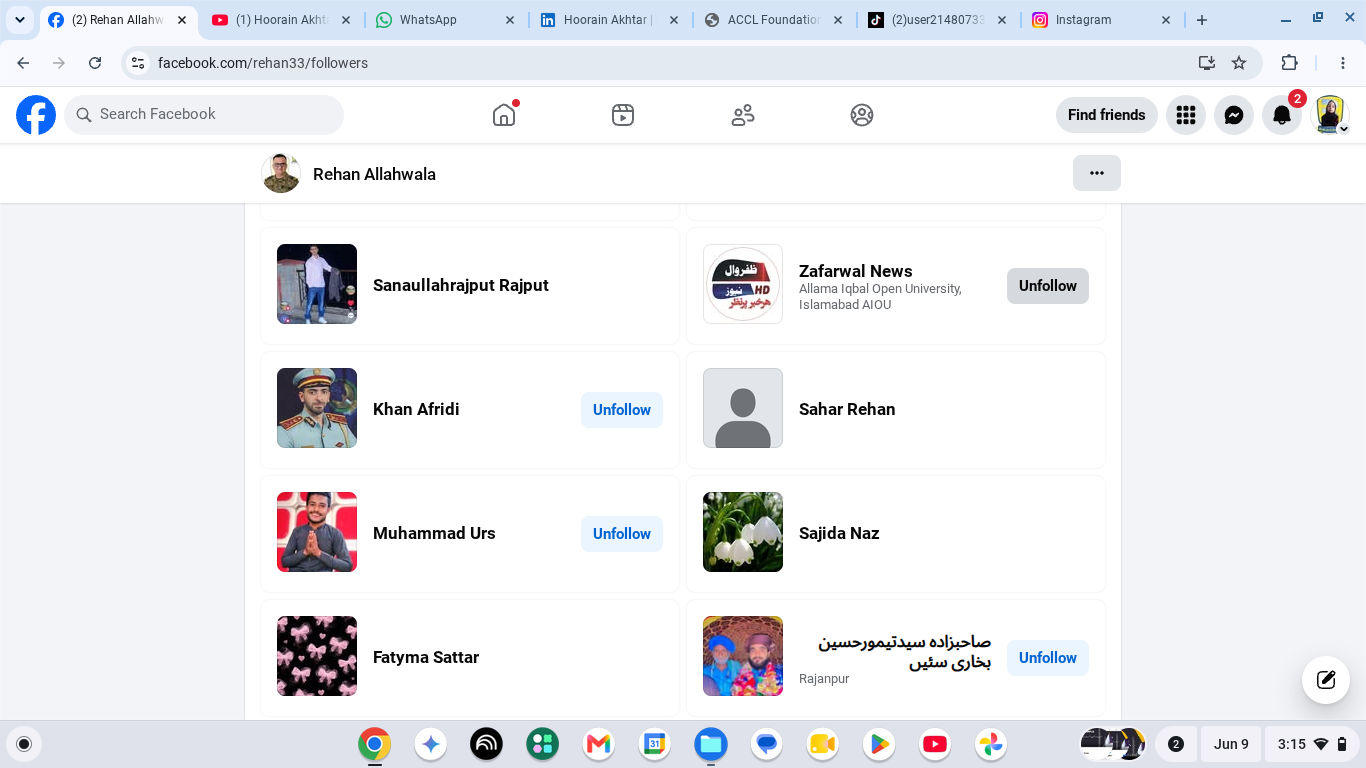
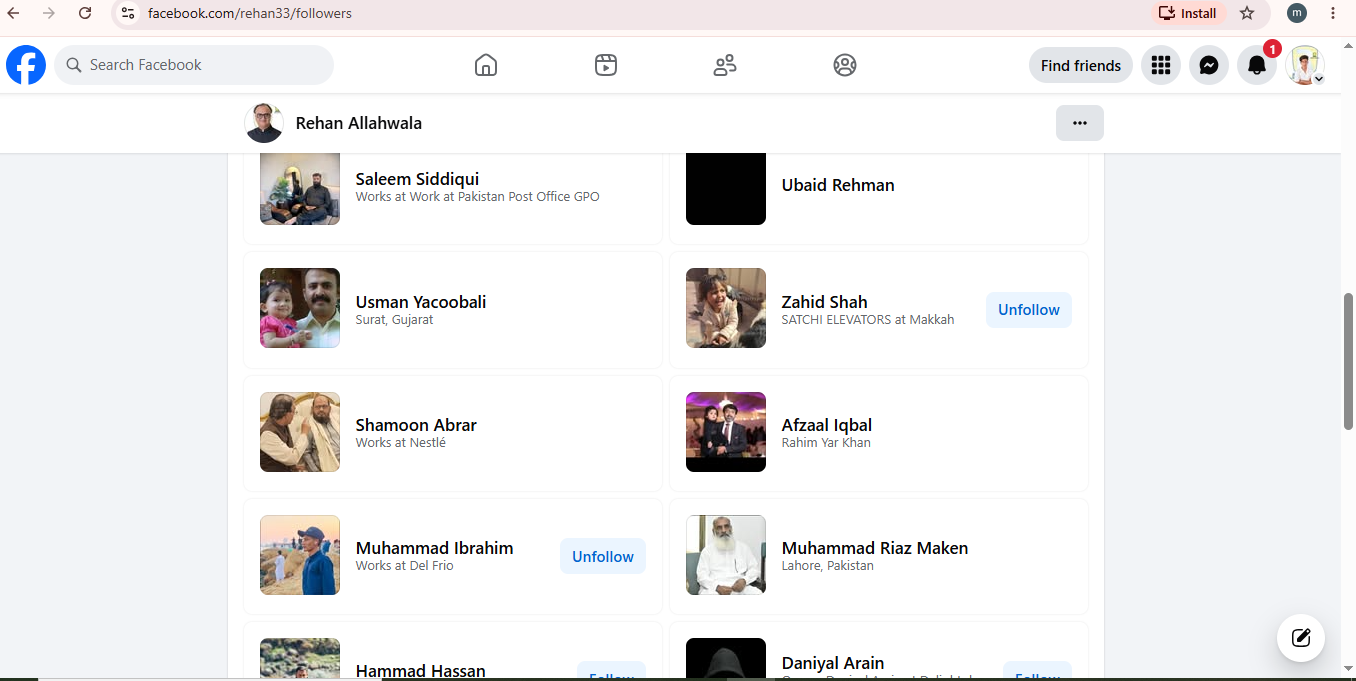
    Want to expand your Facebook network and connect with new people? In this simple guide, learn how to follow Rehan Allahwala and build connections with 10 mutual friends.

    Discover new people, grow your network, and make meaningful connections online! Whether you're new to Facebook or looking to improve your networking skills, this easy tutorial will help you get started.

    Follow the steps and start connecting today!

    #RehanAllahwala #Facebook #FacebookTips #MutualFriends #FacebookFriends SocialMedia Networking OnlineNetworking ConnectWithPeople FacebookTutorial HowTo StepByStep TechTips DigitalSkills SocialMediaTips FacebookGuide OnlineCommunity Tutorial BeginnerGuide
    RSIF8 Roll no 101 task no 03 task topic Follow Rehan Allahwala & Make 10 Mutual Friends 🀝 Follow Rehan Allahwala & Make 10 Mutual Friends πŸš€ Want to expand your Facebook network and connect with new people? πŸ“±πŸŒ In this simple guide, learn how to follow Rehan Allahwala and build connections with 10 mutual friends. πŸ‘₯✨ Discover new people, grow your network, and make meaningful connections online! πŸ’‘πŸ€ Whether you're new to Facebook or looking to improve your networking skills, this easy tutorial will help you get started. πŸš€πŸ’™ πŸ‘‰ Follow the steps and start connecting today! πŸ“²πŸ˜Š #RehanAllahwala #Facebook #FacebookTips #MutualFriends #FacebookFriends SocialMedia Networking OnlineNetworking ConnectWithPeople FacebookTutorial HowTo StepByStep TechTips DigitalSkills SocialMediaTips FacebookGuide OnlineCommunity Tutorial BeginnerGuide πŸ€πŸ“±βœ¨
    0 Reacties 0 aandelen 5628 Views
  • Telling the Truth Live on Social Media

    In today’s digital world, honesty matters more than ever. In this live conversation, we explore the importance of telling the truth on social media, building trust with others, admitting our mistakes, and sharing information responsibly.

    Being honest is not always easy, especially when thousands of people are watching. But true confidence comes from being authentic, respectful, and truthful.

    Let’s use social media to spread truth, positivity, awareness, and meaningful conversations.

    Question for you: Would you always tell the truth if you were live in front of thousands of people?

    #TellingTheTruth #TruthMatters #BeHonest #Honesty #SocialMedia #LiveOnSocialMedia #Authenticity #Trust #SpeakTheTruth #DigitalResponsibility #PositiveSocialMedia #BeYourself #TruthAndCourage #OnlineCommunity #MeaningfulConversations #SocialMediaAwareness
    πŸŽ₯ Telling the Truth Live on Social Media πŸ—£οΈβœ¨ In today’s digital world, honesty matters more than ever. πŸŒπŸ“± In this live conversation, we explore the importance of telling the truth on social media, building trust with others, admitting our mistakes, and sharing information responsibly. πŸ€πŸ’― Being honest is not always easy, especially when thousands of people are watching. But true confidence comes from being authentic, respectful, and truthful. πŸ’ͺ❀️ Let’s use social media to spread truth, positivity, awareness, and meaningful conversations. 🌟🌐 πŸ’¬ Question for you: Would you always tell the truth if you were live in front of thousands of people? 🎀 #TellingTheTruth #TruthMatters #BeHonest #Honesty #SocialMedia #LiveOnSocialMedia #Authenticity #Trust #SpeakTheTruth #DigitalResponsibility #PositiveSocialMedia #BeYourself #TruthAndCourage #OnlineCommunity #MeaningfulConversations #SocialMediaAwareness πŸŽ₯πŸ“±βœ¨
    0 Reacties 0 aandelen 6413 Views 14
  • Level 01 Book 01
    Day 01
    Task Canva post 04
    Topic : Talk with Call Annie: Telling the Truth live on social media.

    #CallAnnie #TellTheTruth #TruthMatters #LiveStreaming #SocialMediaLive #HonestConversations #SpeakTheTruth #Authenticity #DigitalCommunication #ContentCreators #MeaningfulTalks #TruthWins #OnlineCommunity #AICompanion #inspiration

    Tania Khan Mentorship Wali
    Mohsin Rathore Seo Wala
    Imran Khan Street Wala
    Shazia EducationWali
    Hafsa Noor
    Rehan School Korangi Campus
    Level 01 Book 01 Day 01 Task Canva post 04 Topic : Talk with Call Annie: Telling the Truth live on social media. #CallAnnie #TellTheTruth #TruthMatters #LiveStreaming #SocialMediaLive #HonestConversations #SpeakTheTruth #Authenticity #DigitalCommunication #ContentCreators #MeaningfulTalks #TruthWins #OnlineCommunity #AICompanion #inspiration Tania Khan Mentorship Wali Mohsin Rathore Seo Wala Imran Khan Street Wala Shazia EducationWali Hafsa Noor Rehan School Korangi Campus
    0 Reacties 0 aandelen 8873 Views
  • rsisb
    roll no:269
    foundation level

    ** Follow Rehan Allahwala & Make 10 Mutual Friends! **

    Follow **Rehan Allahwala** on Facebook and build your network by making **10 mutual friends**.

    Follow Rehan Allahwala
    Send friend requests to people with mutual connections
    Grow your Facebook network
    Engage with posts and connect with like-minded people

    The more genuine connections you make, the more opportunities you'll have to learn and grow online.

    #RehanAllahwala #Facebook #MutualFriends #Networking #SocialMedia #DigitalSkills #OnlineCommunity #LearnGrowConnect
    rsisb roll no:269 foundation level **πŸš€ Follow Rehan Allahwala & Make 10 Mutual Friends! 🀝** Follow **Rehan Allahwala** on Facebook and build your network by making **10 mutual friends**. 🌍✨ βœ… Follow Rehan Allahwala βœ… Send friend requests to people with mutual connections βœ… Grow your Facebook network βœ… Engage with posts and connect with like-minded people The more genuine connections you make, the more opportunities you'll have to learn and grow online. πŸ’™ #RehanAllahwala #Facebook #MutualFriends #Networking #SocialMedia #DigitalSkills #OnlineCommunity #LearnGrowConnect πŸŒπŸ€πŸ“±
    0 Reacties 0 aandelen 5065 Views

  • #rsisb
    RollNo.247
    Foundation Level
    Task No.2
    Set It Up
    Creating a Facebook account is one of the easiest ways to connect with friends, family, classmates, and communities from all over the world. Whether you want to share photos , watch videos , join groups , or promote your business , Facebook provides everything in one place.
    Step 1: Visit Facebook
    Open your web browser and go to facebook.com, or download the Facebook app from your device's app store.
    Step 2: Sign Up
    Click "Create New Account" and fill in your details:
    First and Last Name
    Email Address or Mobile Number
    Create a Strong Password
    Date of Birth
    Select Your Gender
    Step 3: Verify Your Account
    Facebook will send a verification code to your email or phone number. Enter the code to confirm your account.
    Step 4: Add Your Profile Picture
    Upload a clear and friendly profile photo so people can recognize you easily.
    Step 5: Complete Your Profile
    Add information such as:
    City
    School or College
    Workplace
    Hobbies & Interests
    Cover Photo
    A complete profile helps you connect with others more effectively.
    Step 6: Find Friends
    Search for friends by name, email, or phone number. You can also send friend requests and grow your network.
    Step 7: Adjust Privacy Settings
    Protect your personal information by choosing who can see your posts, photos, and profile details. Privacy settings help keep your account safe.
    Step 8: Start Posting
    Share your thoughts , photos , videos , achievements , and memorable moments with your friends and followers.
    Why Use Facebook?
    Stay connected with family and friends.
    Join educational and interest-based groups.
    Promote your business or personal brand.
    Watch entertaining and educational videos.
    Discover events and communities.
    Chat instantly using Messenger.
    Learning how to create and set up a Facebook account is a valuable digital skill. Once your profile is complete, you can safely explore Facebook's features, communicate with people worldwide, and become part of a global online community. Keep your account secure by using a strong password, enabling two-factor authentication, and avoiding suspicious links. Happy connecting!
    #Facebook #FacebookAccount #SocialMedia #DigitalSkills #OnlineLearning #TechTips #BeginnerGuide #CreateAccount #FacebookSetup #LearnTechnology #InternetBasics #AILearning #StudentLife #RehanSchool #DigitalEducation #SocialNetworking #TechEducation #OnlineCommunity #LearningJourney #StayConnected See less
    #rsisb RollNo.247 Foundation Level Task No.2 Set It Up πŸŒπŸ“± Creating a Facebook account is one of the easiest ways to connect with friends, family, classmates, and communities from all over the world. 🌐 Whether you want to share photos πŸ“Έ, watch videos πŸŽ₯, join groups πŸ‘₯, or promote your business πŸ’Ό, Facebook provides everything in one place. πŸš€ Step 1: Visit Facebook Open your web browser and go to facebook.com, or download the Facebook app from your device's app store. πŸ“±πŸ’» πŸ“ Step 2: Sign Up Click "Create New Account" and fill in your details: πŸ‘€ First and Last Name πŸ“§ Email Address or πŸ“± Mobile Number πŸ”’ Create a Strong Password πŸŽ‚ Date of Birth 🚻 Select Your Gender βœ… Step 3: Verify Your Account Facebook will send a verification code to your email or phone number. Enter the code to confirm your account. βœ”οΈ πŸ–ΌοΈ Step 4: Add Your Profile Picture Upload a clear and friendly profile photo so people can recognize you easily. 😊 πŸ“– Step 5: Complete Your Profile Add information such as: 🏠 City πŸŽ“ School or College πŸ’Ό Workplace ❀️ Hobbies & Interests πŸ“Έ Cover Photo A complete profile helps you connect with others more effectively. πŸ‘₯ Step 6: Find Friends Search for friends by name, email, or phone number. You can also send friend requests and grow your network. 🀝 πŸ”’ Step 7: Adjust Privacy Settings Protect your personal information by choosing who can see your posts, photos, and profile details. Privacy settings help keep your account safe. πŸ›‘οΈ πŸ“’ Step 8: Start Posting Share your thoughts πŸ’­, photos πŸ“Έ, videos πŸŽ₯, achievements πŸ†, and memorable moments with your friends and followers. 🌟 Why Use Facebook? 🌍 Stay connected with family and friends. πŸ“š Join educational and interest-based groups. πŸ’Ό Promote your business or personal brand. πŸŽ₯ Watch entertaining and educational videos. πŸ“… Discover events and communities. πŸ’¬ Chat instantly using Messenger. Learning how to create and set up a Facebook account is a valuable digital skill. Once your profile is complete, you can safely explore Facebook's features, communicate with people worldwide, and become part of a global online community. Keep your account secure by using a strong password, enabling two-factor authentication, and avoiding suspicious links. Happy connecting! πŸš€πŸŒŸ #Facebook #FacebookAccount #SocialMedia #DigitalSkills #OnlineLearning #TechTips #BeginnerGuide #CreateAccount #FacebookSetup #LearnTechnology #InternetBasics #AILearning #StudentLife #RehanSchool #DigitalEducation #SocialNetworking #TechEducation #OnlineCommunity #LearningJourney #StayConnected See less
    0 Reacties 0 aandelen 14188 Views
Zoekresultaten