
• RSIF8
    Roll no.29
    Task no.4
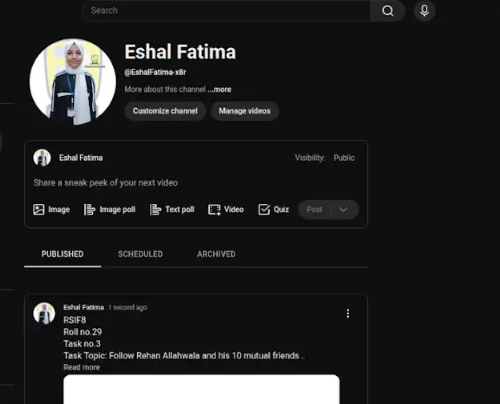
    Task Topic: How to create a YouTube account

    Starting your journey on YouTube is incredibly easy! Because YouTube is owned by Google, your passport to the platform is simply a Google Account. Whether you want to subscribe to your favorite creators, save playlists, or start uploading your own videos, here is exactly how to set up your account in just a few minutes.

    **Step 1: Sign In with Google**
    First, open your web browser and head over to YouTube.com, or simply open the YouTube app on your mobile device. Click the "Sign In" button located in the top right-hand corner of the screen. Enter your existing Google or Gmail credentials to log in. If you do not have a Google account yet, click "Create account" and follow the quick prompts to set one up.

    **Step 2: Access the Channel Creation Menu**
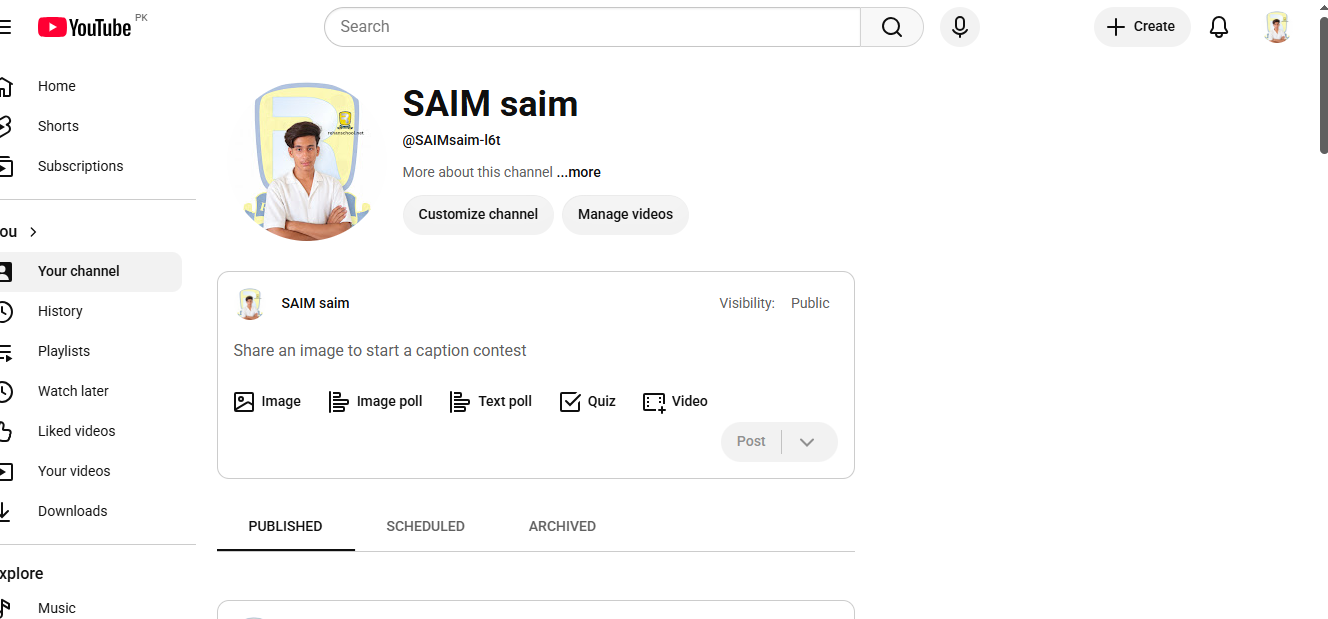
    Once you are logged in, look at the top right corner of the page where your profile icon is located. Click on your profile picture, and a dropdown menu will appear. From this menu, click on the option that says "Create a channel."

    **Step 3: Choose Your Account Type**
    You will now see a prompt asking how you want to create your channel. You have two choices:

    * **Personal Channel:** Choose this if you want to use your own name and profile picture.
    * **Brand/Business Channel:** Choose this if you want to use a custom name, a business name, or if you plan to have multiple people manage the account with you in the future.

    **Step 4: Customize and Launch**
    Name your channel, upload a profile picture, and add a brief bio to your "About" section telling viewers what your channel is all about. Once you click "Create," your brand new YouTube account is fully active and ready for action!

    ---

    #YouTube #HowTo #YouTubeTutorial #CreateAccount #TechTips ContentCreator #NewChannel #TechGuide #YouTubeCommunity
    RSIF8 Roll no.29 Task no.4 Task Topic: How to create a YouTube account Starting your journey on YouTube is incredibly easy! Because YouTube is owned by Google, your passport to the platform is simply a Google Account. Whether you want to subscribe to your favorite creators, save playlists, or start uploading your own videos, here is exactly how to set up your account in just a few minutes. **Step 1: Sign In with Google** First, open your web browser and head over to YouTube.com, or simply open the YouTube app on your mobile device. Click the "Sign In" button located in the top right-hand corner of the screen. Enter your existing Google or Gmail credentials to log in. If you do not have a Google account yet, click "Create account" and follow the quick prompts to set one up. **Step 2: Access the Channel Creation Menu** Once you are logged in, look at the top right corner of the page where your profile icon is located. Click on your profile picture, and a dropdown menu will appear. From this menu, click on the option that says "Create a channel." **Step 3: Choose Your Account Type** You will now see a prompt asking how you want to create your channel. You have two choices: * **Personal Channel:** Choose this if you want to use your own name and profile picture. * **Brand/Business Channel:** Choose this if you want to use a custom name, a business name, or if you plan to have multiple people manage the account with you in the future. **Step 4: Customize and Launch** Name your channel, upload a profile picture, and add a brief bio to your "About" section telling viewers what your channel is all about. Once you click "Create," your brand new YouTube account is fully active and ready for action! --- #YouTube ✨#HowTo #YouTubeTutorial #CreateAccount #TechTips πŸš€ContentCreator #NewChannel πŸŽ₯ #TechGuide #YouTubeCommunityπŸ“±
    0 Comments 0 Shares 3693 Views
  • RSIF8
    Roll no.29
    Task no.2
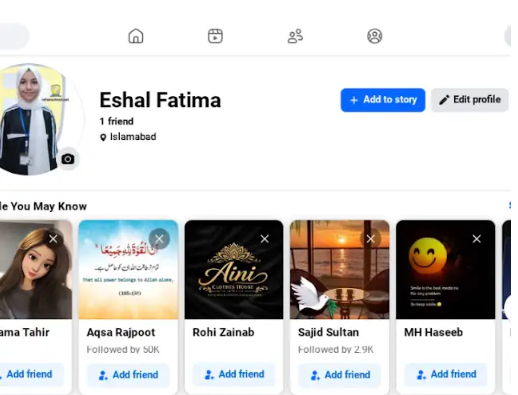
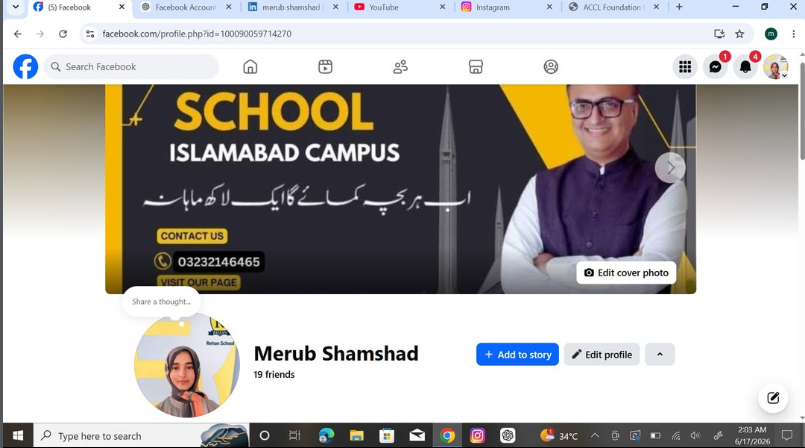
    Task Topic: How To make A Facebook account and set it up

    1. Go to Facebook 1-2 minutes.
    Open the Facebook app on your phone, or visit *facebook.com* on a computer web browser. Click on *"Create new account"* or *"Sign Up"*.


    2. *Enter your basic info:* 2 minutes.
    Type in your *first and last name*, your *mobile number or email address*, a *strong password*, your *date of birth*, and your *gender*.

    > *Note:* Facebook requires your real name to help keep the community safe, though you can adjust your display privacy later.


    3. *Confirm your account:* 1 minute.
    Facebook will send a verification code to your email or phone number via SMS. *Enter that code* into the box on your screen to officially activate your account.


    4. *Upload a profile picture:* 2 minutes.
    Choose a clear photo of yourself so friends and family can recognize you. You can upload a photo directly from your device or take a new one.


    5. *Adjust your privacy settings:* 5 minutes.
    Go to *Settings & Privacy* > *Privacy Checkup*. Here, you can change your default post sharing from "Public" to *"Friends"* so only people you approve can see what you post.


    Enjoy Your Facebook Journey

    #Facebook #SocialMedia #ConnectWithFriends #TechTips #FacebookSetup #StayConnected #fyp
    RSIF8 Roll no.29 Task no.2 Task Topic: How To make A Facebook account and set it up 1. Go to Facebook 1-2 minutes. Open the Facebook app on your phone, or visit *facebook.com* on a computer web browser. Click on *"Create new account"* or *"Sign Up"*. 2. *Enter your basic info:* 2 minutes. Type in your *first and last name*, your *mobile number or email address*, a *strong password*, your *date of birth*, and your *gender*. > *Note:* Facebook requires your real name to help keep the community safe, though you can adjust your display privacy later. 3. *Confirm your account:* 1 minute. Facebook will send a verification code to your email or phone number via SMS. *Enter that code* into the box on your screen to officially activate your account. 4. *Upload a profile picture:* 2 minutes. Choose a clear photo of yourself so friends and family can recognize you. You can upload a photo directly from your device or take a new one. 5. *Adjust your privacy settings:* 5 minutes. Go to *Settings & Privacy* > *Privacy Checkup*. Here, you can change your default post sharing from "Public" to *"Friends"* so only people you approve can see what you post. Enjoy Your Facebook Journey #Facebook #SocialMedia #ConnectWithFriends #TechTips #FacebookSetup #StayConnected #fyp
    0 Comments 0 Shares 2270 Views
  • RSIF8
    Roll no.29
    Task no.1
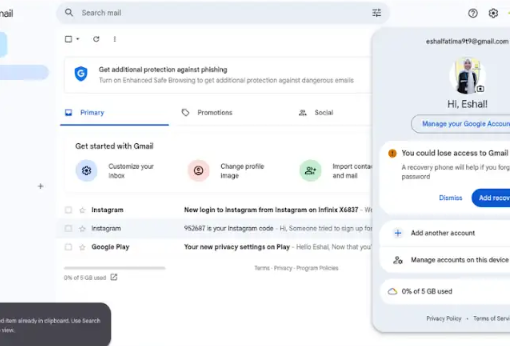
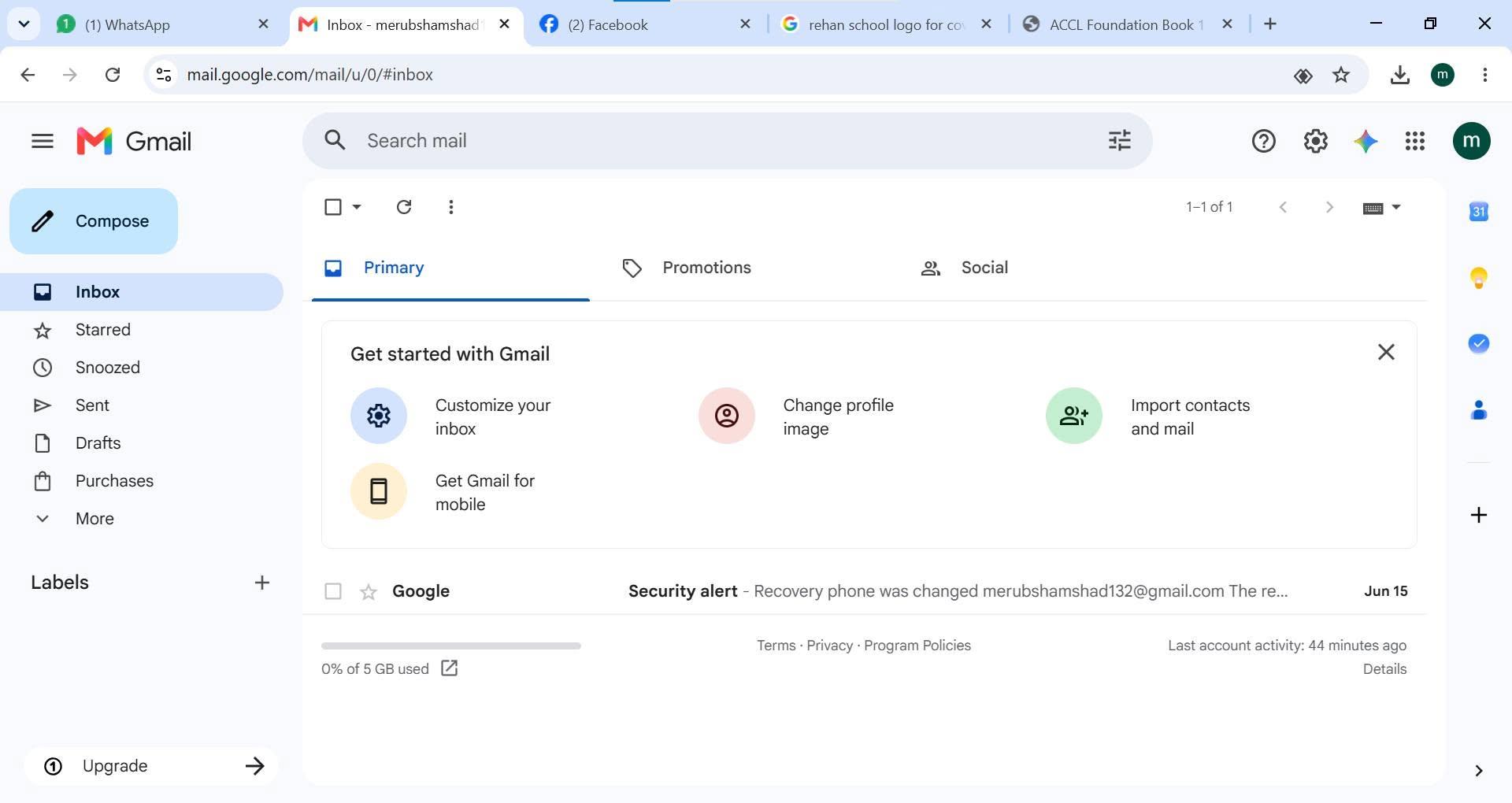
    Task Topic:How to Create Your Gmail Account
    1.Go to the Sign-Up Page:Step
    1.Open your web browser and head to the Google Account Creation page (or visit gmail.com and click "Create account"). 2.Choose Your Account Type:Step 2.Select whether this account is for your personal use, for a child, or for a business. ‍
    3.Enter Your Basic Info:Step
    3.Type in your First Name and Last Name. Then, choose a unique Username (this will be your new email address, like yourname@gmail.com). 4.Create a Strong Password:Step
    4.Mix letters, numbers, and symbols to keep your account safe. Enter it twice to confirm, then click Next.
    5.Add Recovery Details:Step
    5.Google will ask for a phone number and a recovery email. While some fields might be optional, adding them helps you get back into your account if you ever forget your password! 6.Review and Agree:Step 6.Enter your birthday and gender, click Next, and then review Google's Privacy and Terms. Click "I agree" to finish up. Once you finish these steps, you will be automatically redirected to your brand-new Gmail inbox! #GmailSetup #TechTips #NewAccount #EmailEssentials #DigitalLife#fypγ‚Έ
    RSIF8 Roll no.29 Task no.1 Task Topic:How to Create Your Gmail Account πŸ“§ 1.Go to the Sign-Up Page:Step 1.Open your web browser and head to the Google Account Creation page (or visit gmail.com and click "Create account"). 🌐2.Choose Your Account Type:Step 2.Select whether this account is for your personal use, for a child, or for a business. πŸ§‘‍πŸ’» 3.Enter Your Basic Info:Step 3.Type in your First Name and Last Name. Then, choose a unique Username (this will be your new email address, like yourname@gmail.com). ✍️4.Create a Strong Password:Step 4.Mix letters, numbers, and symbols to keep your account safe. Enter it twice to confirm, then click Next. πŸ”’ 5.Add Recovery Details:Step 5.Google will ask for a phone number and a recovery email. While some fields might be optional, adding them helps you get back into your account if you ever forget your password! πŸ“ž6.Review and Agree:Step 6.Enter your birthday and gender, click Next, and then review Google's Privacy and Terms. Click "I agree" to finish up. πŸŽ‰Once you finish these steps, you will be automatically redirected to your brand-new Gmail inbox! ✨#GmailSetup #TechTips #NewAccount #EmailEssentials #DigitalLife#fypγ‚Έ
    0 Comments 0 Shares 2630 Views
  • RSIF8
    Roll no 94
    Task no 8
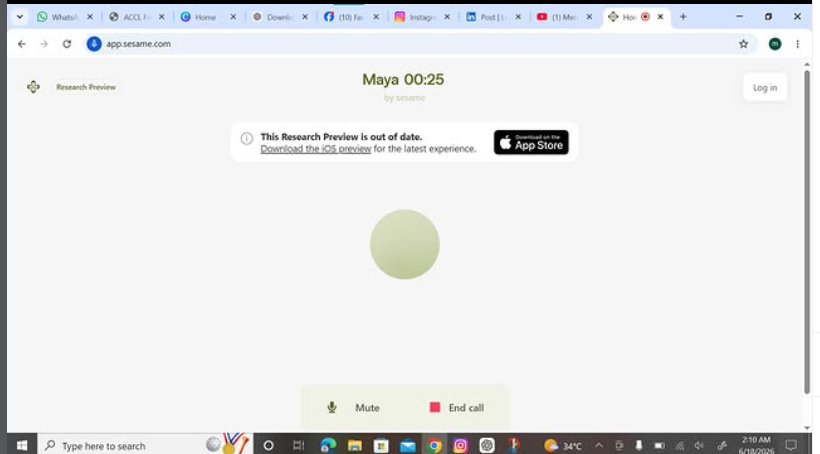
    Task topic How to download and call annie
    How to Download and Use CallAnnie?
    Want an AI friend and language tutor in your pocket? CallAnnie is an AI-powered app that lets you have real-time conversations, practice languages, ask questions, and improve your speaking skills anytime, anywhere. The app supports multiple languages and provides interactive voice and video chat experiences to help users learn and communicate more confidently.
    How to Download CallAnnie:
    Open the Google Play Store or Apple App Store.
    Search for CallAnnie - Language Learning.
    Tap Install/Get and wait for the download to finish.
    Open the app and create an account or sign in.
    Start chatting with Annie and explore its AI features!
    Why Use CallAnnie?
    Practice speaking English and other languages
    Chat with an AI assistant anytime
    Learn new topics and improve communication skills
    Get help while traveling or studying
    Enjoy natural, real-time conversations
    #CallAnnie #AIChat #LanguageLearning #EnglishPractice #AITutor #LearnEnglish #TechTips #MobileApps #AICompanion #Productivity
    RSIF8 Roll no 94 Task no 8 Task topic How to download and call annie ✨ How to Download and Use CallAnnie? βœ¨πŸ€– Want an AI friend and language tutor in your pocket? CallAnnie is an AI-powered app that lets you have real-time conversations, practice languages, ask questions, and improve your speaking skills anytime, anywhere. πŸŒπŸ—£οΈ The app supports multiple languages and provides interactive voice and video chat experiences to help users learn and communicate more confidently. πŸ”Ή How to Download CallAnnie: βœ… Open the Google Play Store or Apple App Store. βœ… Search for CallAnnie - Language Learning. βœ… Tap Install/Get and wait for the download to finish. βœ… Open the app and create an account or sign in. βœ… Start chatting with Annie and explore its AI features! πŸ“²πŸ€© 🌟 Why Use CallAnnie? 🎀 Practice speaking English and other languages πŸ€– Chat with an AI assistant anytime πŸ“š Learn new topics and improve communication skills 🌍 Get help while traveling or studying πŸ’‘ Enjoy natural, real-time conversations #CallAnnie #AIChat #LanguageLearning #EnglishPractice #AITutor #LearnEnglish #TechTips #MobileApps #AICompanion #Productivity πŸš€πŸ“±πŸ€–πŸŒŸπŸ“šπŸ—£οΈπŸ’¬βœ¨
    0 Comments 0 Shares 2930 Views
  • RSIF8
    Roll no 94
    task no 5
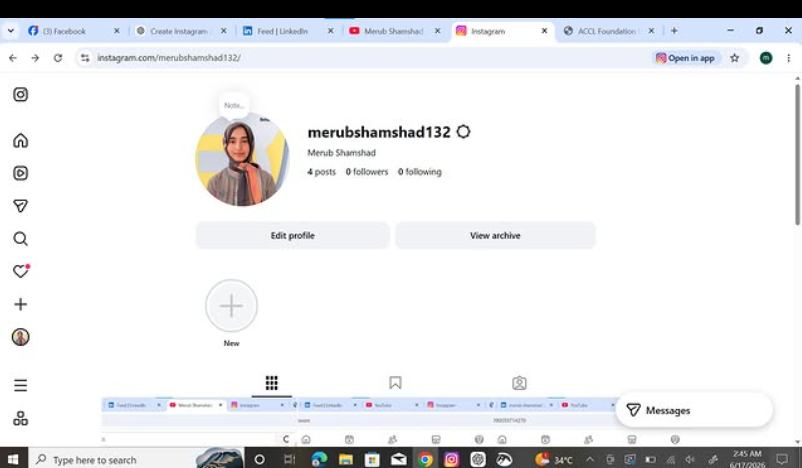
    task topic How to Create an Instagram Account

    Download the Instagram app from your app store.
    Tap Sign Up.
    Enter your email, phone number, or choose a social login.
    Create a unique username and secure password.
    Add a profile photo and complete your profile.
    Start following friends, creators, and your favorite pages!

    Now you're ready to share photos, videos, stories, and connect with people around the world!

    #Instagram #InstagramAccount #SocialMediaTips #DigitalLife #OnlineCommunity #CreateAccount #InstagramGuide #TechTips #SocialNetworking #GetStarted
    RSIF8 Roll no 94 task no 5 task topic✨ How to Create an Instagram Account βœ¨πŸ“± 1️⃣ Download the Instagram app from your app store. 2️⃣ Tap Sign Up. 3️⃣ Enter your email, phone number, or choose a social login. 4️⃣ Create a unique username and secure password. 5️⃣ Add a profile photo and complete your profile. 6️⃣ Start following friends, creators, and your favorite pages! πŸŽ‰ 🌟 Now you're ready to share photos, videos, stories, and connect with people around the world! #Instagram #InstagramAccount #SocialMediaTips #DigitalLife #OnlineCommunity #CreateAccount #InstagramGuide #TechTips #SocialNetworking #GetStarted πŸš€πŸ“Έ
    0 Comments 0 Shares 3418 Views
  • RSIF8
    roll no 94
    task no 2
    task topic How to create a facebook account
    How to Make a Facebook Account and Set It Up
    Creating a Facebook account is quick and easy! Simply download the Facebook app or visit the Facebook website , sign up with your name, email or phone number, create a secure password , and follow the setup steps. Add a profile picture , update your bio , connect with friends , and customize your privacy settings to make your account safe and personal.
    Stay connected, share your favorite moments , join communities , and explore everything Facebook has to offer!
    #Facebook #FacebookAccount #SocialMedia #OnlineCommunity #TechTips #DigitalLife #CreateAccount #StayConnected #FacebookSetup #EasyGuide
    RSIF8 roll no 94 task no 2 task topic How to create a facebook account ✨ How to Make a Facebook Account and Set It Up βœ¨πŸ“˜ Creating a Facebook account is quick and easy! πŸš€ Simply download the Facebook app πŸ“± or visit the Facebook website 🌐, sign up with your name, email or phone number, create a secure password πŸ”’, and follow the setup steps. Add a profile picture πŸ“Έ, update your bio πŸ“, connect with friends πŸ‘₯, and customize your privacy settings βš™οΈ to make your account safe and personal. Stay connected, share your favorite moments ❀️, join communities 🌍, and explore everything Facebook has to offer! πŸŽ‰ #Facebook #FacebookAccount #SocialMedia #OnlineCommunity #TechTips #DigitalLife #CreateAccount #StayConnected #FacebookSetup #EasyGuide
    0 Comments 0 Shares 2612 Views
  • RSIF8
    roll no 94
    task no 1
    task topic HOW TO CREATE A GMAIL ACCOUNT
    How to Create a Gmail Account
    Creating a Gmail account is quick and easy!
    Go to the Gmail sign-up page.
    Enter your first and last name.
    Choose a unique username.
    Create a strong password .
    Add your phone number for security .
    Verify your account and complete the setup.
    Start sending emails, using Google Drive, YouTube, Google Meet, and more!
    Your Gmail account is now ready to use!
    #Gmail #GoogleAccount #EmailAccount #TechTips #DigitalSkills #OnlineLearning #GmailTutorial #Technology #InternetBasics #HowTo #EmailSetup
    RSIF8 roll no 94 task no 1 task topic HOW TO CREATE A GMAIL ACCOUNT πŸ“§βœ¨ How to Create a Gmail Account βœ¨πŸ“§ Creating a Gmail account is quick and easy! πŸš€ 1️⃣ Go to the Gmail sign-up page. 2️⃣ Enter your first and last name. 3️⃣ Choose a unique username. 4️⃣ Create a strong password πŸ”’. 5️⃣ Add your phone number for security πŸ“±. 6️⃣ Verify your account and complete the setup. βœ… 7️⃣ Start sending emails, using Google Drive, YouTube, Google Meet, and more! πŸŒπŸ’‘ πŸŽ‰ Your Gmail account is now ready to use! #Gmail #GoogleAccount #EmailAccount #TechTips #DigitalSkills #OnlineLearning #GmailTutorial #Technology #InternetBasics #HowTo #EmailSetup πŸ“§βœ¨πŸš€
    0 Comments 0 Shares 4210 Views
  • RSIF8
    Roll no 101
    task no 05
    task topic How to Create an Instagram Account?
    Ready to join Instagram and start sharing your favorite moments? This simple step-by-step guide is perfect for beginners who want to learn how to create an Instagram account and set up their profile with ease.

    From creating your account to choosing a username, adding a profile picture, finding people you know, and adjusting your privacy settings, this tutorial covers the essential basics.

    What you'll learn:
    How to get started with Instagram
    How to create your account
    How to choose a username
    How to add a profile picture
    How to find and follow accounts
    How to explore photos, videos, and Reels
    How to manage basic privacy settings
    Simple tips for new Instagram users

    Perfect for beginners! Whether you're using an Android phone, iPhone, or tablet, these simple steps will help you understand the basics of Instagram.

    Follow the complete tutorial and start exploring Instagram today!

    Enjoying the guide?
    Like
    Share
    Follow for more easy technology tutorials!

    #Instagram #InstagramAccount #CreateInstagramAccount #InstagramTutorial #InstagramGuide #InstagramTips #HowTo #StepByStep #BeginnerGuide #InstagramForBeginners #SocialMedia #SocialMediaTips #TechTips #DigitalSkills #LearnInstagram #OnlineTutorial #Technology #EasyGuide #DigitalLearning #Tutorial #NewUsers #InstagramHelp #LearnTechnology
    RSIF8 Roll no 101 task no 05 task topic How to Create an Instagram Account? Ready to join Instagram and start sharing your favorite moments? βœ¨πŸ“± This simple step-by-step guide is perfect for beginners who want to learn how to create an Instagram account and set up their profile with ease. πŸ‘€πŸ’œ From creating your account to choosing a username, adding a profile picture, finding people you know, and adjusting your privacy settings, this tutorial covers the essential basics. πŸ”πŸŒŸ 🎯 What you'll learn: βœ… How to get started with Instagram πŸ“² βœ… How to create your account βœ… How to choose a username πŸ‘€ βœ… How to add a profile picture πŸ–ΌοΈ βœ… How to find and follow accounts πŸ‘₯ βœ… How to explore photos, videos, and Reels πŸŽ₯ βœ… How to manage basic privacy settings πŸ”’ βœ… Simple tips for new Instagram users πŸ’‘ 🌟 Perfect for beginners! Whether you're using an Android phone, iPhone, or tablet, these simple steps will help you understand the basics of Instagram. πŸ‘‰ Follow the complete tutorial and start exploring Instagram today! πŸ“ΈπŸš€ πŸ’œ Enjoying the guide? πŸ‘ Like πŸ”„ Share βž• Follow for more easy technology tutorials! #Instagram #InstagramAccount #CreateInstagramAccount #InstagramTutorial #InstagramGuide #InstagramTips #HowTo #StepByStep #BeginnerGuide #InstagramForBeginners #SocialMedia #SocialMediaTips #TechTips #DigitalSkills #LearnInstagram #OnlineTutorial #Technology #EasyGuide #DigitalLearning #Tutorial #NewUsers #InstagramHelp #LearnTechnology πŸ“ΈπŸ“±πŸ’»βœ¨πŸš€
    0 Comments 0 Shares 7783 Views
  • RSIF8
    Roll no 101
    task no 04
    task topic How to Create a YouTube Account?
    Ready to explore YouTube and discover amazing videos? This simple and beginner-friendly tutorial will guide you through the basics of creating and setting up a YouTube account.

    Whether you're completely new to YouTube or just want to understand how the platform works, this guide will help you get started step by step.

    In this video, you'll learn:
    How to get started with YouTube
    How to sign in using a Google Account
    How to set up your YouTube profile
    How to search for videos and channels
    How to subscribe to channels
    How to save videos for later
    How to manage basic account settings
    Helpful privacy and safety tips

    Perfect for beginners! Follow along with the tutorial and learn the essential YouTube features at your own pace.

    Start your YouTube experience today and discover content, creators, and topics you enjoy!

    Like the video
    Share your thoughts
    Follow for more simple tech tutorials
    Share this guide with someone who is new to YouTube!

    #YouTube #YouTubeAccount #CreateYouTubeAccount #YouTubeTutorial #YouTubeGuide #YouTubeTips #HowTo #StepByStep #YouTubeForBeginners #BeginnerTutorial #GoogleAccount #TechTips #Technology #DigitalSkills #LearnYouTube #OnlineTutorial #VideoTutorial #TechGuide #DigitalLearning #SocialMediaTips #EasyGuide #YouTubeHelp #Tutorial #LearnTechnology #NewToYouTube
    RSIF8 Roll no 101 task no 04 task topic How to Create a YouTube Account? Ready to explore YouTube and discover amazing videos? 🌎✨ This simple and beginner-friendly tutorial will guide you through the basics of creating and setting up a YouTube account. πŸ“±πŸ’» Whether you're completely new to YouTube or just want to understand how the platform works, this guide will help you get started step by step. 😊 πŸ“Œ In this video, you'll learn: πŸ”Ή How to get started with YouTube πŸ”Ή How to sign in using a Google Account πŸ” πŸ”Ή How to set up your YouTube profile πŸ‘€ πŸ”Ή How to search for videos and channels πŸ”Ž πŸ”Ή How to subscribe to channels πŸ”” πŸ”Ή How to save videos for later ⭐ πŸ”Ή How to manage basic account settings βš™οΈ πŸ”Ή Helpful privacy and safety tips πŸ”’ πŸ’‘ Perfect for beginners! Follow along with the tutorial and learn the essential YouTube features at your own pace. 🎬 Start your YouTube experience today and discover content, creators, and topics you enjoy! 🌟 πŸ‘ Like the video πŸ’¬ Share your thoughts πŸ”” Follow for more simple tech tutorials πŸ“² Share this guide with someone who is new to YouTube! #YouTube #YouTubeAccount #CreateYouTubeAccount #YouTubeTutorial #YouTubeGuide #YouTubeTips #HowTo #StepByStep #YouTubeForBeginners #BeginnerTutorial #GoogleAccount #TechTips #Technology #DigitalSkills #LearnYouTube #OnlineTutorial #VideoTutorial #TechGuide #DigitalLearning #SocialMediaTips #EasyGuide #YouTubeHelp #Tutorial #LearnTechnology #NewToYouTube πŸŽ₯πŸ“±πŸ’»βœ¨πŸš€
    0 Comments 0 Shares 9016 Views
  • RSIF8
    Roll no 101
    task no 03
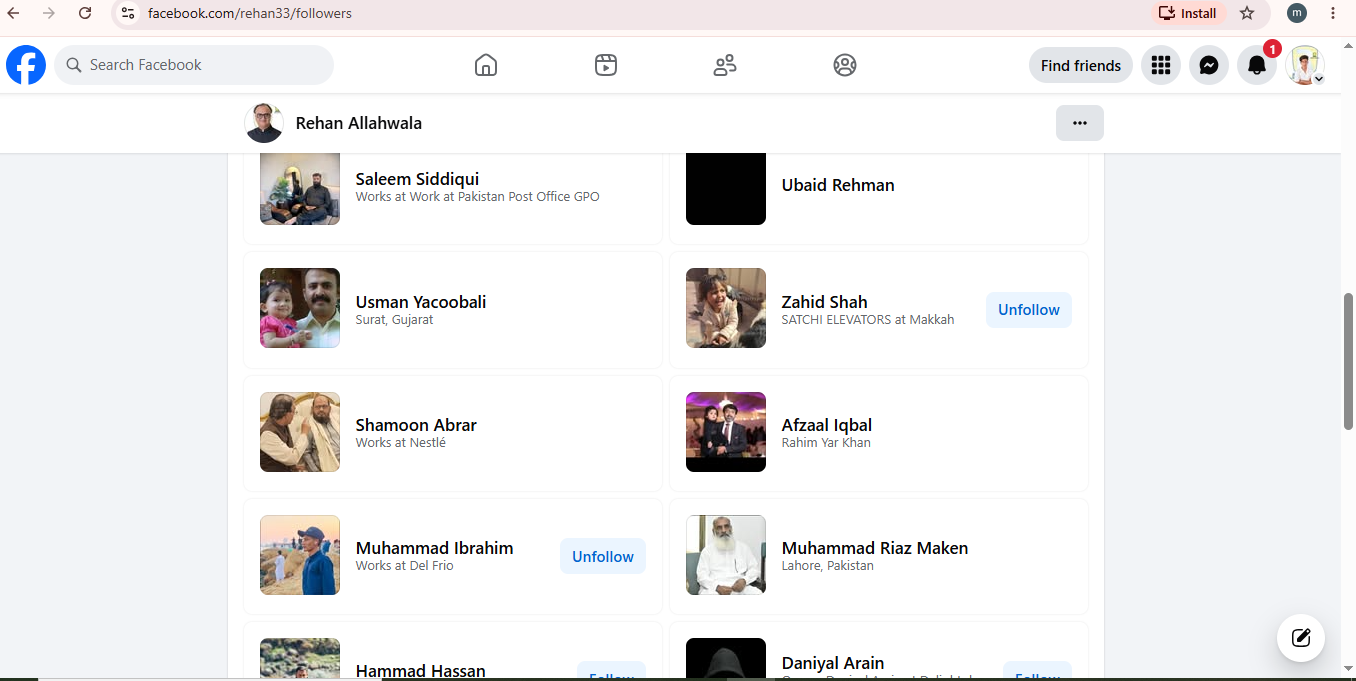
    task topic Follow Rehan Allahwala & Make 10 Mutual Friends
    Follow Rehan Allahwala & Make 10 Mutual Friends

    Want to expand your Facebook network and connect with new people? In this simple guide, learn how to follow Rehan Allahwala and build connections with 10 mutual friends.

    Discover new people, grow your network, and make meaningful connections online! Whether you're new to Facebook or looking to improve your networking skills, this easy tutorial will help you get started.

    Follow the steps and start connecting today!

    #RehanAllahwala #Facebook #FacebookTips #MutualFriends #FacebookFriends SocialMedia Networking OnlineNetworking ConnectWithPeople FacebookTutorial HowTo StepByStep TechTips DigitalSkills SocialMediaTips FacebookGuide OnlineCommunity Tutorial BeginnerGuide
    RSIF8 Roll no 101 task no 03 task topic Follow Rehan Allahwala & Make 10 Mutual Friends 🀝 Follow Rehan Allahwala & Make 10 Mutual Friends πŸš€ Want to expand your Facebook network and connect with new people? πŸ“±πŸŒ In this simple guide, learn how to follow Rehan Allahwala and build connections with 10 mutual friends. πŸ‘₯✨ Discover new people, grow your network, and make meaningful connections online! πŸ’‘πŸ€ Whether you're new to Facebook or looking to improve your networking skills, this easy tutorial will help you get started. πŸš€πŸ’™ πŸ‘‰ Follow the steps and start connecting today! πŸ“²πŸ˜Š #RehanAllahwala #Facebook #FacebookTips #MutualFriends #FacebookFriends SocialMedia Networking OnlineNetworking ConnectWithPeople FacebookTutorial HowTo StepByStep TechTips DigitalSkills SocialMediaTips FacebookGuide OnlineCommunity Tutorial BeginnerGuide πŸ€πŸ“±βœ¨
    0 Comments 0 Shares 5603 Views
More Results