



Recent Actualizat
- RSIF8
Roll No: 64
Task no 06
Task topic How to Create a LinkedIn Account?
Learned How to Create a LinkedIn Account!
Today I learned how to create and set up a professional LinkedIn account step by step . From adding personal information , profile picture , education details , and skills to connecting with professionals , it was a great learning experience .
LinkedIn is an amazing platform for students, freelancers, and professionals to build their network , explore job opportunities , and grow their careers online . I’m excited to use LinkedIn for learning, networking, and future success .
hashtag#LinkedIn hashtag#ProfessionalProfile hashtag#CareerGrowth hashtag#Networking hashtag#DigitalSkills hashtag#OnlineLearning hashtag#TechSkills hashtag#FoundationLevel hashtag#RSIF8 hashtag#LearningJourneyRSIF8 Roll No: 64 Task no 06 Task topic How to Create a LinkedIn Account? 💼🌟 Learned How to Create a LinkedIn Account! 🚀 Today I learned how to create and set up a professional LinkedIn account step by step 💻✨. From adding personal information 👤, profile picture 🖼️, education details 🎓, and skills 📚 to connecting with professionals 🌍, it was a great learning experience 🎯🔥. LinkedIn is an amazing platform for students, freelancers, and professionals to build their network 🤝, explore job opportunities 💼, and grow their careers online 🚀📱. I’m excited to use LinkedIn for learning, networking, and future success 😍✨. hashtag#LinkedIn hashtag#ProfessionalProfile hashtag#CareerGrowth hashtag#Networking hashtag#DigitalSkills hashtag#OnlineLearning hashtag#TechSkills hashtag#FoundationLevel hashtag#RSIF8 hashtag#LearningJourney 💼📚🚀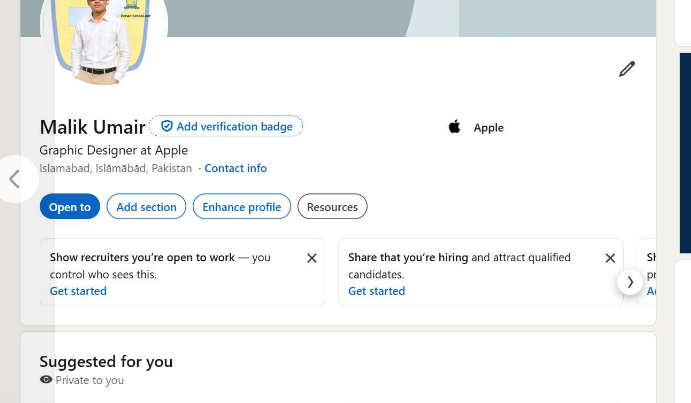 0 Commentarii 0 Distribuiri 303 Views
 - RSIF8
Roll No:64
Task No 5
Task topic How to Create an Instagram
Account?
Creating an Instagram account is very easy and quick. First, download the Instagram app from the Play Store or App Store. Open the app and tap on “Create New Account.” You can sign up using your email or phone number. Then enter your full name, choose a unique username, and set a strong password. Add a profile picture and optional bio. After that, verify your account with the code sent to your email or phone. Once completed, your account is ready to use!
Now you can follow friends, post photos , watch reels , and explore amazing content
hashtag#Hashtags
hashtag#Instagram hashtag#InstagramAccount hashtag#SocialMedia hashtag#CreateAccount hashtag#HowToGuide hashtag#InstagramTips hashtag#TechGuide hashtag#OnlineLearning hashtag#DigitalWorld hashtag#BeginnerGuideRSIF8 Roll No:64 Task No 5 Task topic How to Create an Instagram Account? Creating an Instagram account is very easy and quick. First, download the Instagram app from the Play Store or App Store. Open the app and tap on “Create New Account.” You can sign up using your email or phone number. Then enter your full name, choose a unique username, and set a strong password. Add a profile picture and optional bio. After that, verify your account with the code sent to your email or phone. Once completed, your account is ready to use! 🎉 Now you can follow friends, post photos 📸, watch reels 🎥, and explore amazing content 🌍✨ hashtag#Hashtags hashtag#Instagram hashtag#InstagramAccount hashtag#SocialMedia hashtag#CreateAccount hashtag#HowToGuide hashtag#InstagramTips hashtag#TechGuide hashtag#OnlineLearning hashtag#DigitalWorld hashtag#BeginnerGuide 📱✨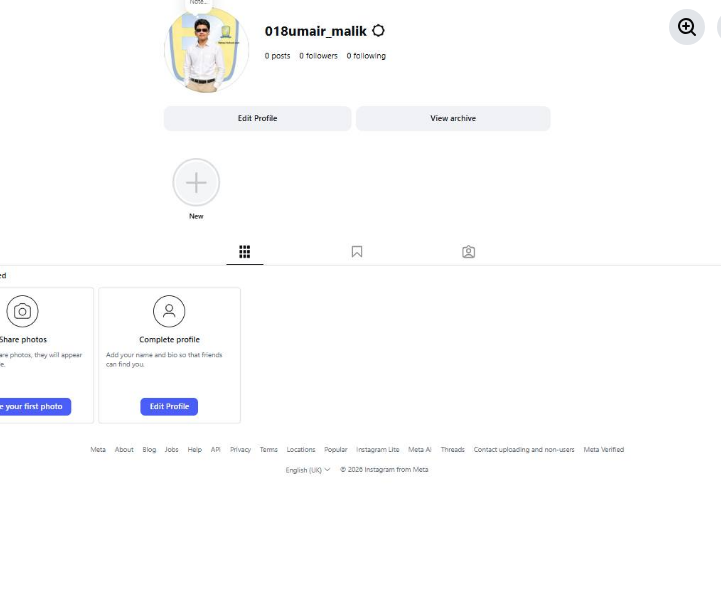 0 Commentarii 0 Distribuiri 175 Views
 - RSIF8
Roll No: 64
Task no 04
Task topic How to Create a YouTube Account?
Today I learned the complete process of creating a YouTube account step by step . From signing in with Gmail to setting up a channel , adding a profile picture , and customizing the account , it was an amazing learning experience .
YouTube is one of the best platforms for watching videos , sharing knowledge , creating content , and building an online career . I’m excited to explore more features and create awesome videos in the future .
hashtag#YouTubeAccount hashtag#YouTubeCreator hashtag#ContentCreation hashtag#DigitalSkills hashtag#LearningJourney hashtag#SocialMedia hashtag#OnlineLearning hashtag#TechSkills hashtag#FoundationLevel hashtag#RSIF8 hashtag#YouTubeSetupRSIF8 Roll No: 64 Task no 04 Task topic How to Create a YouTube Account? Today I learned the complete process of creating a YouTube account step by step 🎬✨. From signing in with Gmail 📧 to setting up a channel 🎤, adding a profile picture 🖼️, and customizing the account ⚙️, it was an amazing learning experience 💡🚀. YouTube is one of the best platforms for watching videos 🎥, sharing knowledge 📚, creating content 🎙️, and building an online career 🌍💻. I’m excited to explore more features and create awesome videos in the future 😍🔥. hashtag#YouTubeAccount hashtag#YouTubeCreator hashtag#ContentCreation hashtag#DigitalSkills hashtag#LearningJourney hashtag#SocialMedia hashtag#OnlineLearning hashtag#TechSkills hashtag#FoundationLevel hashtag#RSIF8 hashtag#YouTubeSetup ▶️✨📚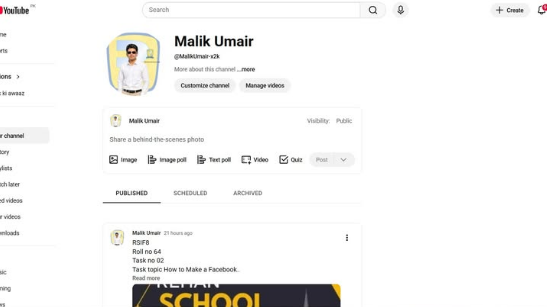 0 Commentarii 0 Distribuiri 273 Views
 - RSIF8
Roll no 64
Task no 03
Task topic follow rehan allahwala and make 10 mutual friends
Welcome to our official page!
Here you’ll find useful content, updates, ideas, and engaging posts related to daily life, business, learning, and entertainment. We aim to share positive and valuable information with our community.
Follow the page to stay connected and never miss new updates.
Feel free to like, comment, and share with friends.RSIF8 Roll no 64 Task no 03 Task topic follow rehan allahwala and make 10 mutual friends Welcome to our official page! Here you’ll find useful content, updates, ideas, and engaging posts related to daily life, business, learning, and entertainment. We aim to share positive and valuable information with our community. 👉 Follow the page to stay connected and never miss new updates. 💬 Feel free to like, comment, and share with friends. 📧🚀✨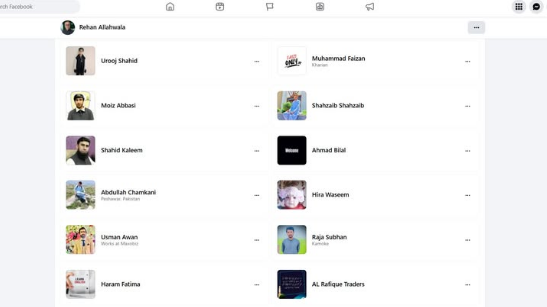 0 Commentarii 0 Distribuiri 150 Views
 - RSIF8
Roll no 64
Task no 02
Task topic How to Make a Facebook
Creating a Gmail account is quick and easy! First, go to the official Gmail signup page and click on “Create account.” Fill in your basic details like your name, username, and a strong password . Then, add your phone number for verification and enter the code you receive. After that, provide a recovery email (optional) and your date of birth . Agree to the terms and conditions , and boom—you’re ready to explore your new Gmail account! Now you can send emails, use Google services, and stay connected with the world
hashtag#Gmail hashtag#CreateAccount hashtag#EmailSetup hashtag#GoogleAccount hashtag#TechTips hashtag#DigitalLife hashtag#EasySteps hashtag#OnlineLearning hashtag#StudentLifeRSIF8 Roll no 64 Task no 02 Task topic How to Make a Facebook Creating a Gmail account is quick and easy! 📧✨ First, go to the official Gmail signup page and click on “Create account.” Fill in your basic details like your name, username, and a strong password 🔐. Then, add your phone number for verification 📱 and enter the code you receive. After that, provide a recovery email (optional) and your date of birth 🎂. Agree to the terms and conditions ✔️, and boom—you’re ready to explore your new Gmail account! 🚀 Now you can send emails, use Google services, and stay connected with the world 🌍💬 hashtag#Gmail hashtag#CreateAccount hashtag#EmailSetup hashtag#GoogleAccount hashtag#TechTips hashtag#DigitalLife hashtag#EasySteps hashtag#OnlineLearning hashtag#StudentLife 📧🚀✨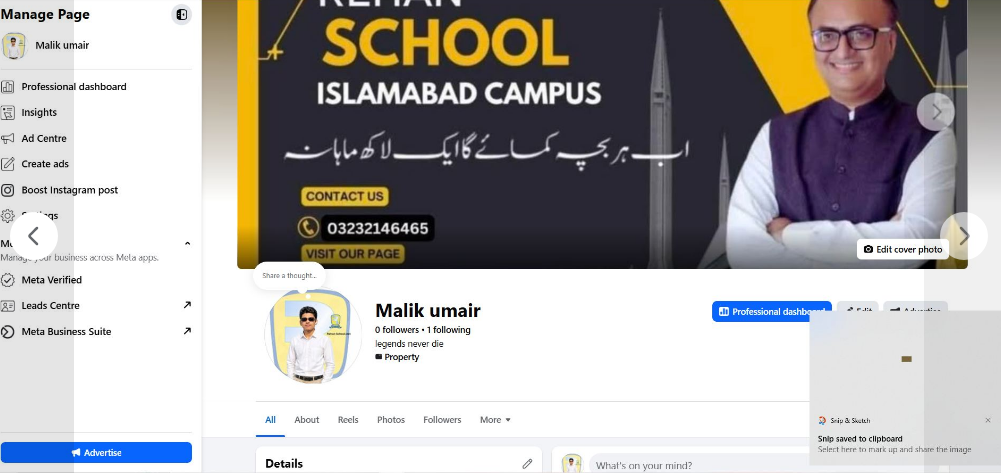 0 Commentarii 0 Distribuiri 187 Views
 - RSIF8
Roll no 64
Task no 01
Task topic How to Create a Gmail
Account?
Creating a Gmail account is quick and easy! First, go to the official Gmail signup page and click on “Create account.” Fill in your basic details like your name, username, and a strong password . Then, add your phone number for verification and enter the code you receive. After that, provide a recovery email (optional) and your date of birth . Agree to the terms and conditions , and boom—you’re ready to explore your new Gmail account! Now you can send emails, use Google services, and stay connected with the world
hashtag#Gmail hashtag#CreateAccount hashtag#EmailSetup hashtag#GoogleAccount hashtag#TechTips hashtag#DigitalLife hashtag#EasySteps hashtag#OnlineLearning hashtag#StudentLifeRSIF8 Roll no 64 Task no 01 Task topic How to Create a Gmail Account? Creating a Gmail account is quick and easy! 📧✨ First, go to the official Gmail signup page and click on “Create account.” Fill in your basic details like your name, username, and a strong password 🔐. Then, add your phone number for verification 📱 and enter the code you receive. After that, provide a recovery email (optional) and your date of birth 🎂. Agree to the terms and conditions ✔️, and boom—you’re ready to explore your new Gmail account! 🚀 Now you can send emails, use Google services, and stay connected with the world 🌍💬 hashtag#Gmail hashtag#CreateAccount hashtag#EmailSetup hashtag#GoogleAccount hashtag#TechTips hashtag#DigitalLife hashtag#EasySteps hashtag#OnlineLearning hashtag#StudentLife 📧🚀✨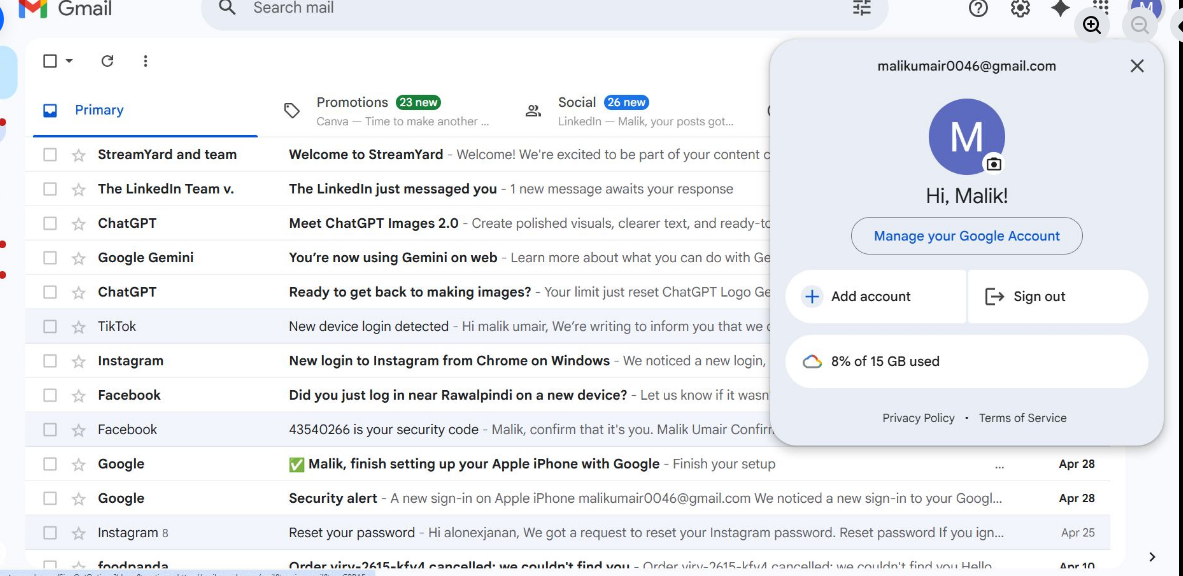 0 Commentarii 0 Distribuiri 206 Views

Mai multe povesti
- 7 Postari
- 7 Fotografii
- 0 Video
- Male
- Urmarit de 0 people