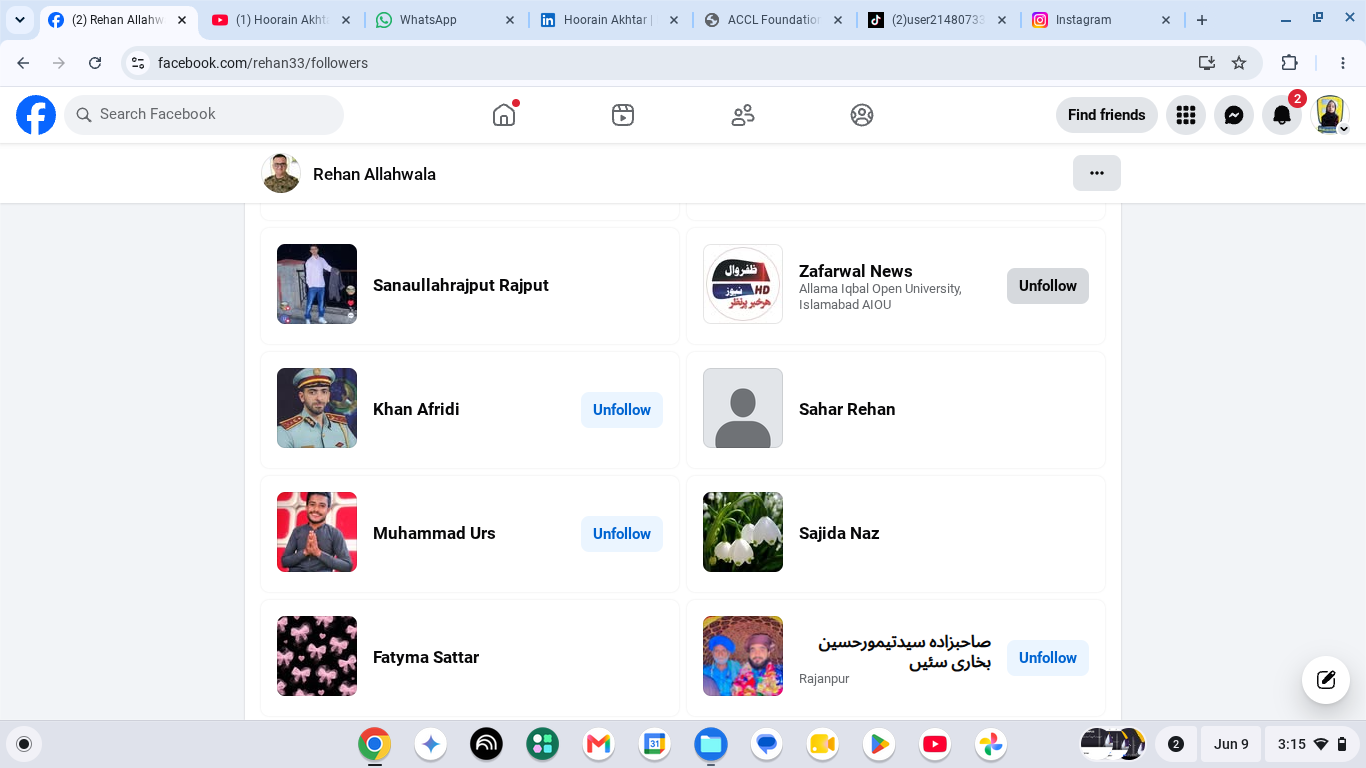
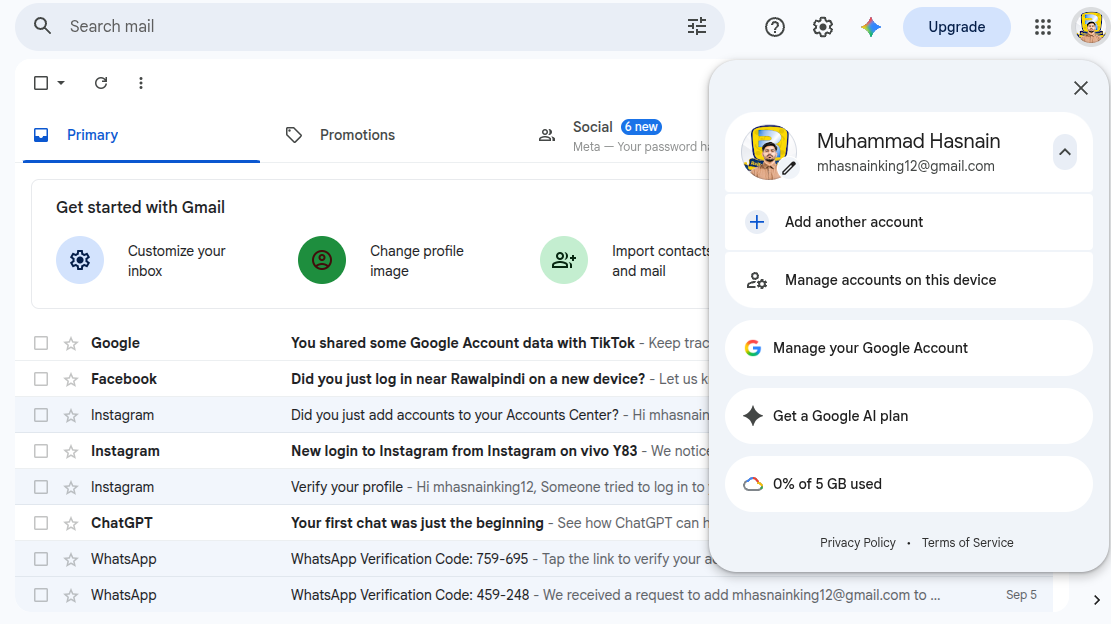
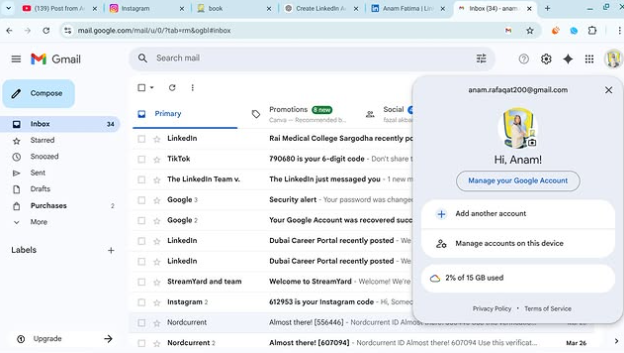
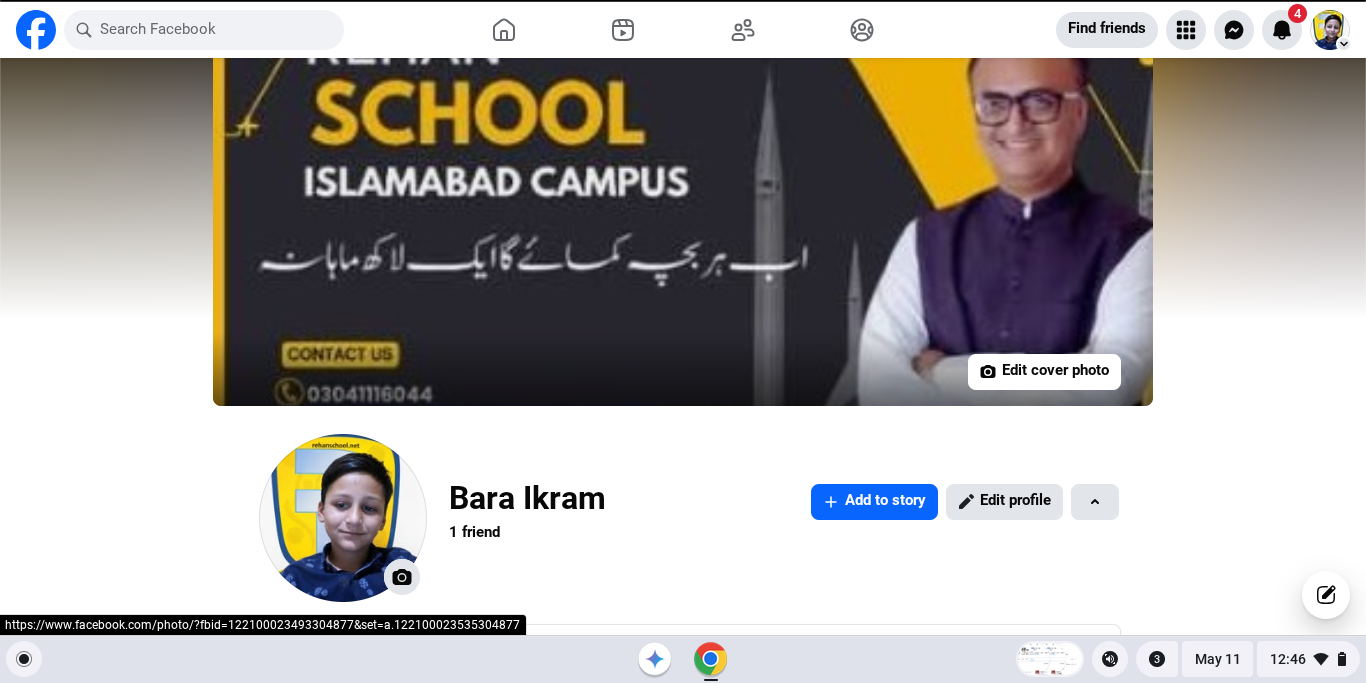
• How To Verify Your Facebook ID | Rehan Allahwala
    #facebook #Verify
    How To Verify Your Facebook ID | Rehan Allahwala #facebook #Verify
    0 Comments 0 Shares 254 Views
  • RSIF8
    Roll no.29
    Task no.6
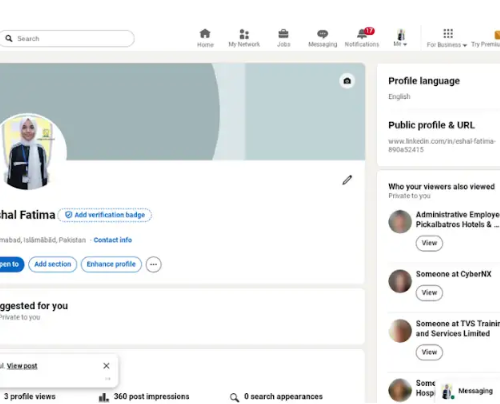
    Task Topic:How to create a LinkedIn Account


    1. **Visit LinkedIn or download the app:** 1-2 min.
    Go to **linkedin.com** on your browser or download the official LinkedIn app from the App Store or Google Play Store.


    2. **Sign up with your details:** 2 min.
    Click **"Join now"**. Enter your email address and create a strong password, or choose to sign up quickly using your Google account.


    3. **Verify your account:** 1 min.
    Check your email for a verification security code sent by LinkedIn. Enter that code on the screen to confirm your identity.


    4. **Set up your basic profile:** 3 min.
    Enter your country, postal code, and your most recent job title or company. If you're a student, you can toggle the "I’m a student" button to enter your school details instead.

    ----------

    #LinkedIn #Networking #ProfessionalGrowth #CareerDevelopment #Connections #NewBeginnings #Collaboration
    RSIF8 Roll no.29 Task no.6 Task Topic:How to create a LinkedIn Account 1. **Visit LinkedIn or download the app:** 1-2 min. Go to **linkedin.com** on your browser or download the official LinkedIn app from the App Store or Google Play Store. 2. **Sign up with your details:** 2 min. Click **"Join now"**. Enter your email address and create a strong password, or choose to sign up quickly using your Google account. 3. **Verify your account:** 1 min. Check your email for a verification security code sent by LinkedIn. Enter that code on the screen to confirm your identity. 4. **Set up your basic profile:** 3 min. Enter your country, postal code, and your most recent job title or company. If you're a student, you can toggle the "I’m a student" button to enter your school details instead. ---------- #LinkedIn #Networking #ProfessionalGrowth #CareerDevelopment #Connections #NewBeginnings #Collaboration
    0 Comments 0 Shares 442 Views
  • **Telling the Truth Live on Social Media | English Speaking Practice with Maya AI**

    Today, I had an interesting and meaningful conversation with **Maya AI** about an important topic: **“Telling the Truth Live on Social Media.”**

    In today’s digital world, social media has become a powerful way to communicate, share ideas, learn new things, and connect with people around the world. But with this opportunity comes an important responsibility — **being honest and truthful.**

    During this conversation, I discussed why telling the truth is important on social media, how fake information can affect people, why we should verify information before sharing it, and how honesty can help us build trust with our audience.

    I also learned that being truthful does not mean we have to know everything. Sometimes, simply saying **“I don't know”** is better than giving incorrect information. We should also be willing to accept our mistakes, correct false information, and respect different opinions.

    This conversation was not only about social media; it was also a great opportunity for me to **practice my English speaking skills**, improve my confidence, learn new vocabulary, and communicate my thoughts more clearly.

    I believe that social media should be used to **inform, inspire, educate, and connect people**. Before posting anything, we should think carefully, check our information, respect others, and understand the impact our words can have.

    This was a valuable learning experience for me, and I hope this conversation encourages others to use social media responsibly and always value **truth, honesty, respect, and kindness.**

    Thank you, Maya AI, for this amazing conversation!

    **Keep learning. Keep practicing. Keep speaking. Keep improving.**

    #TellingTheTruth #TruthOnSocialMedia #SocialMedia #MayaAI #EnglishSpeakingPractice #EnglishPractice #LearnEnglish #SpeakingSkills #CommunicationSkills #AIConversation #AIPractice #SocialMediaResponsibility #BeHonest #Honesty #Truth #DigitalLearning #StudentLife #LearningJourney #Confidence #SelfImprovement #AIForEducation #EnglishLearning #PublicSpeaking #PersonalGrowth #KeepLearning #KeepImproving

    ๐ŸŽคโœจ **Telling the Truth Live on Social Media | English Speaking Practice with Maya AI** ๐Ÿค–๐Ÿ’ฌ Today, I had an interesting and meaningful conversation with **Maya AI** about an important topic: **“Telling the Truth Live on Social Media.”** ๐ŸŒ๐Ÿ“ฑ In today’s digital world, social media has become a powerful way to communicate, share ideas, learn new things, and connect with people around the world. But with this opportunity comes an important responsibility — **being honest and truthful.** ๐Ÿ’ก During this conversation, I discussed why telling the truth is important on social media, how fake information can affect people, why we should verify information before sharing it, and how honesty can help us build trust with our audience. ๐Ÿง โœ… I also learned that being truthful does not mean we have to know everything. Sometimes, simply saying **“I don't know”** is better than giving incorrect information. We should also be willing to accept our mistakes, correct false information, and respect different opinions. ๐Ÿค This conversation was not only about social media; it was also a great opportunity for me to **practice my English speaking skills**, improve my confidence, learn new vocabulary, and communicate my thoughts more clearly. ๐Ÿ“š๐ŸŽค I believe that social media should be used to **inform, inspire, educate, and connect people**. Before posting anything, we should think carefully, check our information, respect others, and understand the impact our words can have. ๐ŸŒโค๏ธ This was a valuable learning experience for me, and I hope this conversation encourages others to use social media responsibly and always value **truth, honesty, respect, and kindness.** ๐ŸŒŸ Thank you, Maya AI, for this amazing conversation! ๐Ÿค–๐Ÿ’™ ๐Ÿš€ **Keep learning. Keep practicing. Keep speaking. Keep improving.** #TellingTheTruth #TruthOnSocialMedia #SocialMedia #MayaAI #EnglishSpeakingPractice #EnglishPractice #LearnEnglish #SpeakingSkills #CommunicationSkills #AIConversation #AIPractice #SocialMediaResponsibility #BeHonest #Honesty #Truth #DigitalLearning #StudentLife #LearningJourney #Confidence #SelfImprovement #AIForEducation #EnglishLearning #PublicSpeaking #PersonalGrowth #KeepLearning #KeepImproving

    0 Comments 0 Shares 1591 Views 4
  • RSIF8
    Roll no. 83
    Task no.2
    Task Topic: How to make a facebook
    How to Make a Facebook Account and Set It Up
    Creating a Facebook account is simple and only takes a few minutes. Follow these steps:
    Step 1: Visit Facebook
    Go to Facebook
    Step 2: Create a New Account
    Click "Create New Account" and enter:
    First and Last Name
    Mobile Number or Email Address
    Password
    Date of Birth
    Gender
    Step 3: Verify Your Account
    Facebook will send a verification code to your email or phone. Enter the code to confirm your account.
    Step 4: Add a Profile Picture
    Upload a clear photo of yourself so friends can recognize you.
    Step 5: Complete Your Profile
    Add:
    City or Hometown
    Education
    Workplace
    Interests and Hobbies
    Step 6: Find Friends
    Use the search bar to find friends and family and send friend requests.
    Step 7: Adjust Privacy Settings
    Go to Settings & Privacy to control:
    Who can see your posts
    Who can send friend requests
    Who can view your profile
    Step 8: Start Using Facebook
    Now you can:
    Like posts
    Comment on posts
    Share photos and videos
    Create your own posts
    Watch videos and join groups
    Your Facebook Account Is Ready!
    Stay connected, share moments, and interact with friends around the world.
    #Facebook
    #SocialMedia
    #FacebookAccount
    #CreateAccount
    #OnlineCommunity
    #DigitalLife
    #ConnectWithFriends
    #FacebookTips
    #TechGuide
    #StayConnected See less
    14w
    RSIF8 Roll no. 83 Task no.2 Task Topic: How to make a facebook ๐Ÿ“˜โœจ How to Make a Facebook Account and Set It Up โœจ๐Ÿ“˜ Creating a Facebook account is simple and only takes a few minutes. Follow these steps: ๐Ÿ“ Step 1: Visit Facebook Go to ๐ŸŒ Facebook ๐Ÿ‘ค Step 2: Create a New Account Click "Create New Account" and enter: โœ… First and Last Name โœ… Mobile Number or Email Address โœ… Password ๐Ÿ”’ โœ… Date of Birth ๐ŸŽ‚ โœ… Gender ๐Ÿ“ฉ Step 3: Verify Your Account Facebook will send a verification code to your email or phone. Enter the code to confirm your account. ๐Ÿ–ผ๏ธ Step 4: Add a Profile Picture Upload a clear photo of yourself so friends can recognize you. ๐Ÿ“„ Step 5: Complete Your Profile Add: ๐Ÿ  City or Hometown ๐ŸŽ“ Education ๐Ÿ’ผ Workplace โค๏ธ Interests and Hobbies ๐Ÿ‘ฅ Step 6: Find Friends Use the search bar to find friends and family and send friend requests. โš™๏ธ Step 7: Adjust Privacy Settings Go to Settings & Privacy to control: ๐Ÿ”’ Who can see your posts ๐Ÿ‘ฅ Who can send friend requests ๐Ÿ“ธ Who can view your profile ๐Ÿ“ฑ Step 8: Start Using Facebook Now you can: ๐Ÿ‘ Like posts ๐Ÿ’ฌ Comment on posts ๐Ÿ“ธ Share photos and videos ๐Ÿ“ข Create your own posts ๐ŸŽฅ Watch videos and join groups ๐ŸŽ‰ Your Facebook Account Is Ready! Stay connected, share moments, and interact with friends around the world. ๐ŸŒ๐Ÿ’™ #Facebook ๐Ÿ“˜ #SocialMedia ๐Ÿ“ฑ #FacebookAccount ๐Ÿ‘ค #CreateAccount โœจ #OnlineCommunity ๐ŸŒ #DigitalLife ๐Ÿ’ป #ConnectWithFriends ๐Ÿ‘ฅ #FacebookTips ๐Ÿ’ก #TechGuide ๐Ÿš€ #StayConnected ๐Ÿ’™ See less 14w
    0 Comments 0 Shares 2339 Views
  • #rsisb
    Roll No.240
    Call Annie No.26
    Book A: Level One
    Date:9:19:26

    In this live session, we talk about the importance of truth, honesty, and responsibility on social media. Social media gives us the opportunity to share our thoughts and information with others, but it is important to think carefully before posting or sharing anything.

    This discussion explores how we can identify false information, avoid rumors, verify information, respect different opinions, and become more responsible social media users.

    Truth builds trust, and responsible communication can help create a healthier and more positive online community. Let’s learn to think before we share, verify before we believe, and speak with honesty and respect.

    Think. Verify. Share Responsibly.
    Speak the truth
    Check the facts
    Respect others
    Use social media responsibly

    #TellingTheTruth #SocialMedia #Truth #Honesty #DigitalResponsibility #FactChecking #FakeNewsAwareness #ThinkBeforeYouShare #OnlineSafety #MediaLiteracy #ResponsibleSocialMedia #TruthMatters #DigitalCitizenship #Respect #Awareness

    Rehan School Islamabad Campus
    Asma Shaheen EducationWali
    Irum Asim Leadershipwali
    Saima Happinesswali


    #rsisb Roll No.240 Call Annie No.26 Book A: Level One Date:9:19:26 In this live session, we talk about the importance of truth, honesty, and responsibility on social media. ๐Ÿ—ฃ๏ธ๐Ÿ’ฏ Social media gives us the opportunity to share our thoughts and information with others, but it is important to think carefully before posting or sharing anything. This discussion explores how we can identify false information, avoid rumors, verify information, respect different opinions, and become more responsible social media users. ๐Ÿ”๐Ÿ“ฐ๐Ÿค Truth builds trust, and responsible communication can help create a healthier and more positive online community. ๐ŸŒŸ๐Ÿ’š Let’s learn to think before we share, verify before we believe, and speak with honesty and respect. ๐Ÿ™Œ๐Ÿ“š ๐Ÿ’ก Think. Verify. Share Responsibly. ๐ŸŽค Speak the truth ๐Ÿ” Check the facts ๐Ÿค Respect others ๐Ÿ“ฑ Use social media responsibly #TellingTheTruth #SocialMedia #Truth #Honesty #DigitalResponsibility #FactChecking #FakeNewsAwareness #ThinkBeforeYouShare #OnlineSafety #MediaLiteracy #ResponsibleSocialMedia #TruthMatters #DigitalCitizenship #Respect #Awareness ๐ŸŽค๐Ÿ“ฑ๐Ÿ’ฏ๐Ÿ”๐ŸŒ๐Ÿคโœจ Rehan School Islamabad Campus Asma Shaheen EducationWali Irum Asim Leadershipwali Saima Happinesswali
    0 Comments 0 Shares 3156 Views 4
  • RSIF8
    roll no 94
    task no 1
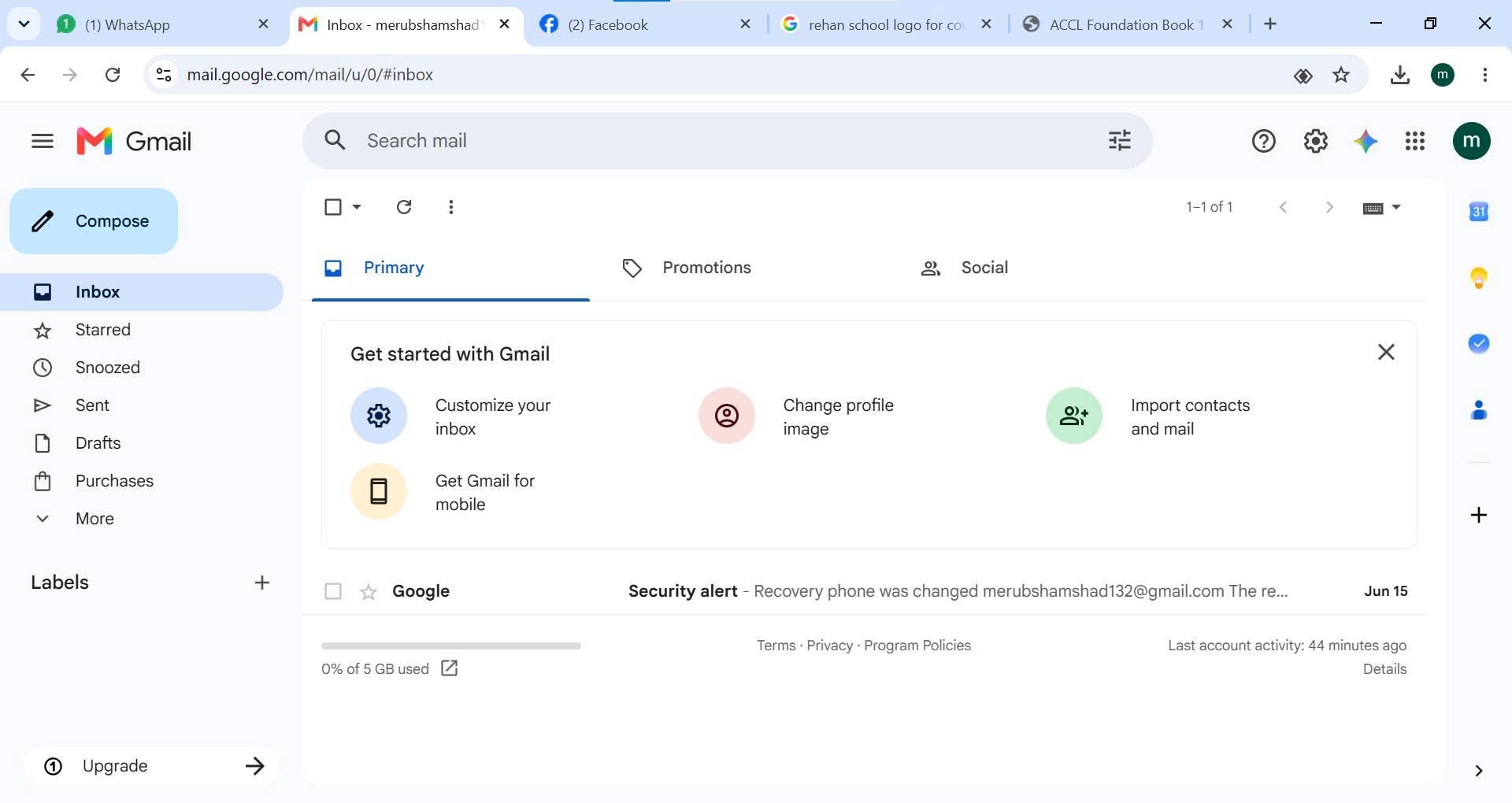
    task topic HOW TO CREATE A GMAIL ACCOUNT
    How to Create a Gmail Account
    Creating a Gmail account is quick and easy!
    Go to the Gmail sign-up page.
    Enter your first and last name.
    Choose a unique username.
    Create a strong password .
    Add your phone number for security .
    Verify your account and complete the setup.
    Start sending emails, using Google Drive, YouTube, Google Meet, and more!
    Your Gmail account is now ready to use!
    #Gmail #GoogleAccount #EmailAccount #TechTips #DigitalSkills #OnlineLearning #GmailTutorial #Technology #InternetBasics #HowTo #EmailSetup
    RSIF8 roll no 94 task no 1 task topic HOW TO CREATE A GMAIL ACCOUNT ๐Ÿ“งโœจ How to Create a Gmail Account โœจ๐Ÿ“ง Creating a Gmail account is quick and easy! ๐Ÿš€ 1๏ธโƒฃ Go to the Gmail sign-up page. 2๏ธโƒฃ Enter your first and last name. 3๏ธโƒฃ Choose a unique username. 4๏ธโƒฃ Create a strong password ๐Ÿ”’. 5๏ธโƒฃ Add your phone number for security ๐Ÿ“ฑ. 6๏ธโƒฃ Verify your account and complete the setup. โœ… 7๏ธโƒฃ Start sending emails, using Google Drive, YouTube, Google Meet, and more! ๐ŸŒ๐Ÿ’ก ๐ŸŽ‰ Your Gmail account is now ready to use! #Gmail #GoogleAccount #EmailAccount #TechTips #DigitalSkills #OnlineLearning #GmailTutorial #Technology #InternetBasics #HowTo #EmailSetup ๐Ÿ“งโœจ๐Ÿš€
    0 Comments 0 Shares 1900 Views
  • RSIF8
    Roll No:64
    Task No 5
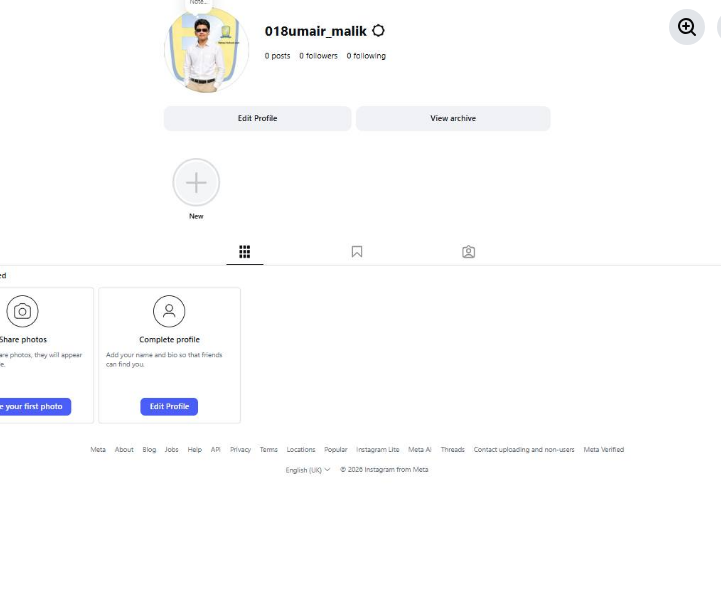
    Task topic How to Create an Instagram
    Account?
    Creating an Instagram account is very easy and quick. First, download the Instagram app from the Play Store or App Store. Open the app and tap on “Create New Account.” You can sign up using your email or phone number. Then enter your full name, choose a unique username, and set a strong password. Add a profile picture and optional bio. After that, verify your account with the code sent to your email or phone. Once completed, your account is ready to use!
    Now you can follow friends, post photos , watch reels , and explore amazing content
    hashtag#Hashtags
    hashtag#Instagram hashtag#InstagramAccount hashtag#SocialMedia hashtag#CreateAccount hashtag#HowToGuide hashtag#InstagramTips hashtag#TechGuide hashtag#OnlineLearning hashtag#DigitalWorld hashtag#BeginnerGuide
    RSIF8 Roll No:64 Task No 5 Task topic How to Create an Instagram Account? Creating an Instagram account is very easy and quick. First, download the Instagram app from the Play Store or App Store. Open the app and tap on “Create New Account.” You can sign up using your email or phone number. Then enter your full name, choose a unique username, and set a strong password. Add a profile picture and optional bio. After that, verify your account with the code sent to your email or phone. Once completed, your account is ready to use! ๐ŸŽ‰ Now you can follow friends, post photos ๐Ÿ“ธ, watch reels ๐ŸŽฅ, and explore amazing content ๐ŸŒโœจ hashtag#Hashtags hashtag#Instagram hashtag#InstagramAccount hashtag#SocialMedia hashtag#CreateAccount hashtag#HowToGuide hashtag#InstagramTips hashtag#TechGuide hashtag#OnlineLearning hashtag#DigitalWorld hashtag#BeginnerGuide ๐Ÿ“ฑโœจ
    0 Comments 0 Shares 1491 Views
  • RSIF8
    ROll NO:106
    Task No:1
    Task Topic:# How to Create a Gmail Account?
    Creating a Gmail account is quick and easy. Gmail is a free email service by Google that you can use to send and receive emails, sign up for websites, store files, and access Google services.
    ### Steps to Create a Gmail Account:
    1. Open your web browser and go to Gmail.
    2. Click **Create account**.
    3. Choose **For myself** or **For business**.
    4. Enter your **first name and last name**.
    5. Choose your desired **Gmail username**.
    6. Create a strong **password** and confirm it.
    7. Enter your phone number if Google asks you to verify your account.
    8. Add a **recovery email** if available.
    9. Enter your **date of birth and gender**.
    10. Read and accept Google's **Terms and Privacy Policy**.
    11. Your Gmail account is now ready to use.
    ### Conclusion
    That's it! Your new Gmail account is ready. You can now send emails, receive messages, and use other Google services with your new account.
    RSIF8 ROll NO:106 Task No:1 Task Topic:# How to Create a Gmail Account? Creating a Gmail account is quick and easy. Gmail is a free email service by Google that you can use to send and receive emails, sign up for websites, store files, and access Google services. ### Steps to Create a Gmail Account: 1. Open your web browser and go to Gmail. 2. Click **Create account**. 3. Choose **For myself** or **For business**. 4. Enter your **first name and last name**. 5. Choose your desired **Gmail username**. 6. Create a strong **password** and confirm it. 7. Enter your phone number if Google asks you to verify your account. 8. Add a **recovery email** if available. 9. Enter your **date of birth and gender**. 10. Read and accept Google's **Terms and Privacy Policy**. 11. Your Gmail account is now ready to use. ### Conclusion That's it! Your new Gmail account is ready. You can now send emails, receive messages, and use other Google services with your new account.
    0 Comments 0 Shares 982 Views
  • RSIF8
    Roll NO:11
    Task post no : 1
    Task topic How to Create a Gmail
    Account?
    How to Create a Gmail Account – Step by Step Guide

    Want your own email for school, work, or social media? Creating a Gmail account is super easy and FREE! Follow these simple steps and get started in minutes

    Step 1: Go to the Gmail sign-up page
    Step 2: Enter your First & Last Name
    Step 3: Choose a unique Username
    Step 4: Create a strong Password
    Step 5: Add your Phone Number for security
    Step 6: Verify with the code sent to your phone
    Step 7: Add recovery email (optional)
    Step 8: Enter your birthday & gender
    Step 9: Agree to Google’s terms
    Done! Your Gmail is ready to use!

    Now you can send emails , join YouTube , download apps , and use Google Drive

    Tip: Keep your password safe and never share it

    #Gmail #EmailAccount #GoogleAccount #TechTips #DigitalSkills #LearnOnline #Students #Beginners #HowTo #EasySteps
    RSIF8 Roll NO:11 Task post no : 1 Task topic How to Create a Gmail Account? โœจ How to Create a Gmail Account – Step by Step Guide โœจ Want your own email for school, work, or social media? ๐Ÿ“ฑ๐Ÿ’ป Creating a Gmail account is super easy and FREE! ๐Ÿ’ฏ Follow these simple steps and get started in minutes ๐Ÿš€ ๐Ÿ”น Step 1: Go to the Gmail sign-up page ๐ŸŒ ๐Ÿ”น Step 2: Enter your First & Last Name ๐Ÿ‘ค ๐Ÿ”น Step 3: Choose a unique Username โœ๏ธ ๐Ÿ”น Step 4: Create a strong Password ๐Ÿ” ๐Ÿ”น Step 5: Add your Phone Number for security ๐Ÿ“ž ๐Ÿ”น Step 6: Verify with the code sent to your phone โœ”๏ธ ๐Ÿ”น Step 7: Add recovery email (optional) ๐Ÿ“ฉ ๐Ÿ”น Step 8: Enter your birthday & gender ๐ŸŽ‚ ๐Ÿ”น Step 9: Agree to Google’s terms ๐Ÿ‘ ๐ŸŽ‰ Done! Your Gmail is ready to use! ๐ŸŽ‰ Now you can send emails ๐Ÿ“ง, join YouTube โ–ถ๏ธ, download apps ๐Ÿ“ฒ, and use Google Drive โ˜๏ธ ๐Ÿ’ก Tip: Keep your password safe and never share it ๐Ÿ”’ #Gmail #EmailAccount #GoogleAccount #TechTips #DigitalSkills #LearnOnline #Students #Beginners #HowTo #EasySteps ๐Ÿš€
    0 Comments 0 Shares 2399 Views
  • RSIF8
    Roll no 88
    Task no 2
    Task topic How to Make a Facebook
    Account and Set It Up?
    Creating a Facebook account is simple and helps you connect with friends, family, and people around the world. Facebook
    allows users to share photos, videos, posts, and communicate online easily.

    To create a Facebook account, visit the Facebook Sign Up Page
    and enter your name, email or phone number, password, date of birth, and gender. After that, click on the Sign Up button and verify your account using the confirmation code.

    Once your account is created, you can set up your profile by adding a profile picture, cover photo, bio, and personal details. You can also add friends, follow pages, join groups, and start sharing your posts online.

    Facebook is a great platform for communication, learning, entertainment, and staying connected with the world.

    #Facebook #CreateFacebookAccount #SocialMedia #FacebookSetup #DigitalSkills OnlineLearning Technology FacebookTips LearningJourney St
    16w
    RSIF8 Roll no 88 Task no 2 Task topic How to Make a Facebook Account and Set It Up? Creating a Facebook account is simple and helps you connect with friends, family, and people around the world. ๐ŸŒ๐Ÿ“ฑ Facebook allows users to share photos, videos, posts, and communicate online easily. ๐Ÿ’ฌ๐Ÿ“ธ To create a Facebook account, visit the Facebook Sign Up Page and enter your name, email or phone number, password, date of birth, and gender. ๐Ÿ“๐Ÿ” After that, click on the Sign Up button and verify your account using the confirmation code. โœ…๐Ÿ“ฉ Once your account is created, you can set up your profile by adding a profile picture, cover photo, bio, and personal details. ๐ŸŽจ๐Ÿ“ท You can also add friends, follow pages, join groups, and start sharing your posts online. ๐Ÿš€โœจ Facebook is a great platform for communication, learning, entertainment, and staying connected with the world. ๐ŸŒ๐Ÿ’™ #Facebook #CreateFacebookAccount #SocialMedia #FacebookSetup #DigitalSkills OnlineLearning Technology FacebookTips LearningJourney St ๐Ÿ“˜โœจ 16w
    0 Comments 0 Shares 1970 Views
More Results